
The demand for video content is relentless, but traditional production timelines and costs create a significant bottleneck for most content, marketing, and e-commerce teams. This is where AI video creation tools are making a strategic impact, enabling teams to scale production without scaling their budgets or headcount. These platforms automate time-consuming tasks, from generating videos from text prompts to creating realistic voiceovers and avatars, fundamentally changing content workflows.
This guide is designed to help you navigate this new ecosystem and find the best AI video creation tools for your specific needs. We move beyond generic feature lists to provide a practical, in-depth analysis of the top solutions available today. Whether you need to convert blog posts into engaging social videos, generate product demos with AI presenters, or create high-volume ad variations for performance marketing, this resource will help you identify the right platform.
Inside, you'll find a detailed breakdown of each tool, including:
- Core features and unique capabilities.
- Ideal use cases for publishers, e-commerce stores, and marketing agencies.
- An honest look at strengths and limitations.
- Pricing structures and how they fit different budgets.
- Direct links and screenshots to see each platform in action.
We've done the research to help you make an informed decision quickly. Our goal is to connect you with the AI video generator that will integrate seamlessly into your workflow, save you time, and help you produce more effective video content, faster. Let's dive into the tools reshaping video strategy.
1. Aeon
Best for: Scalable, Brand-Aligned Content for Publishers & Marketers
Aeon stands out as a premier choice among the best AI video creation tools, engineered specifically for the high-volume demands of modern publishing and marketing teams. It excels at transforming text, audio, or existing long-form video into a multitude of social-ready, brand-aligned assets. This platform isn't just about automated conversion; it's about maintaining strict editorial control and brand consistency at scale, a critical challenge for professional content operations.

The platform’s power lies in its ability to bridge the gap between automated efficiency and creative oversight. While many tools focus solely on text-to-video generation, Aeon integrates brand safety directly into its workflow. Features like voice customization and automated social formatting ensure that every video produced aligns with established guidelines, protecting brand integrity without sacrificing speed.
Key Features & Use Cases
- Automated Conversion Engine: Aeon’s core strength is its ability to ingest various source materials (articles, audio files, existing videos) and automatically generate compelling video narratives. This is ideal for editorial teams looking to repurpose blog content into engaging social clips or for marketing teams creating video versions of case studies.
- Quick Ad Maker: This marketer-focused feature streamlines ad creation significantly. Users can input a simple prompt, and the AI generates a ready-to-run ad, complete with creative assets. This is invaluable for A/B testing different creative concepts or quickly launching campaigns.
- Customizable Playbooks: Teams can build and save repeatable workflows and style templates, ensuring consistency across all video output, regardless of who on the team creates it. This supports cross-functional use for editorial, ad sales, and e-commerce teams.
- Brand-Safe Automation: Tools for voice customization, font control, and color palettes give teams the levers to maintain brand guidelines, making the automated output feel custom and on-brand.
Pricing & Implementation
Aeon offers a free tier to get started. The Professional plan is listed at $20 per user per month (with a promotional rate of $16 shown), making it accessible for smaller teams. However, the per-user pricing model means costs can accumulate for larger organizations, which should contact sales for enterprise solutions. Implementation is straightforward, with an intuitive interface designed for marketing and content professionals, not just video editors.
Our Take
Aeon is a robust, strategically-focused tool that understands the core needs of content-driven businesses. While the AI-generated output will always benefit from a final human review for nuance and accuracy, the platform drastically reduces the manual effort required for high-volume video production. Its unique blend of scalable automation and brand-centric controls makes it an exceptional choice for teams needing to boost engagement, traffic, and conversions through video without compromising quality.
Website: https://www.project-aeon.com
2. Runway
Runway positions itself as a comprehensive, AI-first video creation suite, moving far beyond simple text-to-video generation. It's a powerful tool for creative professionals, from solo artists to small marketing teams, who need to ideate, generate, and refine video content within a single ecosystem. Its strength lies in its combination of cutting-edge generation models like Gen-3 Alpha and a robust suite of AI-powered editing tools, making it a standout choice among the best AI video creation tools available.
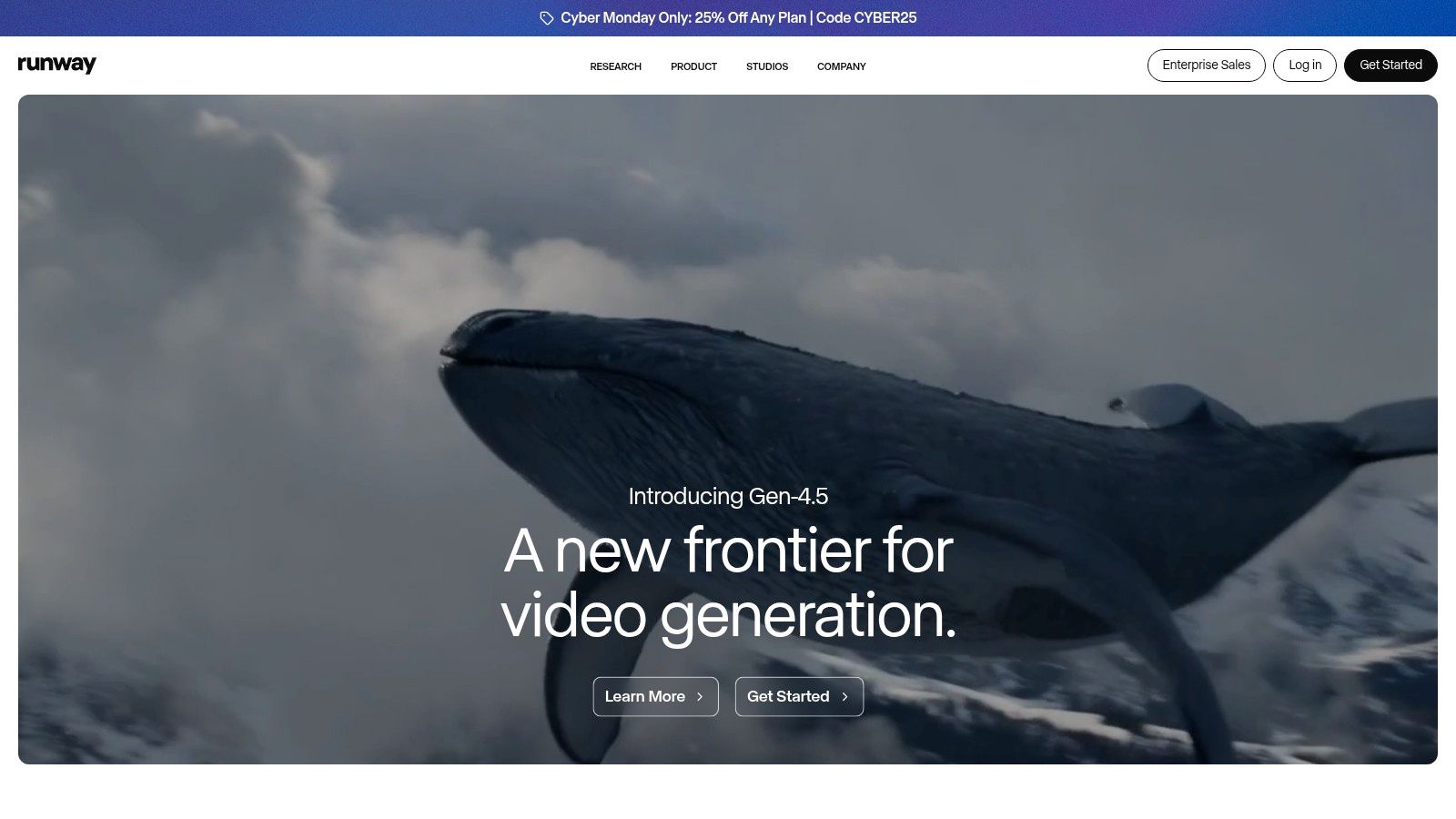
This platform is particularly well-suited for motion designers, short-film creators, and marketing teams producing unique ad creatives. The ability to switch between text-to-video, image-to-video, and various AI magic tools like inpainting or motion tracking provides significant creative flexibility. For those wanting a deeper dive into its capabilities, consider reading a detailed review of Runway to understand its full potential.
Key Features & Use Cases
- Generation Models: Access to Gen-3 Alpha and Turbo for high-quality text-to-video and image-to-video.
- Creative Control: Features like Motion Brush and advanced camera controls give users granular influence over the final output.
- Team Collaboration: Pro and Unlimited plans include workspace roles and multi-editor controls, facilitating small team workflows.
Pricing and Access
Runway operates on a tiered subscription model, starting with a free plan that provides limited credits. Paid plans (Standard, Pro, Unlimited) offer more credits, faster generation speeds, and advanced features like higher-resolution exports (including ProRes and PNG sequences) and brand customization. The "Unlimited" plan's key benefit is its "Explore Mode," allowing for unlimited, albeit slower, video generations without consuming credits, which is excellent for experimentation. However, some pricing details are distributed across help pages, which can make a direct comparison slightly challenging. If you are interested in a deeper look at platforms like Runway, you can find more analysis of AI video creation platforms here.
3. Synthesia
Synthesia focuses on a specific, high-value niche within AI video creation: professional, avatar-based videos for corporate use. Instead of generating abstract scenes, it turns scripts into polished presentations delivered by realistic AI avatars. This makes it an invaluable tool for creating training materials, internal communications, and product explainers at scale without the need for cameras, actors, or microphones. Its enterprise-ready features and ease of use firmly establish it as one of the best AI video creation tools for business applications.
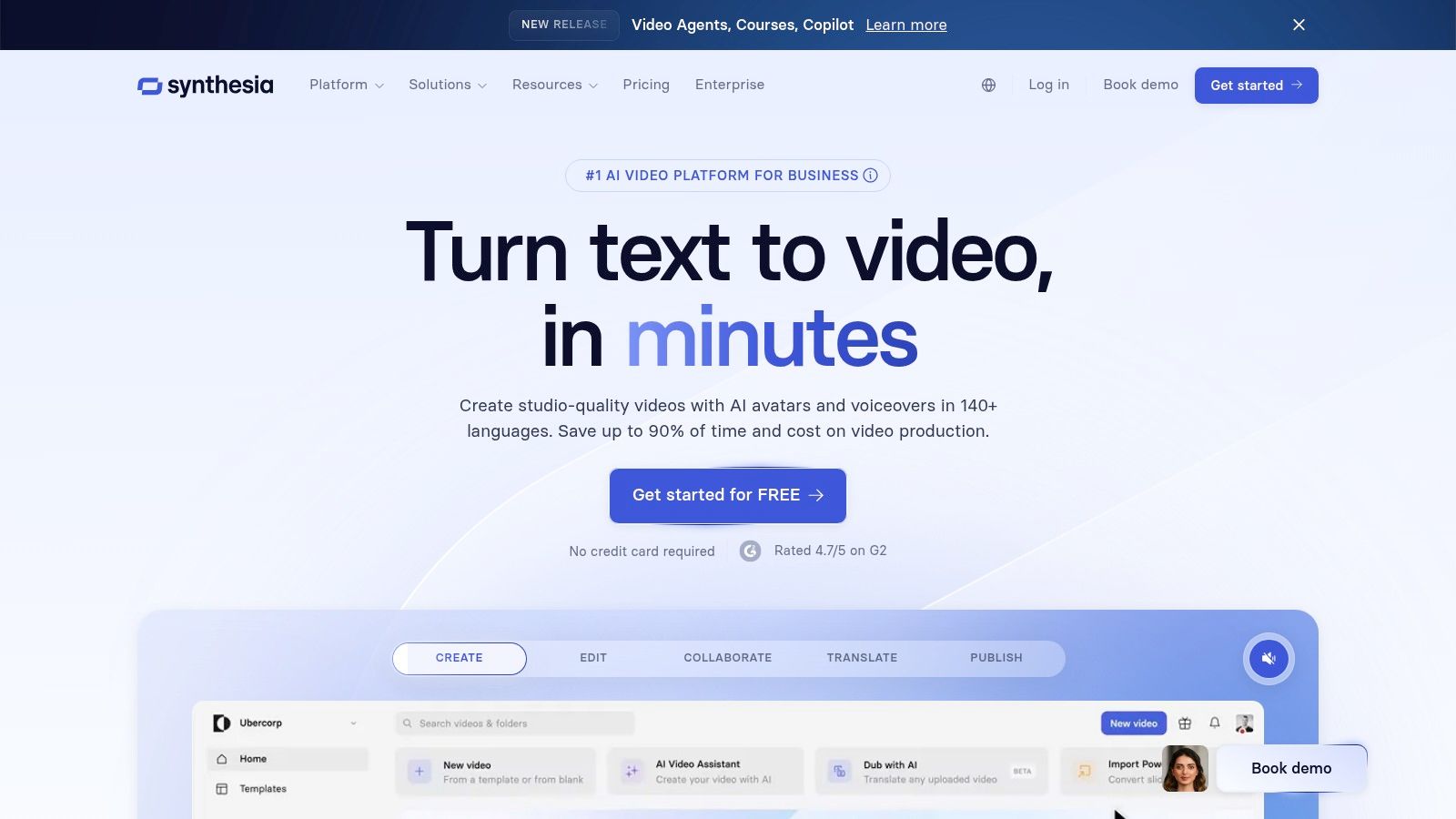
The platform is ideal for Learning & Development (L&D) departments, HR teams, and marketing agencies that need to produce consistent, high-quality informational content quickly. The ability to localize videos into over 80 languages by simply translating a script provides a significant advantage for global companies. Synthesia's strength lies in its predictable, professional output rather than open-ended creativity. If you want to explore the world of AI-driven video presentations further, you can learn more about AI avatar videos and how they are transforming business communication.
Key Features & Use Cases
- AI Avatars & Voices: Access to over 180 stock AI avatars or the option to create a custom digital twin of a real person.
- Multi-language Support: Instantly translate and dub videos into more than 80 languages, including automated closed captions.
- Corporate-Ready Features: Includes brand kits for asset consistency, collaborative workspaces, and enterprise-grade security with SSO.
Pricing and Access
Synthesia's pricing is tailored for business use, with a "Personal" plan for individuals and "Corporate" plans for teams. The plans operate on a credit-based system, where one minute of generated video consumes one credit. While the personal plan offers a starting point, the Corporate plan is necessary to access advanced features like custom avatars, brand kits, and API access. This model can become costly for high-volume production, but the time and resource savings often provide a strong return on investment for its target audience.
4. HeyGen
HeyGen specializes in avatar-led video creation, making it a powerful tool for businesses needing to produce scalable training, sales, and marketing content without filming. It excels at transforming simple text into professional-looking videos featuring realistic AI avatars. This focus on character-driven content, combined with robust voice cloning and translation features, carves out a unique niche for HeyGen among the best AI video creation tools for corporate and educational use cases.
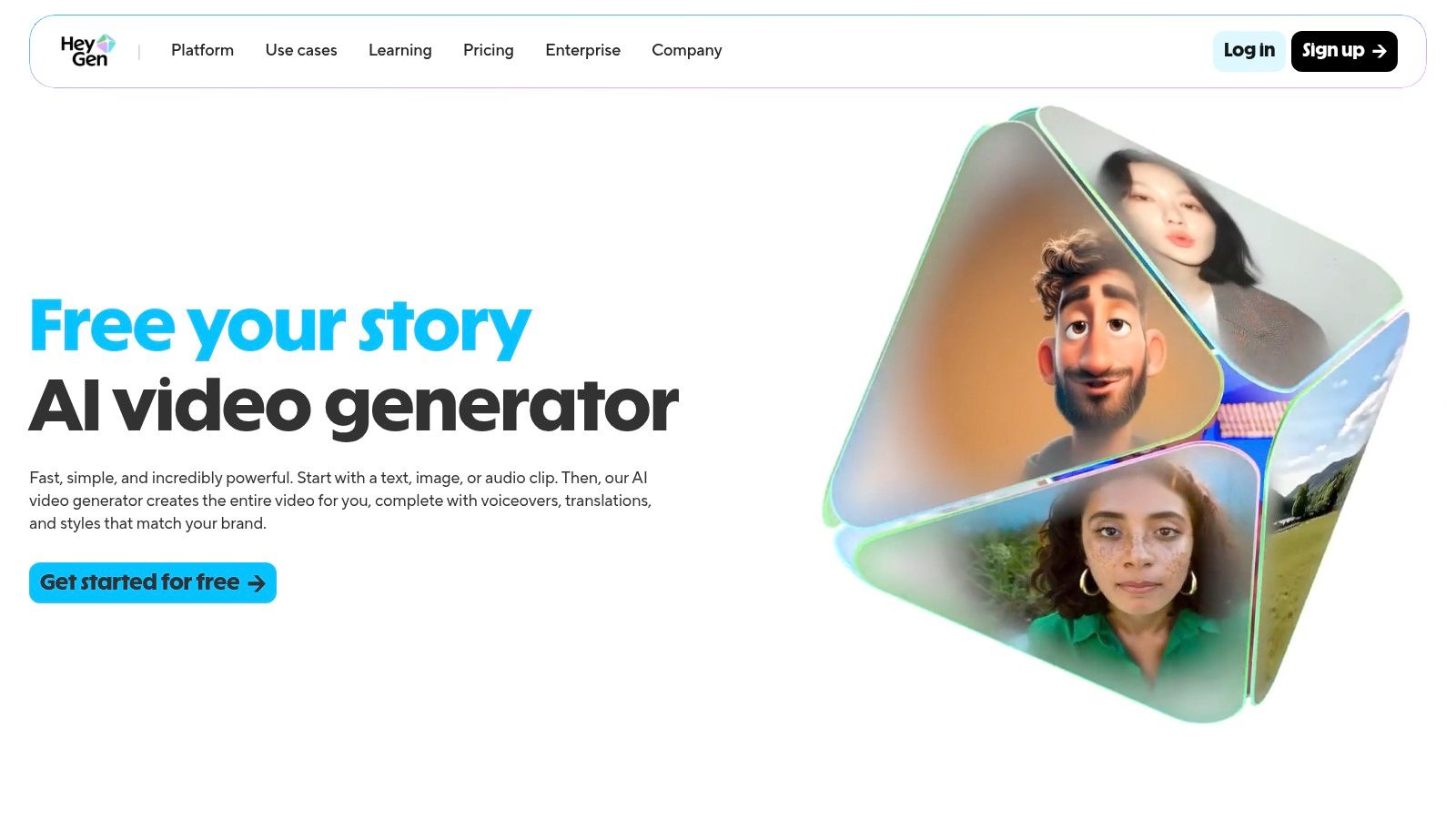
The platform is ideal for sales teams creating personalized outreach, L&D departments producing training modules, and marketers localizing campaigns for a global audience. Its core strength is efficiency; you can generate dozens of video variations by simply changing the script or language, using either a stock avatar or a custom digital twin of a team member. This makes it incredibly effective for producing consistent, on-brand communications at scale.
Key Features & Use Cases
- AI Avatars: Choose from over 500 stock avatars or create a custom one for a consistent brand presence in training and support videos.
- Voice Cloning & AI Dubbing: Translate and dub video content into more than 30 languages while maintaining the original speaker's voice, perfect for global marketing.
- Team Collaboration: Enterprise-grade features provide privacy controls and collaborative workflows for corporate teams.
Pricing and Access
HeyGen offers a very accessible free plan, which is excellent for testing the platform but includes a watermark and is limited to 720p resolution. Paid plans like the Creator and Team tiers provide more credits, higher-quality exports, and remove branding. The pricing is competitive, especially for teams that require a high volume of avatar-based videos. While core features are included, some advanced functionalities like interactive custom avatars may be available as separate add-ons, so it's wise to check the specifics for complex projects. You can explore their offerings directly at https://www.heygen.com.
5. Descript
Descript approaches AI video creation from an editing-first perspective, transforming the entire post-production process into a text-based workflow. It functions like a document editor for video and audio, allowing you to edit complex projects by simply manipulating a transcript. This unique model makes it one of the best AI video creation tools for anyone focused on dialogue-heavy content, such as interviews, tutorials, podcasts, or corporate training materials, where speed and efficiency are paramount.
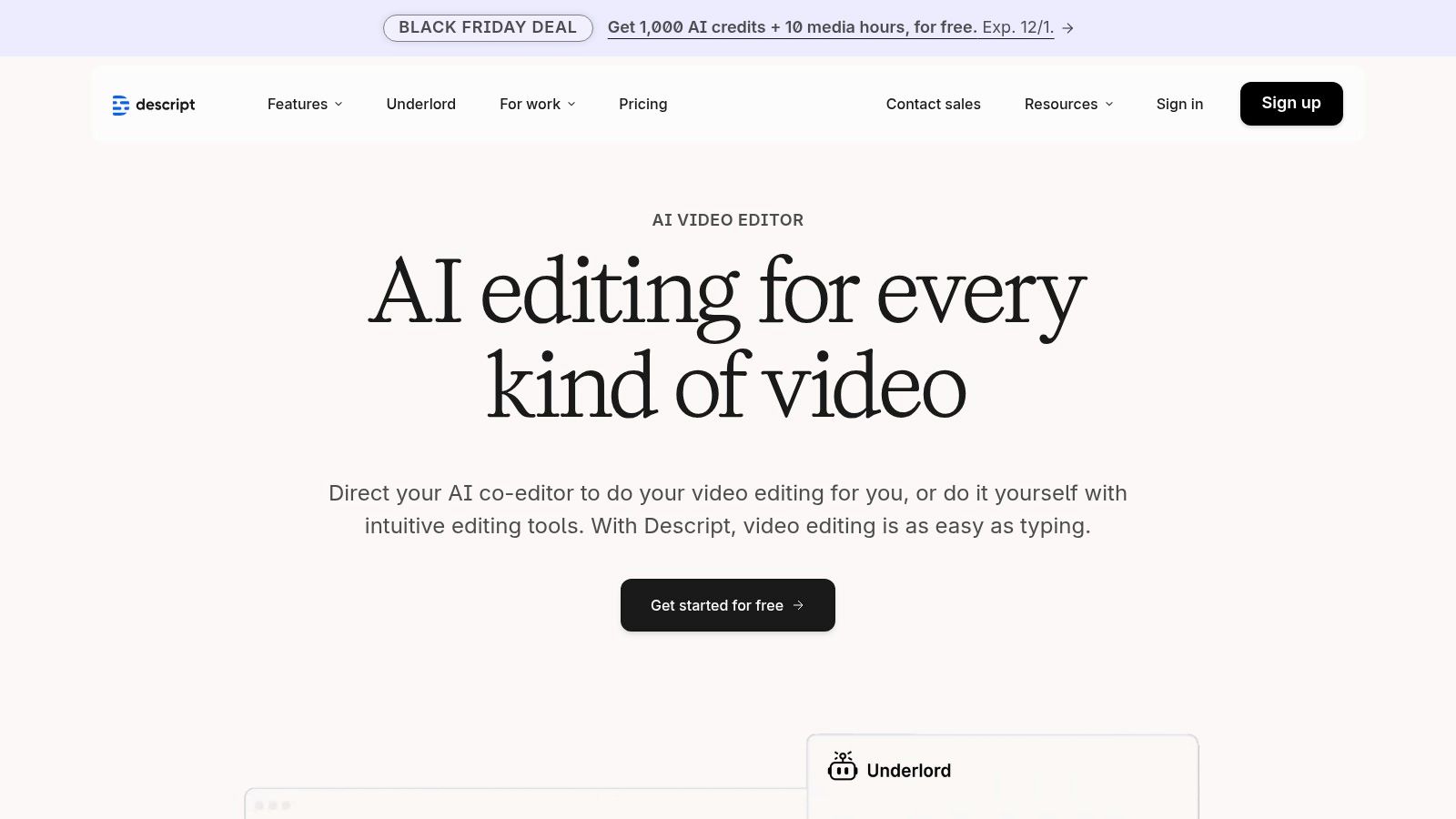
The platform is exceptionally well-suited for YouTube creators, podcasters, and educators who need to rapidly turn raw footage into polished, shareable content. Its AI can automatically remove filler words ("um," "uh"), generate social media clips from long-form videos, and even clone your voice to correct audio mistakes without re-recording. This makes Descript a powerful end-to-end solution for creators who prioritize workflow automation and content repurposing over advanced generative AI features.
Key Features & Use Cases
- Text-Based Video Editing: Edit video by editing the auto-generated transcript, including one-click filler word removal.
- Overdub AI Voice Cloning: Correct audio errors or add new narration by simply typing the words, using a realistic clone of your voice.
- Studio Sound & Eye Contact: AI-powered features that enhance audio quality to studio levels and adjust speaker gaze to look directly at the camera.
- Auto-Clip Generation: Automatically identifies key moments in longer videos and formats them into engaging short-form clips for social media.
Pricing and Access
Descript offers a tiered subscription model, including a free plan with basic transcription and watermarked video exports. Paid plans (Creator, Pro) unlock more features, higher transcription hour limits, and better export quality up to 4K. The plans are structured around usage, with different quotas for transcription hours and Overdub usage. This makes it a cost-effective solution for individual creators, but teams producing high volumes of content may need to opt for the more robust Pro or Enterprise plans to accommodate their needs. Advanced motion graphics still require other applications, as Descript's focus is on efficient, transcript-driven editing.
6. Adobe (Creative Cloud / Premiere Pro / Firefly Video)
Adobe integrates its generative AI, Firefly Video, directly into the industry-standard Creative Cloud ecosystem, positioning it as a powerful enhancement to existing professional workflows rather than a standalone tool. This approach is ideal for established video editors, motion graphics artists, and creative agencies already invested in Adobe’s suite. By embedding AI features within Premiere Pro and connecting them to After Effects and Audition, Adobe makes it one of the best AI video creation tools for professionals seeking to augment, not replace, their established pipelines.
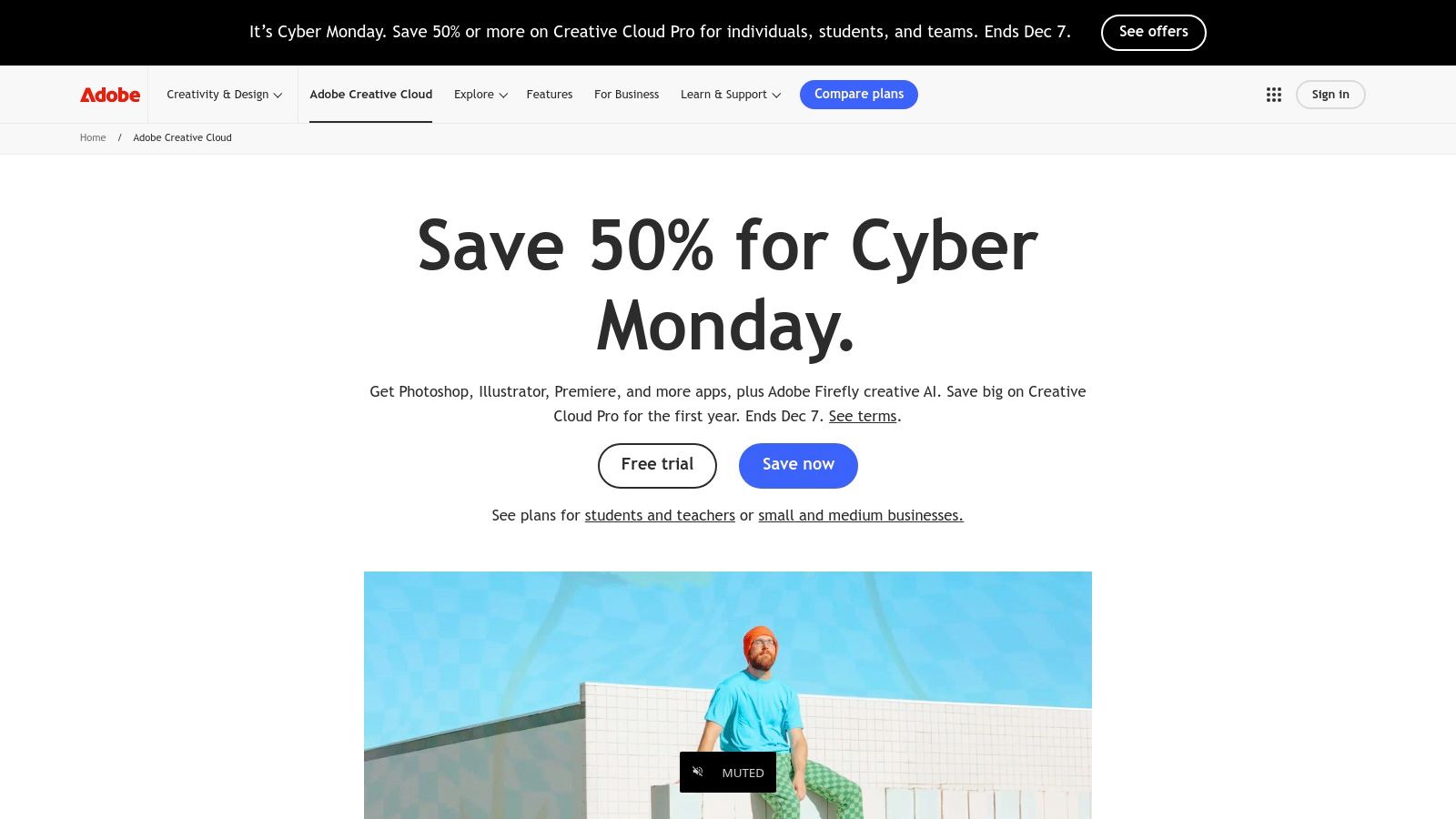
This platform is best suited for production teams and solo creators who prioritize a seamless, high-quality editing environment with AI as a supportive feature. Instead of generating full videos from a single prompt, the focus is on practical tasks like generating B-roll, extending clips with Generative Extend, or using AI-powered audio and color tools. The deep integration means you can leverage AI without ever leaving your project timeline, a significant efficiency gain for complex projects.
Key Features & Use Cases
- Firefly Video Integration: Generate short, 1080p clips directly from text prompts within the Premiere Pro timeline to use as B-roll or for ideation.
- AI-Powered Editing Tools: Leverage established features like Remix to re-time music, Enhance Speech to clean up dialogue, and Text-Based Editing to edit video like a document.
- Professional Ecosystem: Unmatched integration with After Effects, Audition, and the rest of the Creative Cloud suite allows for a comprehensive, end-to-end production workflow.
Pricing and Access
Access to Adobe's AI features is tied to a Creative Cloud subscription, primarily the All Apps plan or individual app subscriptions like Premiere Pro. These plans operate on a generative credit system, with a set number of credits allocated monthly for using Firefly features. While powerful, the Firefly Video model's clip length and resolution are still evolving. The main drawbacks are the subscription costs, which saw an increase in 2025, and the credit system, which can be confusing to manage across a team for heavy AI users.
7. Canva
Canva has evolved from a simple graphic design tool into a comprehensive content creation platform, integrating powerful AI video features directly into its user-friendly, template-driven workflow. It is designed for speed and accessibility, empowering marketing teams, social media managers, and small businesses to produce professional-looking videos without needing specialized editing skills. Its core strength lies in combining a vast library of templates and stock assets with its AI-powered "Magic Media" feature, making it one of the most practical and efficient AI video creation tools for everyday marketing content.
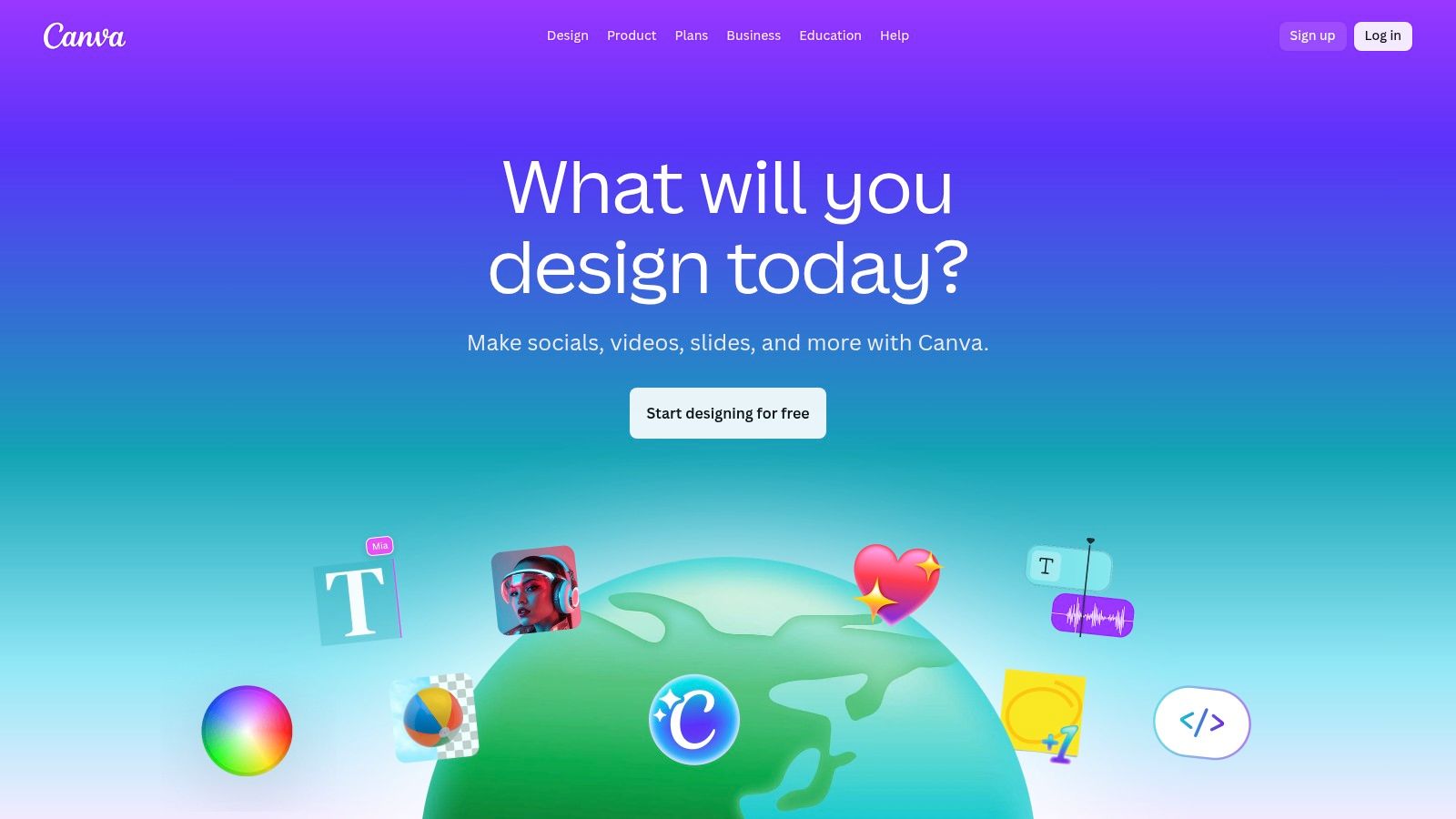
This platform is ideal for creating social media videos, simple explainers, marketing promos, and internal communications. The entirely browser-based environment streamlines the process from creation to publishing, with built-in scheduling for social platforms. While it lacks the advanced generative controls of dedicated AI video models, Canva excels at augmenting a proven, fast-paced workflow with AI assistance, making video creation a seamless part of a broader content strategy.
Key Features & Use Cases
- AI-Assisted Generation: Magic Media allows for text-to-video and text-to-image generation directly within the editor to create custom B-roll or visuals.
- Template and Asset Library: An enormous collection of video templates, stock footage, audio tracks, and animations accelerates the creation process for common formats.
- Brand Kits and Collaboration: Centralize brand assets (logos, colors, fonts) and facilitate real-time team collaboration with commenting and shared folders.
- Magic Switch: Instantly resize and reformat videos for different social media platforms like TikTok, Instagram Reels, and YouTube Shorts.
Pricing and Access
Canva offers a robust free-forever plan with access to many core design tools and templates, though AI features are credit-limited. Paid plans, like Canva Pro and Canva for Teams, unlock premium features, a larger content library, more generous AI credits, and advanced collaboration tools like Brand Kits. While the Teams plan provides significant value for collaborative workflows, some US-based organizations have noted price increases. The platform's accessibility and integrated nature make it an indispensable tool for teams that need to produce varied content at scale.
8. CapCut
CapCut has rapidly become a dominant force in the mobile video editing space, leveraging AI to simplify the creation of engaging short-form content for platforms like TikTok, Reels, and Shorts. While it may not offer the advanced generative capabilities of some competitors, its strength lies in AI-powered editing assistance that dramatically speeds up workflows. For social media managers and content creators focused on high-volume, trend-driven video, CapCut is an indispensable and efficient tool.
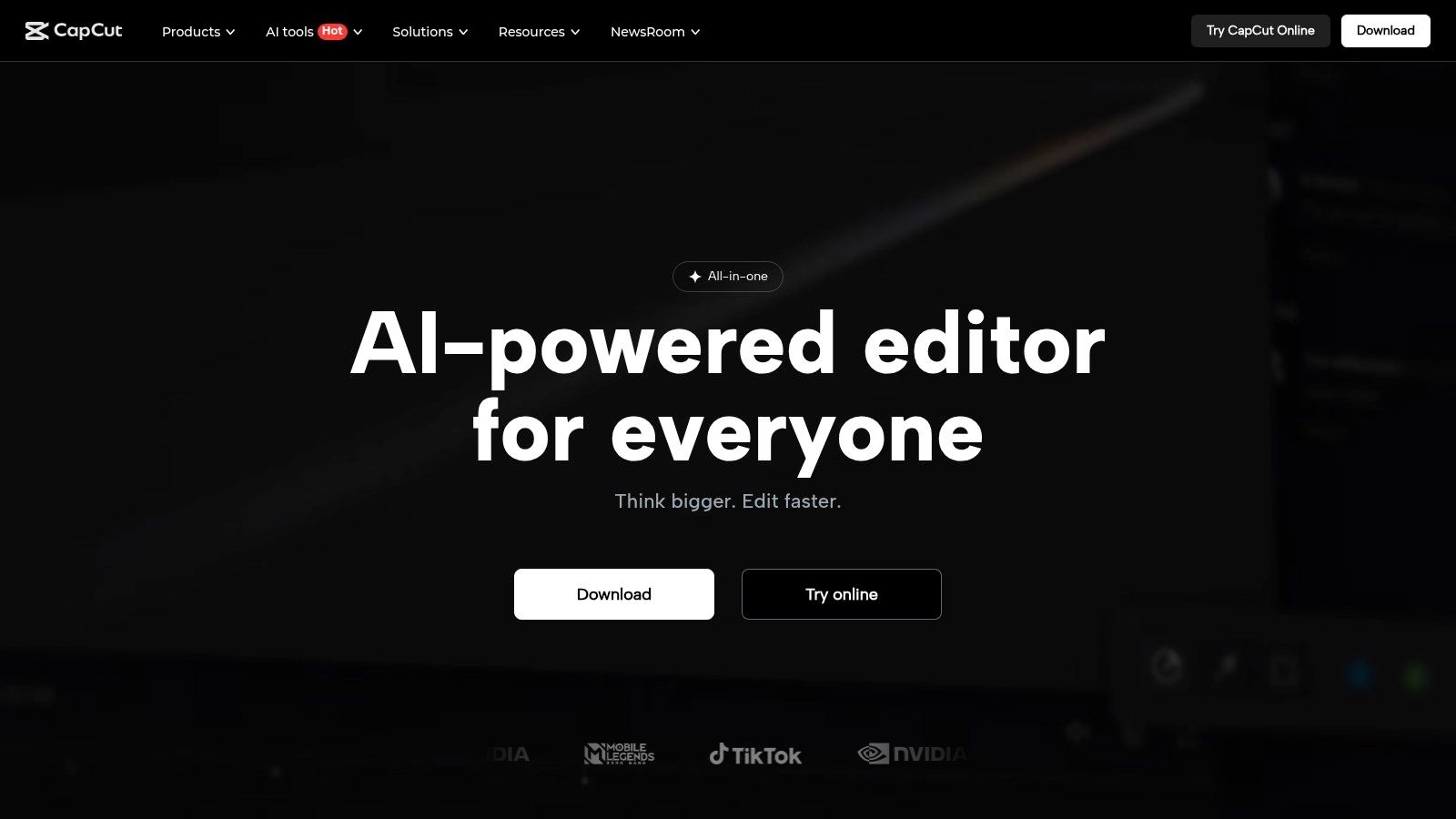
This platform is ideal for teams and individuals who need to quickly turn raw footage into polished, social-ready videos. Its AI features, like auto-captions and one-click background removal, handle tedious tasks, freeing up creators to focus on the narrative and creative elements. The seamless sync between its mobile, desktop, and web apps makes it easy to start a project on one device and finish it on another, a key advantage for teams on the move.
Key Features & Use Cases
- AI-Assisted Editing: Features like AutoCut to find the best moments in footage, auto-captions with customizable styles, and smart background removal streamline the editing process.
- Social Media Templates: A massive library of trending templates, effects, and sounds allows users to quickly replicate popular video formats.
- Cross-Device Workflow: Edit projects seamlessly across mobile, desktop, and web versions, with cloud storage available for Pro users.
- Script to Video: An emerging feature that generates a video from a text script using AI, complete with stock footage, music, and voiceovers.
Pricing and Access
CapCut offers a robust free version with ample features for most casual creators, which has been a major driver of its popularity. The CapCut Pro subscription unlocks premium effects, an expanded stock media library, additional cloud storage, and removes watermarks. Pricing is typically offered as a highly affordable monthly or annual subscription through app stores and its website. However, potential users should be aware that pricing and feature availability can sometimes vary by region and that its US market access has been subject to geopolitical discussions.
9. VEED
VEED positions itself as an accessible, all-in-one online video editor infused with powerful AI capabilities. It's designed for marketing teams, content creators, and businesses that need a fast, no-install workflow for producing social media content, training videos, and promotional materials. Its primary strength lies in combining a user-friendly, template-driven editor with AI-powered features like automatic subtitling and text-to-video generation, making it a practical choice among the best AI video creation tools for teams prioritizing speed and simplicity.
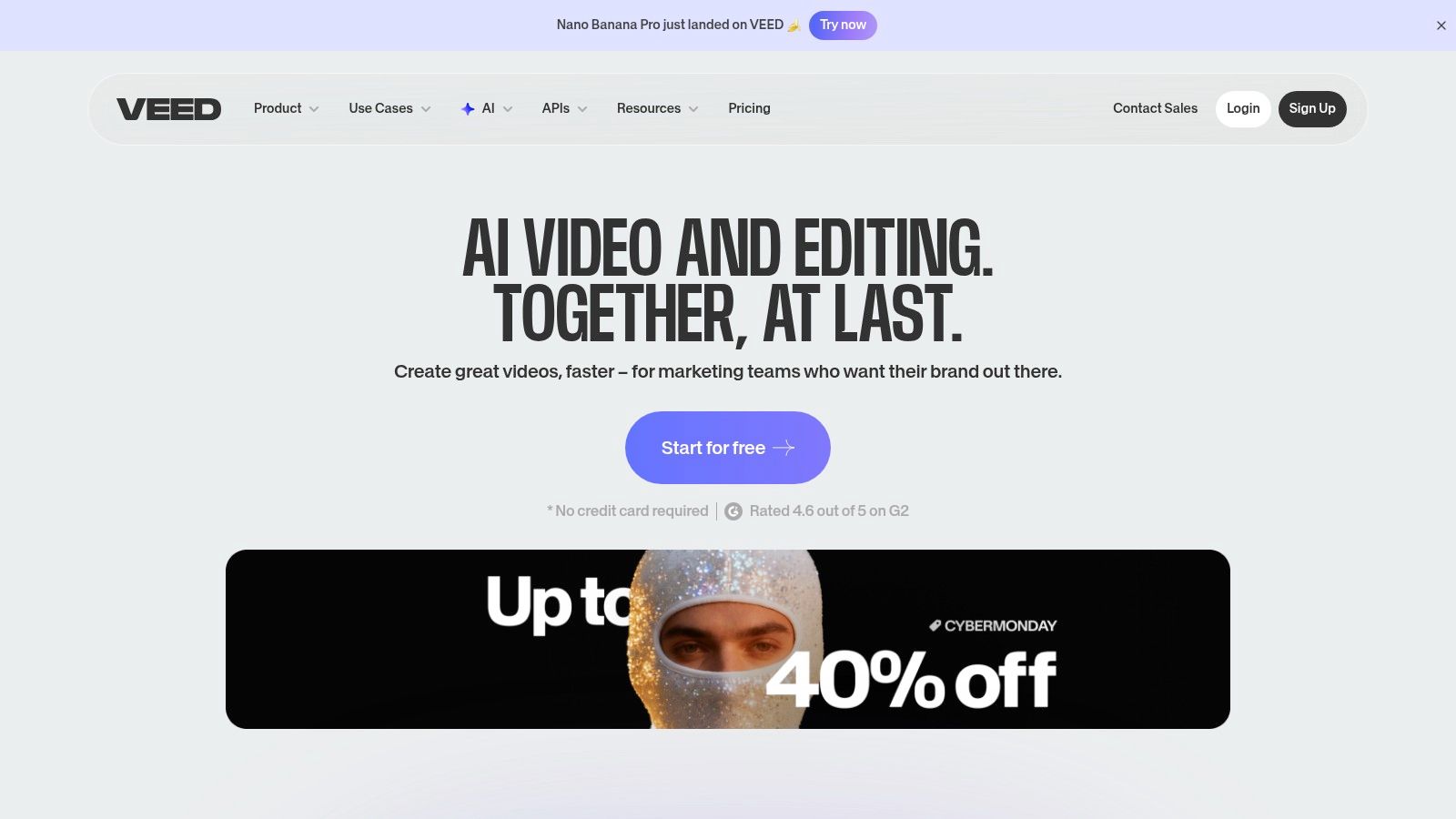
This platform is particularly well-suited for social media managers and corporate marketing teams who need to quickly create and subtitle videos without a steep learning curve. The browser-based nature means no software installation is required, and features like Brand Kits and shareable review links streamline team collaboration. While it may not replace professional non-linear editors (NLEs) for complex projects, its efficiency for everyday marketing tasks is a significant advantage. The workflow is streamlined for producing content ready for platforms like Instagram, TikTok, and YouTube.
Key Features & Use Cases
- AI Video Generation & Subtitling: Instantly generate videos from text prompts and automatically add accurate subtitles to any video, saving hours of manual transcription.
- Templates & Brand Kit: A large library of templates and a Brand Kit feature allow teams to maintain brand consistency across all video outputs with preset logos, fonts, and colors.
- Team Collaboration: Pro and Business plans offer shared workspaces, comment-based feedback, and review links, making it easy for teams to collaborate on projects remotely.
- Social Media Exporters: Directly export videos in formats and aspect ratios optimized for various social media platforms.
Pricing and Access
VEED offers several subscription tiers, including a free plan with basic features and watermarked exports. Paid plans (Basic, Pro, and Business) unlock advanced AI features, increase storage, remove watermarks, and provide higher export quality. While the pricing structure is straightforward, some users may find the credit system and feature distribution across different pages or microsites slightly confusing to navigate at first. For teams that need a simple yet powerful online editor, VEED provides a compelling, accessible solution at veed.io.
10. InVideo (InVideo AI)
InVideo AI excels as a script-to-video platform designed for speed and efficiency, making it an ideal choice for marketers, content creators, and small businesses. Its core strength lies in transforming a simple text prompt or a detailed script into a complete, publish-ready video in minutes. The platform automates the entire workflow by generating scenes, sourcing relevant stock media from a vast library, and adding computer-generated voiceovers, which places it firmly among the best AI video creation tools for rapid content production.
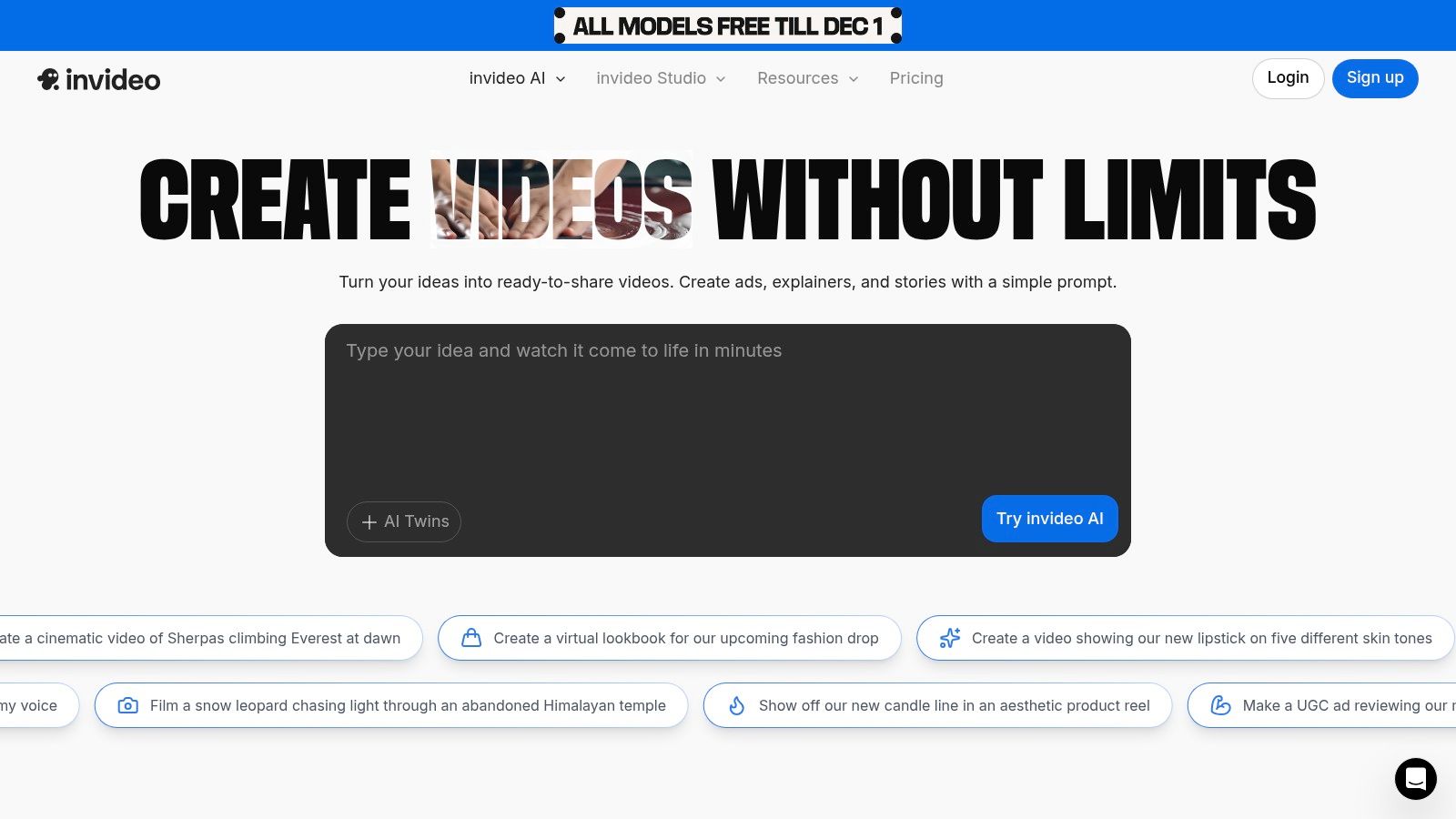
This tool is particularly valuable for teams needing to create social media ads, promotional videos, or explanatory content at scale without a steep learning curve. The AI-powered editor allows for quick adjustments to scenes, voiceovers, and media, streamlining the revision process. Unlike more artistically-focused generators, InVideo prioritizes a practical, template-driven approach that ensures a professional outcome with minimal effort. To see how this approach compares to others, you can learn more about the evolution of text-to-AI video tools and find the best fit for your workflow.
Key Features & Use Cases
- AI Script-to-Video: Instantly converts text prompts or full scripts into multi-scene videos with matching stock footage and voiceovers.
- Extensive Stock Library: Integrated access to premium stock media from sources like Shutterstock and iStock simplifies asset sourcing.
- Marketing & Social Focus: Offers pre-built templates and export formats optimized for social media platforms and ad campaigns.
- AI Voiceovers: Provides a wide range of realistic text-to-speech voices, eliminating the need for manual recording.
Pricing and Access
InVideo uses a credit-based subscription model that provides a predictable cost structure. A free plan is available for users to test the platform's capabilities with watermarked exports. Paid plans (Plus and Max) offer more AI generation minutes per month, a higher number of stock media exports, and increased storage. It's important to note that access to generative features and usage quotas vary significantly by plan, and some promotional pages can be confusing; it is best to purchase directly from the main invideo.io domain for clarity.
11. Pictory
Pictory excels at transforming long-form content into short, engaging, and branded videos with remarkable efficiency. Instead of focusing on generative AI from scratch, it leverages AI to repurpose existing assets like blog posts, webinar recordings, or scripts. This makes it an invaluable asset for content marketers, educators, and social media managers who need to extract maximum value from their core content by turning it into easily digestible video snippets for different platforms.
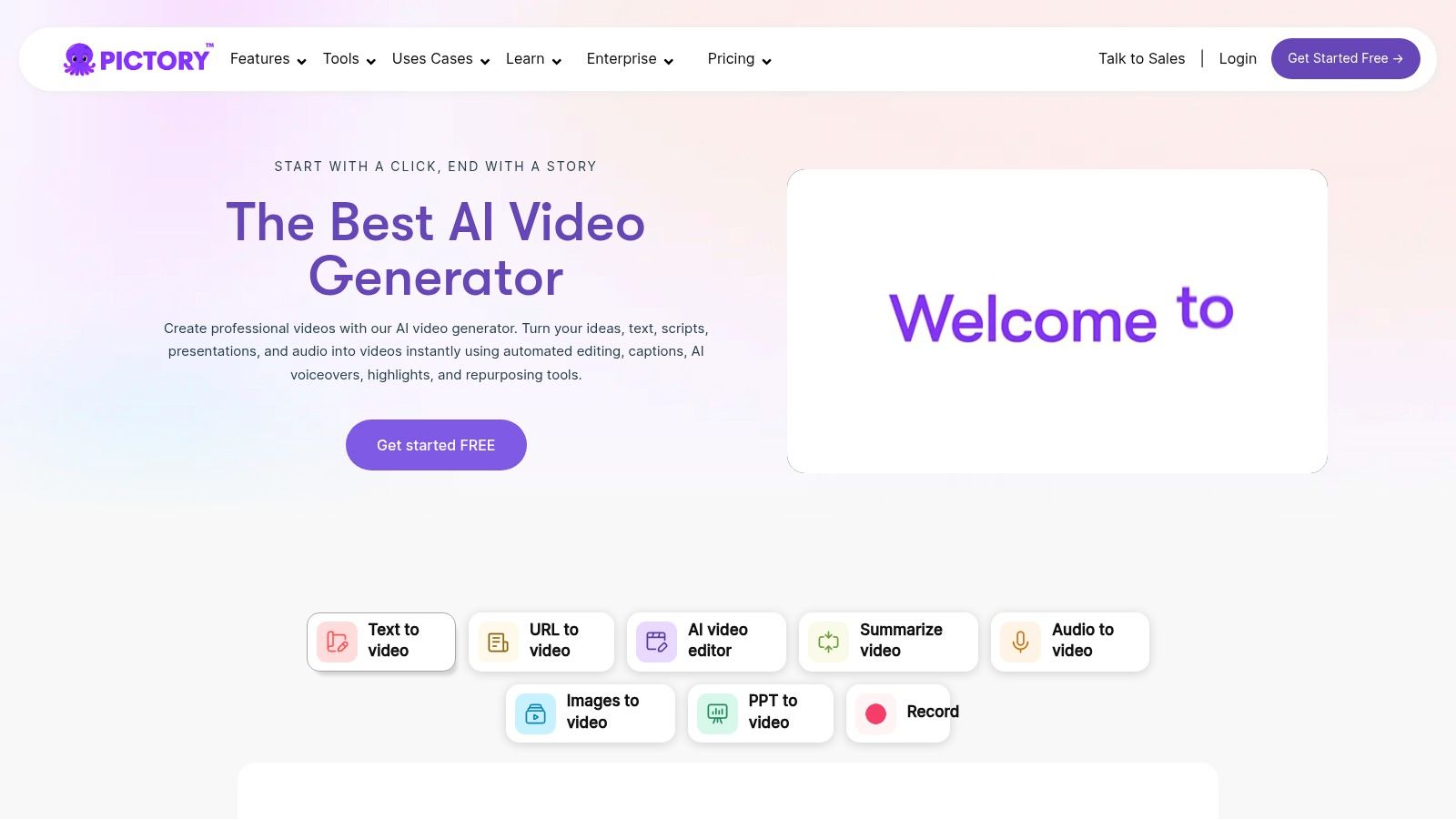
The platform is purpose-built for speed and scale. By simply providing a script, a URL to an article, or a long video file, Pictory's AI automatically identifies key highlights, selects relevant stock footage from extensive libraries, and generates captions. This workflow is ideal for creating social media clips, video summaries, or training materials without needing deep video editing skills, cementing its place among the best AI video creation tools for content repurposing.
Key Features & Use Cases
- Content Repurposing: Core features include Script to Video, Article to Video, and Edit Videos using Text, which automatically finds highlights in long recordings.
- Extensive Stock Libraries: Integrates with Storyblocks and Getty Images to provide millions of royalty-free video clips, images, and music tracks.
- AI Voiceovers & Branding: Offers a wide selection of realistic AI voices, including multilingual options and integration with ElevenLabs on higher tiers, plus brand kits to maintain consistency.
- Automation & Scale: API access is available on Enterprise plans, allowing for programmatic video creation and integration into custom workflows.
Pricing and Access
Pictory offers a subscription-based model with a free trial to test its features. Paid plans (Standard, Professional, Teams) are structured around the number of videos and transcription hours per month. The Standard plan provides a solid entry point, while the Professional plan unlocks premium stock media, ElevenLabs voices, and brand kits. A key limitation is that video output is capped at 1080p for most plans, and more complex edits will still require a dedicated non-linear video editor.
12. G2 (AI Video Generators category)
While not a creation tool itself, G2's dedicated AI Video Generators category serves as an essential meta-resource for any team evaluating their options. It functions as a dynamic, user-driven aggregator, providing a crucial layer of social proof and real-world feedback that vendor websites often lack. Instead of generating video, it generates clarity, helping marketing and content teams validate their shortlists by comparing platforms based on satisfaction scores, feature sets, and candid reviews from actual users. This makes it an indispensable stop in the procurement process for the best AI video creation tools.
This platform is invaluable for decision-makers, from marketing managers to CTOs, who need to justify a software investment. It helps them move beyond marketing claims to understand how a tool performs in practice, what its genuine limitations are, and how it scales for different business sizes. By filtering results and reading detailed pros and cons, teams can significantly de-risk their choice and find a tool that truly fits their workflow.
Key Features & Use Cases
- User-Sourced Rankings: Compare tools based on up-to-date user satisfaction scores and market presence.
- Granular Filtering: Narrow down options by business size (small, mid-market, enterprise), pricing model, and specific features.
- In-Depth Reviews: Access detailed user reviews that outline pros, cons, and specific problems solved by each platform.
Pricing and Access
Accessing G2's rankings and user reviews is completely free; no subscription is required. The platform's business model relies on vendors, so users can browse and compare AI video tools without a paywall. However, it's important to be aware that sponsored placements can appear at the top of category pages, which may influence visibility. Additionally, while pricing information is often listed, it can occasionally lag behind the vendor's most current pricing, so it's always best to click through to the official site for the most accurate details. You can explore the category directly at G2 AI Video Generators.
Top 12 AI Video Creation Tools Comparison
Choosing the Right AI Tool for Your Video Workflow
The journey through the world of AI video creation tools reveals one clear truth: there is no single "best" platform for everyone. The true value of AI is not in its novelty, but in its application. Your ideal tool is the one that seamlessly integrates into your existing workflow, solves a specific, persistent bottleneck, and ultimately helps you achieve your content goals more efficiently. As we’ve explored, the landscape is incredibly diverse, offering everything from generative sandboxes to highly specialized, workflow-specific solutions.
The key to making the right choice is to move beyond flashy feature lists and ground your decision in your team’s primary use case. Are you a social media team needing to rapidly create dozens of short-form video variations for A/B testing? A tool like Canva or CapCut with its template-driven, AI-assisted features might be your fastest path to content velocity. Conversely, if your focus is on creating high-quality corporate training videos or L&D modules at scale, an avatar-centric platform like Synthesia or HeyGen offers unparalleled efficiency for scripted, multilingual content.
A Framework for Your Decision
Before committing to a subscription, it’s crucial to conduct a clear-eyed assessment of your needs. Consider these core factors as your evaluation framework to find the best AI video creation tools for your specific context:
- Primary Use Case: What is the single biggest video-related problem you need to solve? Is it creating net-new content from a text prompt (Runway, InVideo AI), repurposing long-form content into clips (Pictory, Descript), or scaling branded video production from existing assets (Aeon)? Define the job-to-be-done first.
- Asset Foundation: Does your workflow start with a blank canvas, or is it built upon a rich library of existing articles, product catalogs, or brand-approved footage? Generative tools are powerful for ideation, but platforms designed for asset repurposing offer greater brand control and consistency for publishers and e-commerce brands.
- Team Skillset: Evaluate the technical proficiency of your team. Do you have experienced video editors who can leverage AI-powered plugins within Adobe Premiere Pro, or do you need an intuitive, browser-based interface that requires zero editing experience? The learning curve is a critical factor in adoption and ROI.
- Scalability and Control: How important are brand consistency, governance, and template management? While many tools offer creative freedom, solutions like Aeon are architected for enterprise-level control, ensuring every video output adheres to strict brand guidelines, which is non-negotiable for established marketing and content teams.
Implementation and the Path Forward
Once you’ve shortlisted a few options, the next step is a practical pilot. Most of the tools on this list offer free trials or freemium tiers. Use this opportunity to test a real-world project from start to finish. This hands-on experience will reveal more about a tool's limitations and workflow fit than any marketing page ever could.
Remember that many of these tools serve different stages of the production pipeline. It's not uncommon for a team to use Descript for initial podcast-to-video editing, then bring those assets into a platform like VEED for final polishing and subtitling. For teams focused heavily on post-production enhancements, it's also worth exploring a wider range of specialized software. To further explore options, especially those focused on post-production and enhancement, check out this review of the 12 best AI video editing tools.
The AI video revolution isn't about replacing human creativity; it's about augmenting it. It’s about automating the repetitive, time-consuming tasks so your team can focus on strategy, storytelling, and high-impact creative work. By choosing a tool that aligns with your specific operational needs, you're not just buying software, you're investing in a more agile, creative, and scalable future for your brand's video content.
Ready to move from manual video production to an automated, scalable content engine? Aeon is purpose-built for publishers, e-commerce, and marketing teams who need to transform their existing articles and assets into high-quality, on-brand video at scale. Discover how our workflow-first approach can redefine your video strategy by visiting Aeon to see how it works.