Create Cinematic Videos with Precise First & Last Frame Control Using Veo 3.1 Fast

Create Cinematic Videos with Precise First & Last Frame Control Using Veo 3.1 Fast

Public playbookLast updated December 10, 2025
Veo 3.1 Fast First/Last Frame-to-Video is a Google DeepMind powered tool that generates smooth, photorealistic video transitions between two keyframes you specify, ensuring your opening and closing shots remain exactly as intended.
Try this Playbook for free

This advanced video generation tool leverages Veo 3.1 Fast to create seamless transitions between a specified first frame and last frame. Output is available in 720p or 1080p resolution, with durations of 4, 6, or 8 seconds at 24fps. The tool supports multiple aspect ratios (auto, 16:9, 9:16, 1:1) and optional AI-generated audio sync. Unlike standard image-to-video tools, controlling both keyframes gives you superior creative authority—perfect for cinematic sequences, product demos, and visual storytelling that demands frame-perfect precision.

Create stunning video transitions that begin and end exactly where you specify. This workflow uses Veo 3.1 Fast's state-of-the-art frame consistency to animate between two keyframes, giving you cinematic quality with predictable outcomes.
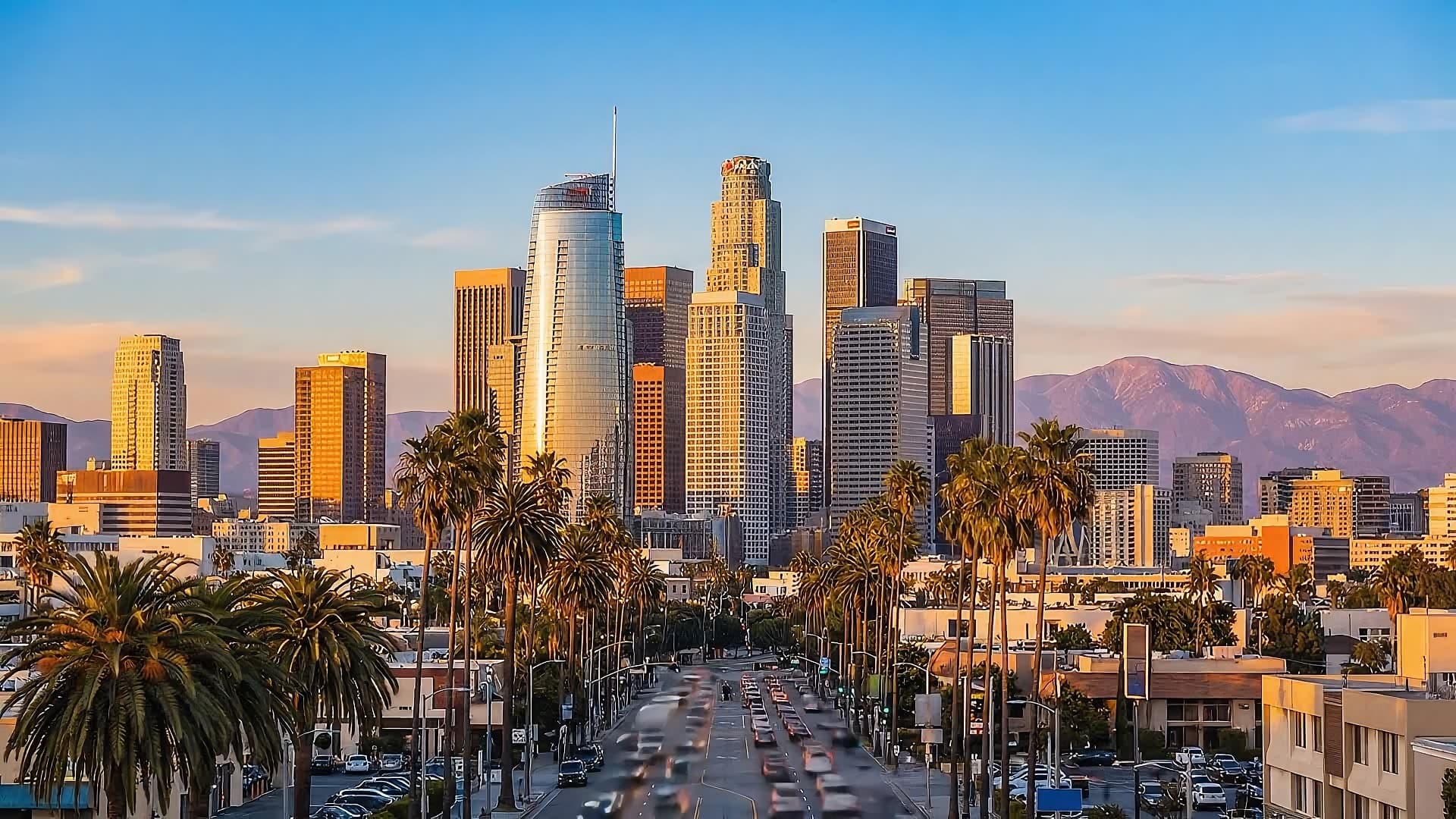
  1. Generate or provide your first frame — Create a high-quality opening shot (e.g., daytime LA cityscape) or upload an existing image that sets your video's starting point.
  2. Generate or provide your last frame — Design your closing shot to match the composition and lighting of your first frame (e.g., the same LA scene at dusk), optionally using the first frame as a reference for visual continuity.
  3. Generate the transition video — Input both frames into Veo 3.1 Fast along with a descriptive prompt (e.g., "smooth camera pan as day transitions to night, cityscape"). The model generates a seamless 4–8 second video that naturally bridges your two keyframes, complete with optional generated audio.

Created with Aeon