So, what exactly is an AI shirt generator? Think of it less like a tool and more like an on-demand brainstorming partner. It's a piece of software that uses artificial intelligence to conjure up unique, print-ready t-shirt designs from nothing more than a simple text description. You type in an idea, and it spits out a visual graphic in seconds.
The New Era of Custom Apparel Design
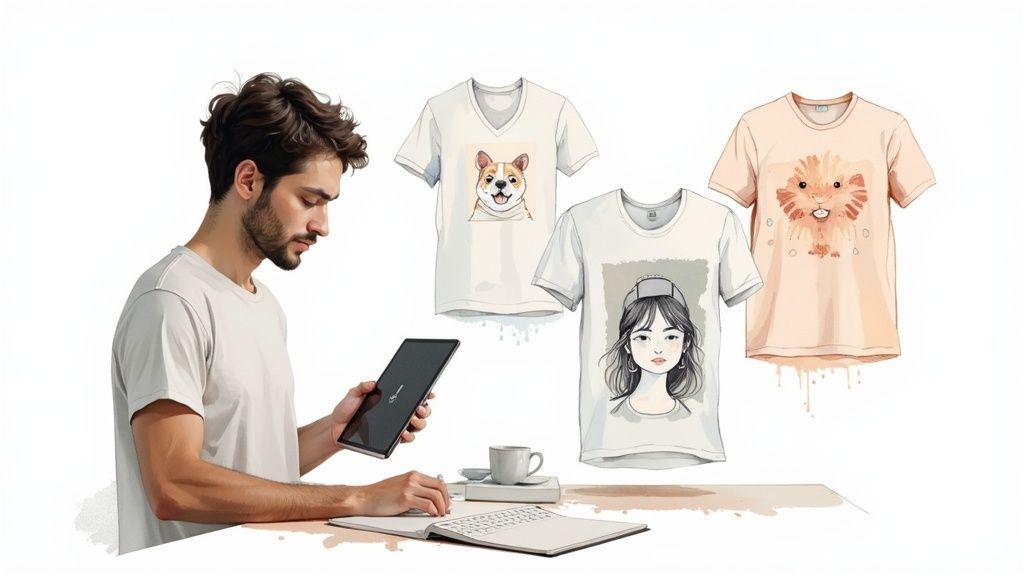
Imagine having a whole team of artists at your beck and call, ready to bring any shirt concept to life instantly. That’s pretty much what AI shirt generators do, and they're completely changing the game for creators, e-commerce brands, and anyone with an idea for a t-shirt. This tech strips away the complexity of the design process, making it genuinely accessible to everyone.
This guide is all about showing you how this technology actually works and how it’s shaking up design workflows. We'll walk you through the entire process—from a simple creative spark to launching a profitable merchandise line, all powered by AI.
Core Benefits You Can Expect
Jumping from traditional design methods to an AI generator gives you an immediate, tangible edge. The benefits aren't just minor improvements; they allow creators and businesses to move faster and think bigger.
Here are the big wins:
- Unmatched Speed: You can generate dozens of design concepts in the time it would normally take just to brief a human designer on a single idea.
- Boundless Creativity: Stuck in a rut? AI can help you smash through creative blocks by exploring styles, themes, and wild concepts you might never have thought of on your own.
- Deep Personalization: Finally, you can create super-specific designs for niche audiences or even one-off shirts for individual customers. It’s a level of customization that was simply impossible to scale before.
The rise of the dedicated fashion AI generator signals a major shift in custom apparel. It’s all about giving users unprecedented creative freedom and efficiency to turn abstract thoughts into actual, wearable art.
What This Guide Covers
We’ve put together a clear roadmap to help you understand and start using this tech. You’ll get the full picture, from the nuts and bolts of generative AI to the practical steps of plugging it into a real-world workflow for your business or personal brand.
For a wider look at the market, check out our related guide on artificial intelligence clothing and its broader impact.
In this article, we're breaking down complex topics into simple, actionable advice. By the end, you won't just know how to generate unique designs—you'll understand how to turn them into high-quality, sellable products, from crafting the perfect prompt to getting your files ready for a print-on-demand service.
How an AI Shirt Generator Actually Works
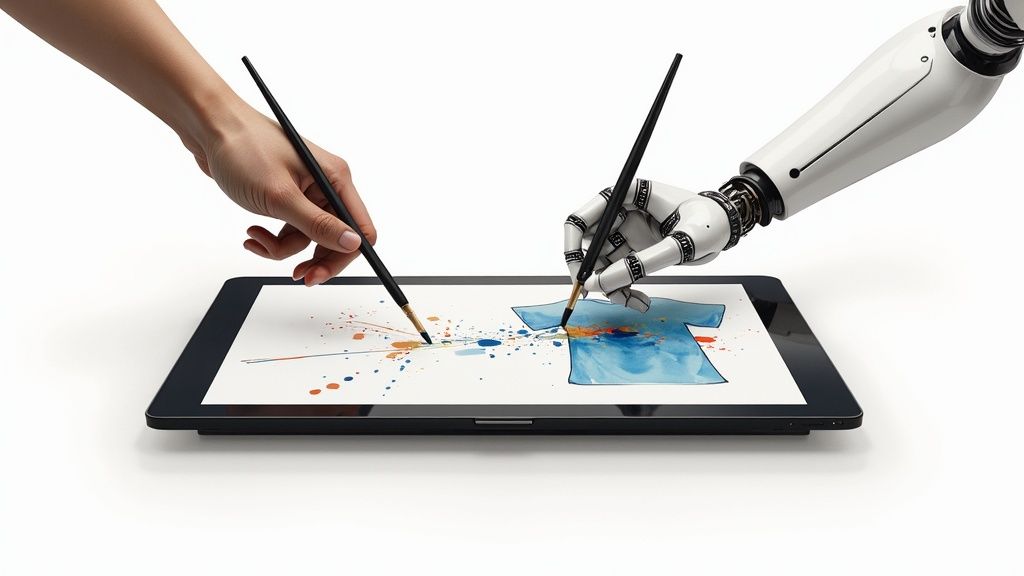
To really get the hang of an ai shirt generator, it helps to peek behind the curtain and see how it all works. It’s not magic—it's a fascinating process where your words become the guide for a powerful creative engine. At its heart, this technology is driven by a field known as Generative AI.
Think of Generative AI as a master artist who has spent a lifetime studying millions of paintings, photos, and sketches. After soaking up all that visual information, this artist can now create entirely new, original works that capture the essence of everything it’s learned. When you type in a text prompt, you're basically giving this artist a commission.
This shift is making huge waves in the custom apparel world. The market for Generative AI in fashion is on a steep climb, projected to hit $2.23 billion by 2032. It’s expected to grow from $1.26 billion in 2024 to $1.77 billion in 2025 alone. That kind of growth shows just how vital these tools are becoming for cranking out unique designs quickly. You can see the bigger picture on AI's fashion growth to understand the full impact.
Key AI Models Behind Shirt Generators
The "artist" inside these tools isn't just one type of AI. Most modern image generators rely on a few core models to turn text into graphics. The two big players are Diffusion Models and Generative Adversarial Networks (GANs), each with its own creative process.
While GANs have been around for a while, Diffusion Models are the go-to for most of the new, popular shirt generators because of their incredible ability to interpret detailed, creative prompts. They don't just mash up existing pictures; they generate every single pixel from scratch.
This is a core idea behind what’s known as synthetic media—content that’s artificially generated instead of being captured from the real world. If you're curious, you can learn more about synthetic media in our detailed article and see how it’s being used beyond just design.
From Text Prompt To Print-Ready Graphic
Knowing the tech is one thing, but actually using it is where the fun begins. The whole process is really a conversation between you and the AI, and your prompts are the instructions that guide the creative flow. It usually breaks down into a couple of key steps.
1. Crafting Your Initial Prompt
This is easily the most important part. Your prompt is the blueprint. A vague prompt like "a wolf on a shirt" will get you a generic, forgettable result. But a detailed, descriptive prompt unlocks the AI's real creative power.
- Example 1 (Simple): "A cool-looking astronaut cat"
- Example 2 (Detailed): "A photorealistic portrait of a fluffy Maine Coon cat wearing a retro Apollo-era astronaut helmet, digital art, vibrant cosmic background with stars and a nebula"
See the difference? The second prompt gives the AI specific directions on the subject, style, and background, which will always lead to a more unique and eye-catching design.
2. Choosing a Style and Refining the Output
Most AI shirt generators let you pick from preset styles like "cartoon," "vintage," or "watercolor," or you can just add those keywords right into your prompt. But the first image you get is rarely the final one. Now it's time to refine.
You can iterate on your design by:
- Tweaking the prompt: Add or remove keywords to change things up. For example, adding "minimalist vector lines" can simplify the design so it’s easier to screen print.
- Generating variations: Ask the AI for a few different versions of the same prompt. This helps you see which composition or angle works best.
- Using editing features: Many tools have built-in editors to remove backgrounds, upscale the image to a higher resolution, or make small color adjustments.
This back-and-forth—prompting, generating, and refining—is how you truly collaborate with the AI. It's how you turn a simple idea into a polished, high-resolution graphic that's ready for print.
Unlocking Creative Potential for Your Business
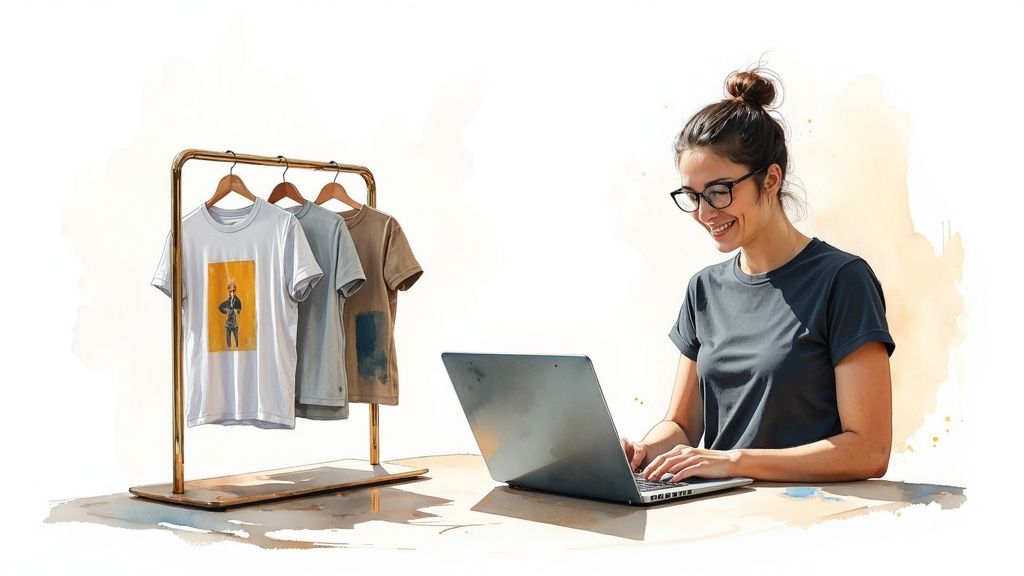
Don't mistake an AI shirt generator for a simple creative toy. It’s a powerful engine for growth, especially for e-commerce brands and content creators. It completely flips the script on how merchandise is thought up, designed, and sold, tearing down old barriers that once demanded serious time, money, and artistic talent.
Instead of hiring designers for every little idea, businesses can now dream up and test dozens of concepts in an instant. This agility lets brands jump on market trends the moment they happen, serving hyper-niche audiences with designs that feel like they were made just for them.
For E-commerce and Print-on-Demand Stores
Print-on-Demand (POD) businesses live and die by their ability to offer variety and tap into niche communities. An AI shirt generator is a massive force multiplier here, allowing store owners to build huge, diverse catalogs with zero upfront design costs or inventory risk.
This approach brings the barrier to entry way, way down. If you want a deep dive into using AI for custom apparel, check out this a comprehensive guide to Print on Demand success that walks through everything from market research to promotion. The power to spin up designs on the fly is basically supercharging the entire POD model.
The custom t-shirt market is blowing up, and accessible tools like AI shirt generators are a big reason why. Projections show the market jumping from $4,672.9 million in 2025 to a staggering $11,370.8 million by 2035—that's a steady 9.3% compound annual growth rate. This boom is fueled by e-commerce and a huge consumer appetite for personalization; in fact, studies show over 80% of buyers actually prefer AI-generated graphics to plain old prints.
Here’s a look at how savvy POD stores are putting these tools to work:
- Endless Niche Domination: Generate hundreds of designs for ultra-specific hobbies. Think "vintage synthwave art for ferret owners" or "cyberpunk-style knitting patterns."
- Zero-Cost Trend Testing: Spot a new meme or cultural moment taking off? You can create and list a relevant shirt design in minutes to ride the wave without risking a dime.
- Mass Personalization: Let customers request custom designs based on their own ideas. The AI generator can whip up mockups for their approval in no time.
For Content Creators and YouTubers
For any creator, merch isn't just a revenue stream; it's a way to forge a real connection with their community. An AI shirt generator gives them the power to turn inside jokes, iconic quotes, or channel themes into tangible products that fans are genuinely excited about.
This workflow transforms abstract community moments into wearable art. A creator doesn't have to be an artist anymore to launch a killer merch line. They just need to know their audience and have creative ideas.
By translating community culture into physical products, creators can build a stronger brand identity and give their audience a way to feel like they are part of an exclusive club. The merchandise becomes a badge of honor for true fans.
This direct path from idea to product is a game-changer for creators who need to stay focused on making great content, not getting bogged down in complicated design projects.
Case Study: A Streamer’s Merch Success
Let's imagine a fictional streamer, "PixelPioneer," to see how this plays out. He’s a retro gaming streamer famous for his catchphrase, "Glitch in the System!" He wants to launch merch but has zero design skills and a tight budget.
Here’s his journey with an AI shirt generator:
- Idea Generation: PixelPioneer decides he wants designs that mash up his catchphrase with his love for 16-bit gaming aesthetics.
- Prompt Crafting: He fires up the AI tool with prompts like, "A pixel art robot glitching apart, 16-bit retro video game style, with the text 'Glitch in the System!' below in a classic arcade font." He also tries, "A minimalist vector design of a game controller with digital static, retro wave color palette."
- Rapid Iteration: In less than an hour, he has over 50 different design concepts. He hops on his Discord and polls his community, letting them vote on their top three favorites.
- Launch and Sale: He grabs the winning high-resolution designs and uploads them straight to his Print-on-Demand store. The shirts are live the very next day.
- The Result: The merch drop is a massive hit. Because the designs came directly from the community's culture and were refined with their feedback, they sell out almost immediately. PixelPioneer just created a profitable new revenue stream with practically no upfront investment, turning an inside joke into a real-world product his audience loves to wear.
Diving into the world of AI shirt generators is a fantastic way to ramp up your creative output, but it also means you’ve got to think about a couple of new, really important things: who owns the art, and how do you keep your brand from looking like a chaotic mess? Before you even think about selling your first AI-powered tee, you need a solid game plan for the legal stuff and for keeping your brand’s unique vibe.
The second you hit ‘generate,’ you’re stepping into a legal gray area. So, who actually owns that cool new design? The answer is… well, it’s complicated. It almost always comes down to the terms of service of the specific AI tool you’re using. This isn’t just boring fine print; it’s the document that literally decides if you can make money from your work.
So, Who Really Owns AI Art?
The big question everyone's asking is whether art made by an AI can even be copyrighted. Legal systems around the globe are playing catch-up, but the general feeling right now, especially in the U.S., is that copyright protection only applies to works with a human creator.
That means an image spit out by an AI, with zero human tweaks, often just lands in the public domain. This is precisely why the terms of service for your chosen AI shirt generator are so critical.
A lot of AI platforms get around this legal fuzziness by simply granting users a commercial license for the images they create. Think of this license as your hall pass—it gives you permission to sell the designs on t-shirts and other products, even if the copyright situation itself is a bit murky.
You absolutely have to comb through the terms for these things:
- Commercial Use Rights: Does the company flat-out say you can sell what you make? Keep an eye out for phrases like "commercial license," "full ownership," or "sell your creations."
- Attribution Rules: Some tools, particularly the free ones, might ask you to give them a shout-out whenever you use a design. That’s usually a non-starter for physical products.
- What You Can't Do: The license will probably have some no-gos. You might be banned from using the AI to create logos or for anything shady, like defamatory or illegal content.
Skipping this step is a huge gamble. You could pour a ton of time and cash into a whole product line, only to find out later you don’t actually have the right to sell any of it.
Keeping Your Brand From Looking Random
Legal hurdles aside, there’s a massive creative challenge: making sure your AI designs actually feel like they all belong to your brand. The sheer variety an AI can pump out is both a blessing and a curse. Without a strategy, your online store can quickly start to look like a random jumble sale of unrelated graphics.
A powerful brand is built on being recognizable. You want your customers to see a design and instantly know it’s one of yours. When every shirt has a completely different style, you lose that vital brand recognition and the customer trust that comes with it.
Crafting Your Signature AI Style
The secret is to stop thinking of the AI as a vending machine for random images and start treating it like a creative partner you need to direct. You can develop a signature style by being deliberate and consistent with how you work with the tool.
Here’s how you can start building that unique artistic fingerprint:
- Create a "Prompt Recipe": Think of this as your secret sauce. Develop a core prompt formula that always includes keywords tied to your brand’s feel. This could be anything from "vintage comic book art" to "soft pastel watercolor" or "bold minimalist vector."
- Use Consistent Style Keywords: Tack the same set of modifiers onto every prompt. For instance, you could end every single prompt with
, detailed linework, retro color palette, grainy texture.This repetition essentially trains the AI to stay within your brand's aesthetic sandbox. - Edit Everything: The raw AI image is just the starting block. Always pull your generated designs into an editor like Canva or Adobe Illustrator for a final polish. This is where you can add consistent brand elements like a logo, a specific color wash, or your signature text style. That human touch is what makes the design truly yours.
By marrying a smart prompting strategy with a little bit of manual post-production magic, you can use an AI shirt generator to build out a massive, interesting, and perfectly on-brand collection of products.
Choosing the Right AI Shirt Generator
With a tidal wave of new tools hitting the market, picking the best ai shirt generator can feel like trying to find one specific shade of white in a paint store. They all look the same at first glance, but the subtle differences in features, quality, and licensing can make or break your entire business.
The right choice isn't just about the flashiest features. It's about finding a tool that fits your specific goals and workflow like a glove. Think of it as hiring a creative partner—you need to make sure their skills, speed, and even their legal terms line up with what you’re trying to build.
The market for these tools is growing at a blistering pace. In 2023, the global AI fashion design generator market was already valued at around $2 billion USD, and it's projected to rocket to over $7 billion by 2028. This boom means more options, which is great, but it also makes having a clear evaluation framework more critical than ever. You can read more about the explosive growth in AI fashion design to get a sense of where things are headed.
Key Criteria for Evaluating AI Design Tools
To cut through the noise, you need to focus on a few core things that directly impact your final product and, most importantly, your ability to actually sell it. Don't get distracted by gimmicks. These are the non-negotiables.
Here are the critical factors to consider:
- Image Resolution and Quality: Can the tool spit out high-resolution images (at least 300 DPI) or offer reliable upscaling? A gorgeous design is worthless if it looks like a blurry mess when printed.
- Artistic Style Range: How versatile is the AI? You want a generator that can handle a wide variety of styles—from photorealistic to clean vector art to retro cartoons—to make sure it can match your brand's unique vibe.
- Ease of Use: Is the interface intuitive, or does it feel like you need a computer science degree to get started? A great tool should make you feel more creative, not bog you down in technical weeds.
- Commercial Licensing: This is the big one. Does the platform give you clear, unambiguous rights to sell the designs you create? Always, always read the fine print.
- Pricing and Credit System: Does the pricing model make sense for your budget and how much you plan to use it? Some platforms use monthly subscriptions, while others work on a pay-as-you-go credit system.
To help you stay organized when comparing different platforms, use a simple checklist. It's a straightforward way to see how different tools stack up against the features that matter most for creating commercial-ready designs.
AI Shirt Generator Evaluation Checklist
This checklist forces you to look past the marketing hype and focus on the practical capabilities that will actually help you run your business.
Matching the Tool to Your Needs
Different creators have wildly different needs. To make this more practical, let’s break it down by looking at two common types of users and what they should be looking for. Figuring out which profile you fit into will help you narrow down your options fast.
The goal is to find an AI generator that feels like a natural extension of your creative process. The right tool should remove friction, not add it, allowing you to move from idea to finished product seamlessly.
The POD Entrepreneur
This person is all about volume, speed, and jumping on trends. They need to churn out a large catalog of designs for different niches quickly and efficiently, often for platforms like Merch by Amazon or Etsy.
- Top Priorities: Rock-solid commercial licensing, fast generation speeds, and API access for automation.
- Ideal Tool: A subscription-based service with unlimited or high-volume generation credits is usually the best bet. Tools with robust editing features or integrations are a huge plus. If you’re looking for advanced generation capabilities, our guide to the Flux 2 Max AI Image Generator is a great place to start.
The Indie Artist
This creator puts artistic quality and uniqueness above everything else. They aren't trying to mass-produce hundreds of designs; they're looking for a powerful tool to explore new creative ideas or produce a handful of truly standout pieces for their brand.
- Top Priorities: High-fidelity image output, nuanced control over style, and advanced prompting features.
- Ideal Tool: A generator known for its superior image quality, even if it’s a bit slower or has a more complex interface. A credit-based system might actually be more cost-effective here, since they won't be generating designs 24/7.
Best Practices from Generation to Print
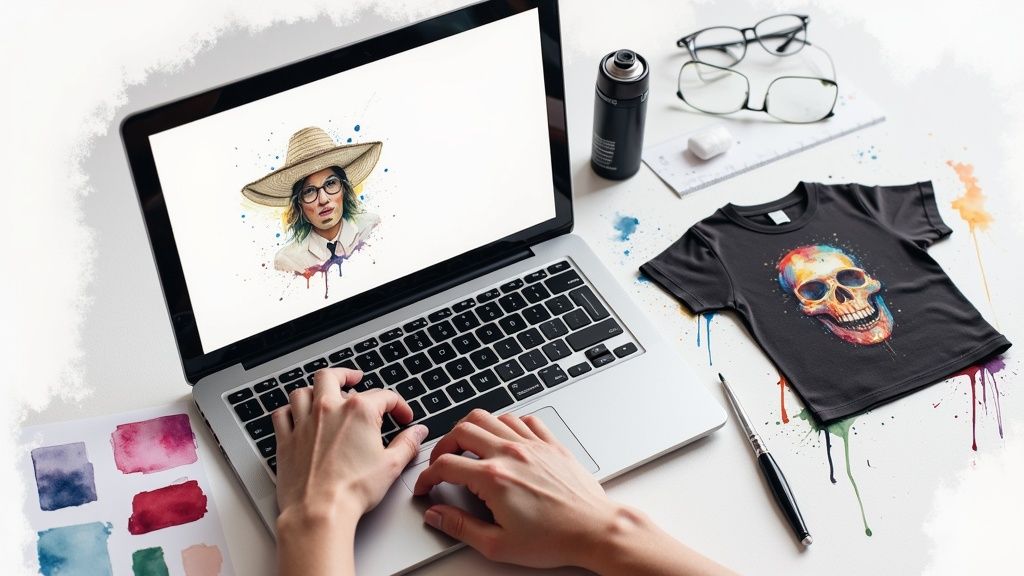
Hitting "generate" and getting that perfect image from an AI shirt generator feels like a win. But in reality, it's only halftime. The real game is turning that digital file into a top-notch physical product people actually want to wear.
This is where many creators stumble, running into common issues like pixelated prints or colors that look completely different on fabric. To get from screen to shirt successfully, you need a solid game plan. Think of it as moving your design from the digital canvas to the print shop floor, with a few crucial steps in between to nail the quality.
Preparing Your Design for a Flawless Print
Here’s the thing: most AI images aren't ready for a printer right out of the box. They’re usually generated at screen resolution, something like 72 DPI, which is way too low for a sharp, clean print on a t-shirt. Sending a low-res file to your printer is the fastest way to get blurry, amateur-looking merch.
To avoid that disaster, your workflow needs a few non-negotiable steps:
- Upscale to Print-Ready Resolution: The gold standard for apparel printing is 300 DPI (dots per inch) at the actual size you want to print. Use a dedicated AI upscaling tool to blow up your image without turning it into a pixelated mess. These tools intelligently add pixels to keep lines sharp and details crisp.
- Clean Up Minor Artifacts: Get in there and zoom in on the upscaled image. AI can sometimes leave behind little quirks—odd smudges or messy details. A few minutes in a simple photo editor to clean these up will make your final design look infinitely more professional.
- Ensure Proper File Formatting: Your print-on-demand partner or local print shop will have specific file requirements. For Direct-to-Garment (DTG) printing, the most common format is a PNG with a transparent background. This is critical—it ensures only your design gets printed, not a big, clunky colored box around it.
Creating Realistic Mockups That Sell
Before you commit to printing anything, you absolutely have to see what your design looks like on an actual product. This is what mockups are for. They’re simply simulated photos that show your art on a t-shirt, giving you—and your customers—a real sense of the finished item.
A great mockup does more than just show off your design; it actually sells the product. It lets people see the scale, placement, and how the colors pop on the fabric. This gives them the confidence to buy and dramatically cuts down on returns.
Thankfully, you don't have to be a Photoshop wizard. Many print-on-demand platforms have built-in mockup generators that make this a breeze. Just upload your final, print-ready PNG, pick your shirt colors, and the tool will spit out a bunch of realistic product shots for your online store.
The Final Quality Control Check
This is your last line of defense before you go live. Take one final, careful look at your design on the mockup. It's your last chance to catch any mistakes.
Ask yourself:
- Is the design centered and scaled properly?
- Do the colors work well on the different shirt options I'm offering?
- Is my file format correct and the resolution high enough (300 DPI)?
By following this workflow—upscaling, cleaning, formatting, and mocking up—you're building a reliable bridge between your digital idea and a physical product. It’s a methodical approach, but it’s what ensures the awesome designs from your AI shirt generator become products you can be genuinely proud to sell.
Still Have Questions?
Jumping into the world of AI design tools can feel a little murky, especially when you're thinking about selling what you create. Let's clear up some of the most common questions that pop up for people using an ai shirt generator.
Can I Legally Sell Shirts I Make with an AI Generator?
The short answer is yes, you can. But it all comes down to the fine print of the specific tool you're using. Most of the bigger, more established AI image generators give you a full commercial license, which is exactly what you need to sell your designs on t-shirts or anything else.
That said, some platforms out there, especially the free ones, might have some strings attached.
Always, always, always read the platform’s commercial use policy before you even think about building a product line. It’s the only thing that matters when determining if you can legally make money from your AI designs.
One more thing to keep in mind: steer clear of prompts that mention copyrighted characters, big-name brands, or logos. That’s a surefire way to run into legal trouble down the road.
What Image Resolution Do I Need for a Quality Shirt Print?
If you want a t-shirt that looks sharp and professional—not a blurry, pixelated mess—your image file needs to be at least 300 DPI (dots per inch) when it’s sized for printing. Here’s the catch: most AI generators initially create images at a much lower resolution, something like 72 DPI, which is fine for a screen but terrible for a shirt.
This means you'll almost certainly need an AI upscaling tool as part of your process. These tools work like magic, bumping the resolution up to that critical 300 DPI mark without making the image look fuzzy or losing important details. It's a non-negotiable step for a quality final product.
How Can I Make My AI Designs Look Unique?
To avoid designs that scream "I was made by AI," you have to get creative with your prompts and be willing to do a little work after the image is generated. A great design is a partnership between you and the machine.
- Drill Down on the Details: Instead of a simple prompt like "cat in space," get way more specific. Try something like, "A retro futurism portrait of a corgi in a bubble helmet, vibrant pop art style, detailed vector lines." The more flavor you add, the more unique the output.
- Add Your Own Touch: Use the AI-generated image as your starting block, not the finished piece. Pull it into an editor like Canva or Photoshop to add your own text, tweak the colors, or mix it with other design elements you've created. This is how you really make it yours.
Ready to turn your best content into videos that grab attention and get results? With Aeon, you can put video creation on autopilot, driving more traffic and growing your revenue. See how our platform can plug right into your workflow at www.project-aeon.com.