Video is essential for modern marketing, but production has historically been a major bottleneck: slow, expensive, and resource-intensive. This is precisely the problem that AI video generation tools are solving, fundamentally transforming how publishers, e-commerce brands, and marketing teams create high-impact content at scale. These platforms now move far beyond simple text-to-video, offering everything from cinematic-quality clips to avatar-led explainers that integrate directly into existing workflows.
But with a flood of new options, which tools deliver genuine business value versus just hype? This guide cuts through the noise. We provide an in-depth, practical analysis of the 12 best AI video generation tools tailored for professional use cases. We'll examine core features, ideal applications for editorial and ad sales teams, and the honest limitations you need to consider before committing.
Our goal is to equip your team with the insights needed to choose the right platform to scale your video strategy efficiently and creatively. For each tool, you will find a detailed summary, screenshots, direct links, and pricing information. We focus on showing you how to move from a one-line prompt to a polished campaign asset in minutes, not weeks. To further understand how to effectively leverage these technologies, learn more about how to make marketing videos with AI tools that drive conversions and align your creative output with your business goals. Let's dive into the platforms poised to redefine your content production pipeline.
1. Aeon
Aeon stands out as a comprehensive marketing studio, positioning itself as an end-to-end solution rather than just a standalone video tool. It uniquely integrates strategy, asset creation, and team collaboration, making it a powerful choice for e-commerce and digital marketing teams aiming to streamline their entire campaign workflow, from ideation to launch. The platform’s core strength lies in its ability to combine production-grade AI with actionable, ready-to-run strategy playbooks, effectively operationalizing best practices for content creation.
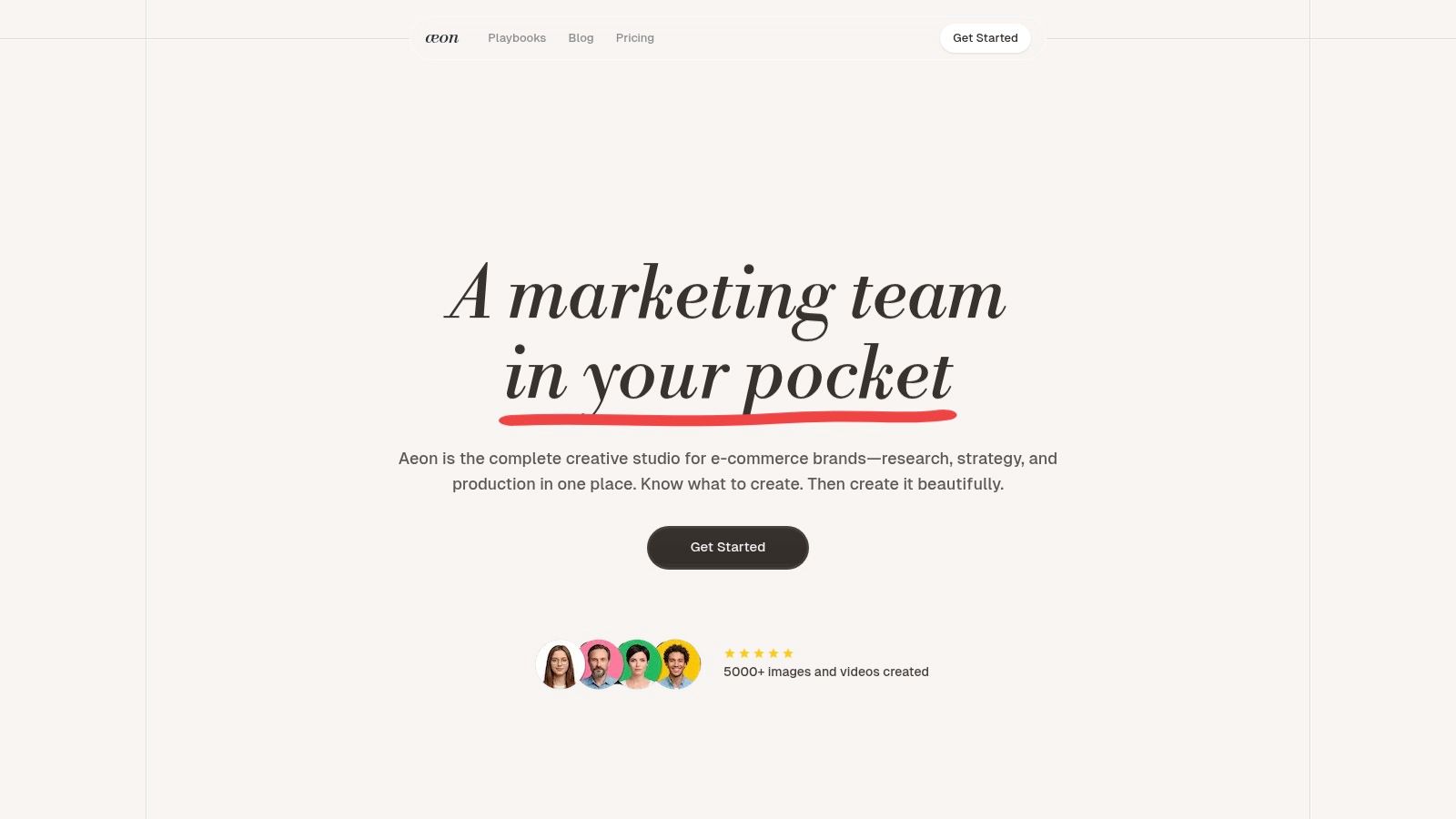
This holistic approach allows teams to move from a simple prompt to a polished, high-converting ad in minutes. By centralizing strategic guidance, competitor monitoring, and collaborative docs, Aeon minimizes the need for users to switch between multiple applications, creating a more efficient and cohesive production environment.
Key Features and Use Cases
Aeon's feature set is built to support rapid, high-quality content production at scale. The platform leverages several advanced AI engines to deliver superior visual output.
- Quick Ad Maker: This is the centerpiece for rapid campaign deployment. Marketing teams can input a single line of text and generate a complete, polished ad, making it ideal for A/B testing different creative concepts or quickly responding to market trends.
- Production-Grade AI: Aeon utilizes top-tier models like Google DeepMind’s Veo 3.1 for cinematic video animation from reference images, ensuring precise audio sync and frame preservation. For still imagery, engines like Nano Banana Pro and Flux 2 Max produce studio-quality, photorealistic 4K product shots with perfect text and logo placement.
- E-commerce Scaling Tools: For brands with large product catalogs, Virtual Try On and Lossless Background are game-changers. These features allow teams to generate consistent, high-quality product visuals without the time and expense of traditional photoshoots.
- Brand Consistency: The platform can ingest your brand guidelines (or build them for you) to ensure all generated content remains on-brand automatically.
For those looking to deepen their understanding, Aeon provides a guide on how to create AI video that walks through best practices.
Pricing and Availability
Aeon offers a flexible pricing structure designed for experimentation and growth:
- Trial: A limited one-time trial is available for $5.
- Standard: $20 per user/month (marked as "Most popular").
- Pro: $50 per user/month.
Strengths vs. Limitations
Website: https://www.project-aeon.com
2. Runway
Runway is a powerhouse among AI video generation tools, known for its high-fidelity output and advanced creative controls that appeal to both marketing teams and professional creators. It excels at transforming simple text prompts or static images into dynamic, cinematic video clips, making it a go-to for conceptualizing ad campaigns, creating stunning product visuals, or generating unique b-roll for social media content.
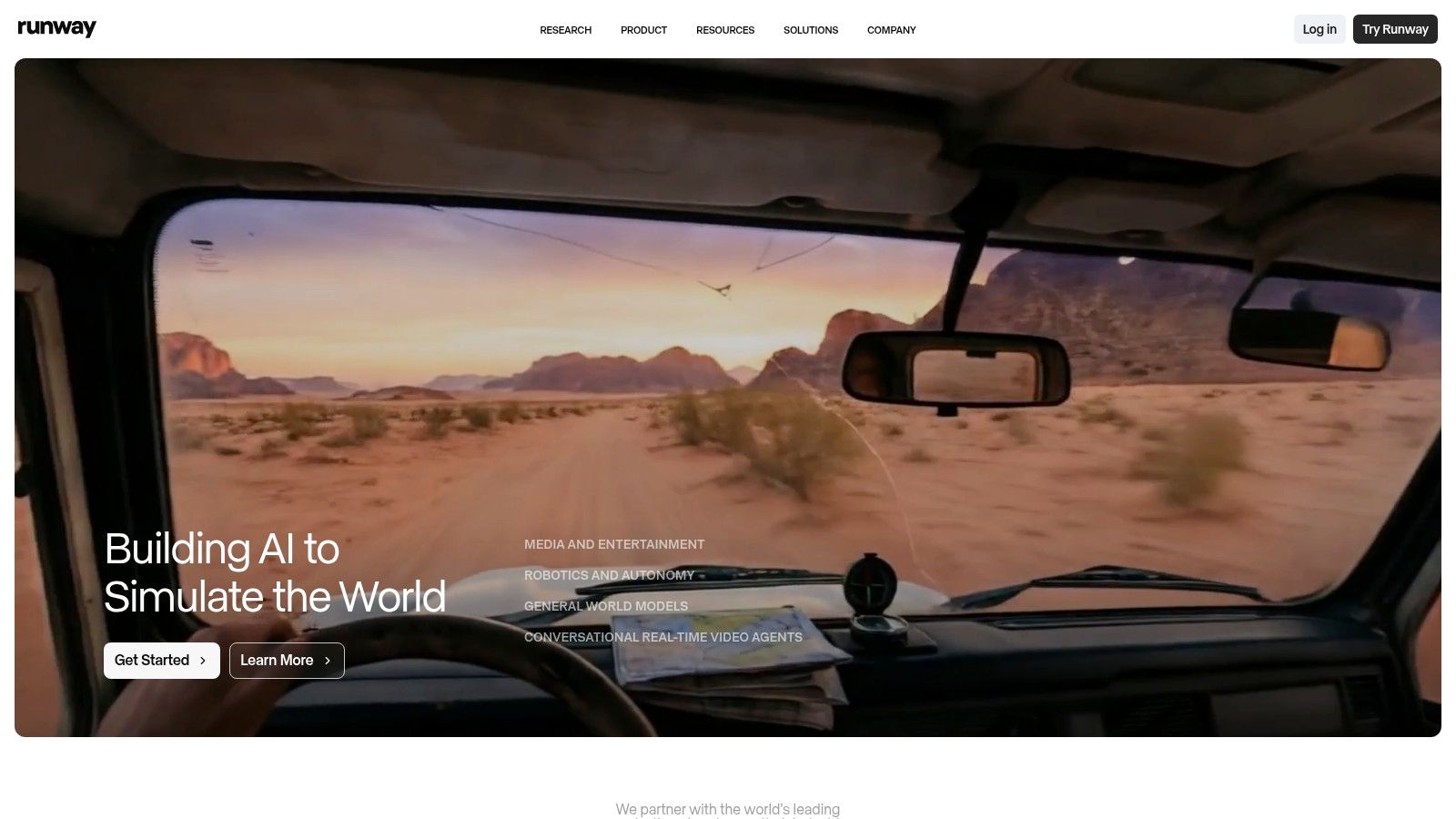
What sets Runway apart is its focus on granular control. Features like specifying the first and last frames allow for seamless looping or precise transitions, a critical detail for polished ad creative. Its cloud-based editor provides a suite of tools for refining generated clips, while the available API enables teams to automate and scale video production by integrating Runway into their existing workflows.
Key Features & Use Cases
- Models: Utilizes advanced models like Gen-3 Alpha for text-to-video and image-to-video generation.
- Creative Control: Offers Director Mode for camera movement, motion brushes to isolate movement in images, and precise style controls.
- Workflow Integration: Features a robust cloud editor and a developer API, making it ideal for batch generation and custom automation pipelines.
- Ideal For: Marketing teams developing high-concept social ads, e-commerce brands creating dynamic product showcases, and content creators needing unique visual assets.
Pricing and Access
Runway operates on a credit-based system, which can be a double-edged sword. While it offers flexibility, calculating the cost of complex projects can be confusing initially. Plans start with a free tier offering a limited number of credits. Paid plans (Standard, Pro, Unlimited) provide more credits and access to advanced features, with enterprise options available for large teams needing custom solutions and enhanced support.
- Pros: High visual quality and motion realism, strong creative controls, API for automation.
- Cons: Credit system can be complex to manage, achieving top-tier results may require significant prompt iteration and credit usage.
Website: https://runwayml.com
3. Pika
Pika has rapidly emerged as a popular and accessible entry point among AI video generation tools, favored for its speed and creative flexibility. It's designed for quick turnarounds, making it perfect for generating social media clips, animating static images, or experimenting with different visual styles for ad concepts. The platform excels at transforming text, images, or even existing videos into new, dynamic content with a user-friendly interface.
What distinguishes Pika is its granular, transparent credit system and a suite of specific tools for modifying video elements. Features like extending clip length, changing aspect ratios, or modifying specific regions of a video (Pikaswaps) are priced individually, giving users clear insight into their usage. This makes it a great choice for teams that need to test many different ideas without committing to a large, opaque credit package.
Key Features & Use Cases
- Models: Offers multiple models (Pika 1.0, Turbo) and resolutions (720p, 1080p) to balance speed with quality based on project needs.
- Creative Control: Provides a toolset for specific modifications, including video expansion, aspect ratio changes, and region-specific edits.
- Workflow Integration: Features a pay-as-you-go API, allowing marketing and development teams to programmatically generate video content at scale.
- Ideal For: Social media managers creating fast-paced content, e-commerce teams producing quick product animations, and creators experimenting with video effects and styles.
Pricing and Access
Pika uses a straightforward credit-based system where different actions have explicit costs, making it easy to predict expenses. A free plan is available with a watermark. Paid plans (Standard, Pro) offer a monthly credit allowance, watermark-free downloads, and access to more advanced features. The API operates on a separate usage-based billing model, which is ideal for automated workflows.
- Pros: Transparent per-feature credit costs, fast generation speeds for rapid iteration, watermark-free downloads on paid tiers.
- Cons: The mix of models and features can feel complex for new users, and high-volume commercial work can become costly.
Website: https://pika.art
4. Luma AI (Dream Machine)
Luma AI's Dream Machine is an emerging force among AI video generation tools, capturing attention for its remarkable ability to produce highly realistic and fluid motion. It excels at creating short, impactful clips from text or image prompts, with a strong focus on consistent characters, accurate physics, and coherent object interactions. This makes it particularly valuable for creating dynamic lifestyle scenes or compelling product visualizations where realism is key.
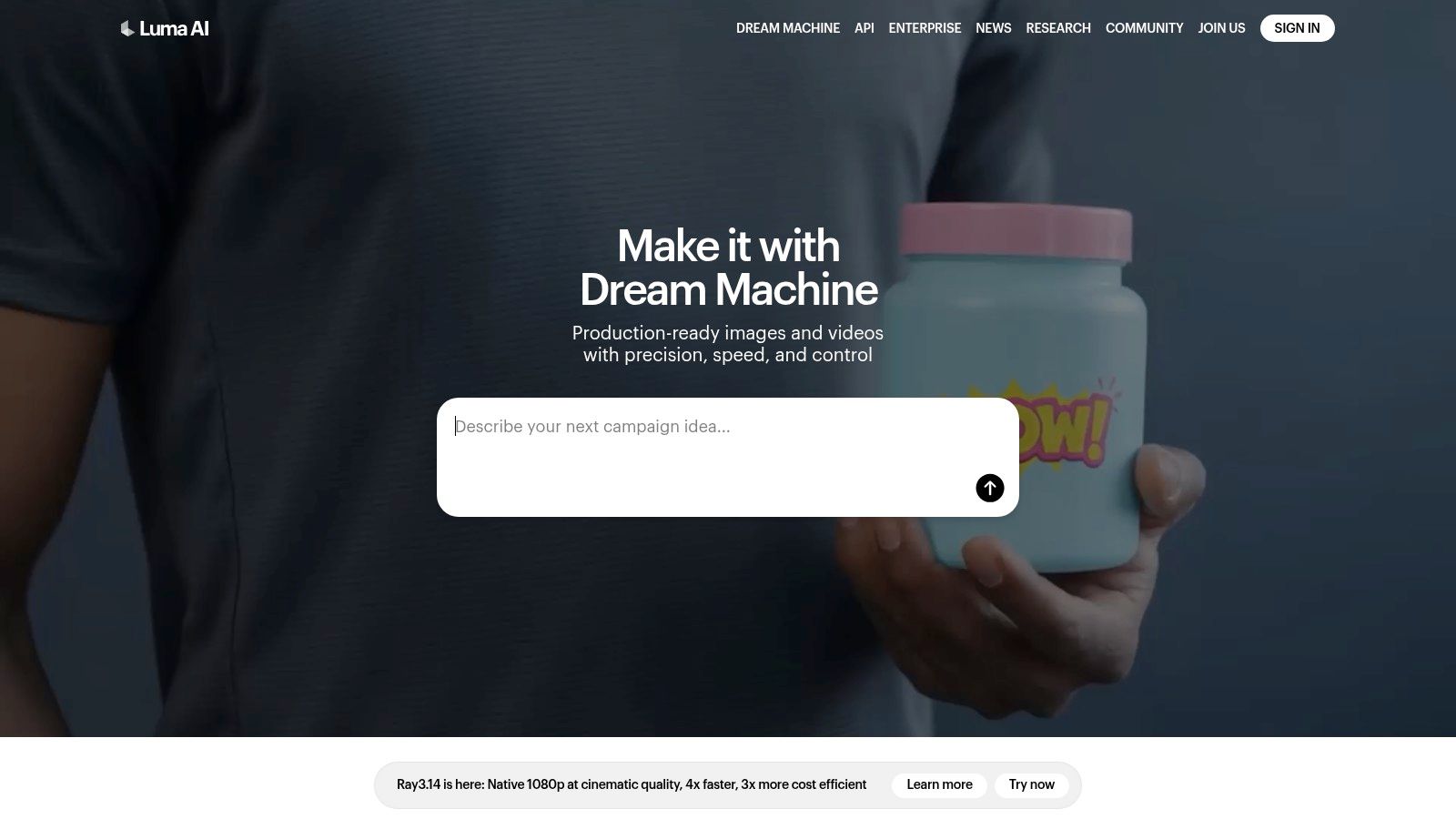
What sets Dream Machine apart is its emphasis on high-fidelity motion and detail within its relatively short clip lengths. While many platforms struggle with strange artifacts or unnatural movement, Luma often delivers smooth, cinematic results that feel grounded in reality. The platform is built around a straightforward, credit-based system, allowing marketing teams and publishers to quickly generate high-quality assets without a steep learning curve.
Key Features & Use Cases
- Models: Utilizes its advanced Dream Machine (Ray series) model for both text-to-video and image-to-video generation.
- High-Fidelity Output: Offers 4K up-resolution and HDR enhancements on eligible plans, perfect for high-quality ad creative.
- Commercial Use: Paid plans provide commercial usage rights and watermark removal, essential for marketing and e-commerce content.
- Ideal For: E-commerce brands creating realistic product-in-use videos, social media managers needing eye-catching lifestyle clips, and creative agencies prototyping visual concepts.
Pricing and Access
Luma AI operates on a clear credit-based model where generations consume a set number of credits. A free plan is available to let users experiment, while paid tiers (Standard, Pro, Premier) offer more monthly credits, faster generation queues, higher concurrency, and key commercial features. The pricing structure is transparent, making it easy for teams to budget for their video generation needs.
- Pros: Exceptional realism and motion quality for short clips, straightforward credit system, commercial rights available on paid plans.
- Cons: Clip duration is currently limited to around 10 seconds, generation speed and queue priority are tied to subscription level.
Website: https://lumalabs.ai
5. Adobe Firefly (Generate Video) + Premiere Pro
Adobe enters the AI video generation tools space by deeply integrating its Firefly model into the Creative Cloud ecosystem, particularly Premiere Pro. This approach is less about standalone generation and more about augmenting professional video workflows. It focuses on creating commercially safe, IP-friendly assets that editors can seamlessly incorporate into existing projects, bridging the gap between generative AI and established production pipelines.
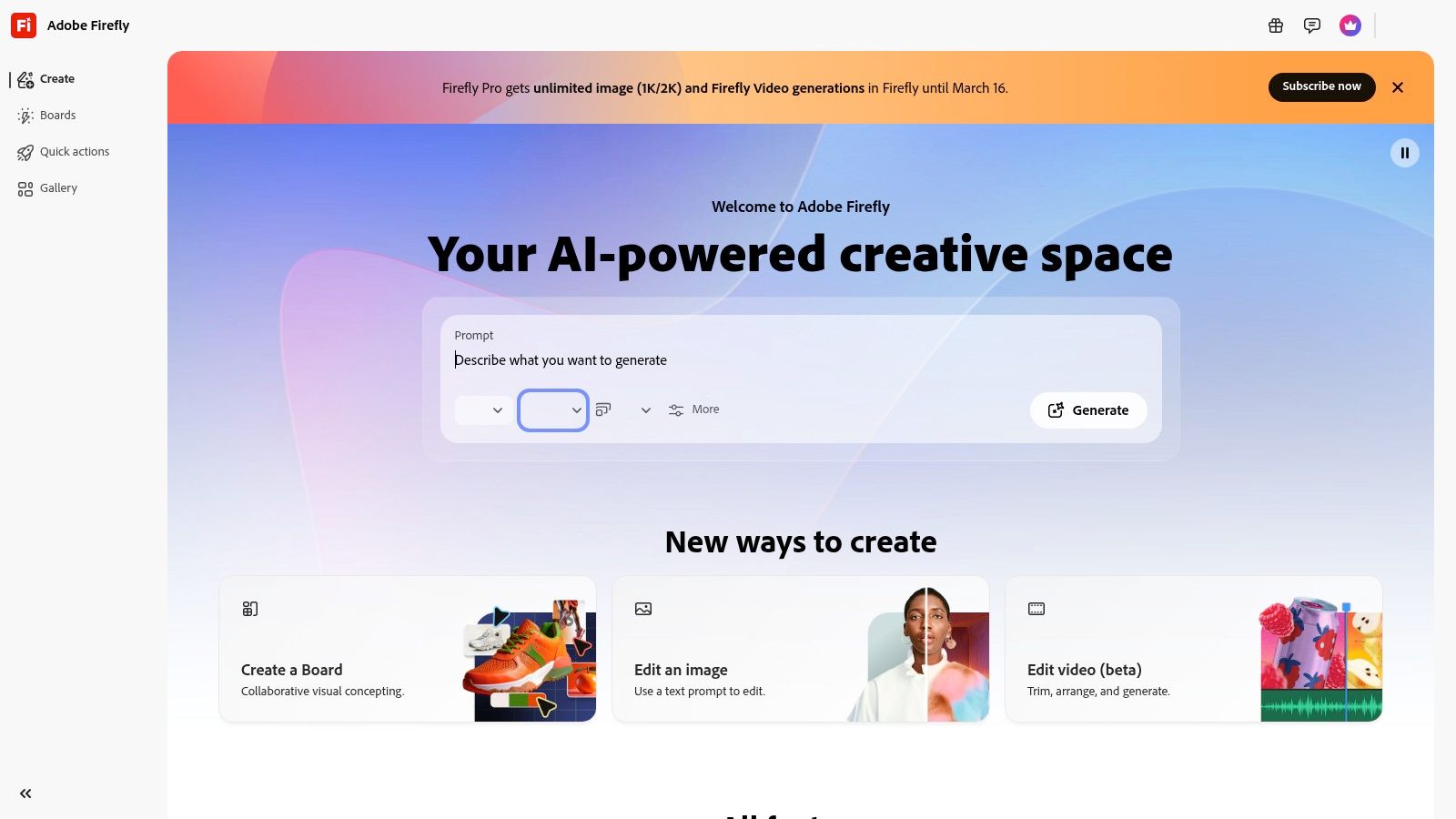
What makes Adobe's offering unique is its enterprise-first mindset and tight integration. The Firefly web app handles text-to-video generation (currently in public beta), while the real power lies within Premiere Pro's "Generative Extend" feature. This allows editors to intelligently lengthen clips or fill gaps in the timeline, a practical solution for fixing pacing issues or extending shots without reshoots. The emphasis on Content Credentials and training on licensed content provides a layer of assurance for brands concerned with copyright.
Key Features & Use Cases
- Models: Powered by Adobe Firefly, trained on licensed content like Adobe Stock for commercial safety.
- Workflow Integration: Direct integration into Premiere Pro with Generative Extend for timeline-aware generation. Also features a web app for text-to-video and image-to-video (beta).
- Enterprise Ready: Built with Content Credentials for asset transparency and designed for brand and enterprise workflows.
- Ideal For: Post-production teams needing to fix or extend existing footage, marketing departments requiring commercially safe b-roll, and creative agencies already invested in the Adobe ecosystem.
Pricing and Access
Access is managed through Adobe's Creative Cloud plans, which include a set number of "Generative Credits" for using Firefly features across all apps. This unified credit system is convenient for existing Adobe users but requires careful management for teams with high-volume generation needs. Specific plans and credit allocations vary, with options available for individuals, teams, and large enterprises.
- Pros: Seamless integration with professional Creative Cloud tools, strong focus on commercial safety and IP, solid enterprise-level governance.
- Cons: Many video features are still in beta and evolving, clip duration limits may apply, and the credit system requires monitoring for heavy usage.
Website: https://firefly.adobe.com
6. YouTube Create / Shorts (Veo)
YouTube is integrating Google’s powerful Veo model directly into its mobile creation tools, making it one of the most accessible AI video generation tools for social media teams. Delivered through features like Dream Screen in YouTube Shorts, it allows creators to generate short video clips from text prompts directly within the familiar YouTube app workflow. This is ideal for quickly producing supplementary B-roll, creating abstract backgrounds, or testing user-generated content (UGC) style ad concepts on the fly.
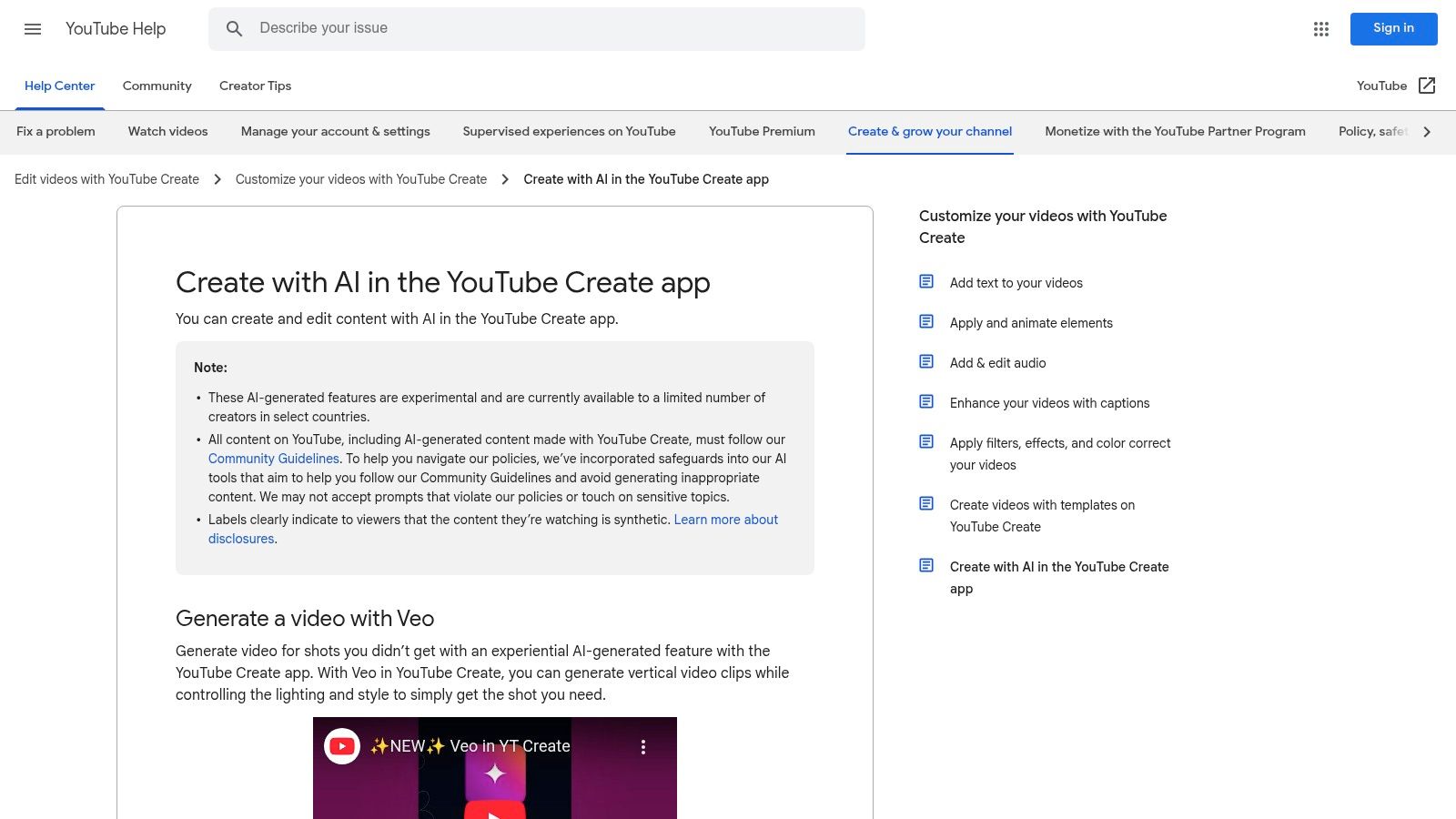
What makes this integration unique is its seamless nature. There is no need for a separate platform or complex software; the generation happens on-device and is optimized for the vertical Shorts format. All AI-generated content is automatically labeled and watermarked with SynthID, simplifying compliance and transparency for brands running ad campaigns or publisher content, a crucial consideration in the evolving regulatory landscape.
Key Features & Use Cases
- Models: Utilizes a tuned-down, faster version of Google DeepMind’s Veo model for on-device generation.
- Creative Control: Simple text-prompt-to-video functionality designed for speed and ease of use rather than granular control.
- Workflow Integration: Directly built into the YouTube Shorts and YouTube Create mobile apps for a frictionless production-to-publish pipeline.
- Ideal For: Social media managers creating quick reaction clips, marketing teams testing UGC-style creative, and publishers adding visual flair to short-form content.
Pricing and Access
Access is currently being rolled out to select creators, primarily in the U.S., with broader availability expected to follow. For eligible users, the feature is free to use within the YouTube ecosystem, although usage limits may apply. This removes the financial barrier to entry, making it an excellent tool for experimentation and low-stakes content creation.
- Pros: Completely frictionless for existing YouTube creators, built-in disclosure and watermarking for compliance, free to use for eligible accounts.
- Cons: Limited to short clip durations and mobile-optimized resolutions, feature availability is highly dependent on region and account status.
Website: https://support.google.com/youtube/answer/16631240
7. Canva
Canva has integrated powerful AI video generation tools directly into its familiar design ecosystem, making it an incredibly accessible option for marketing and cross-functional teams. Leveraging models like Google’s Veo, Canva allows users to generate short video clips from simple text prompts, complete with sound. This functionality is seamlessly embedded within its existing suite, allowing for immediate editing and brand alignment.
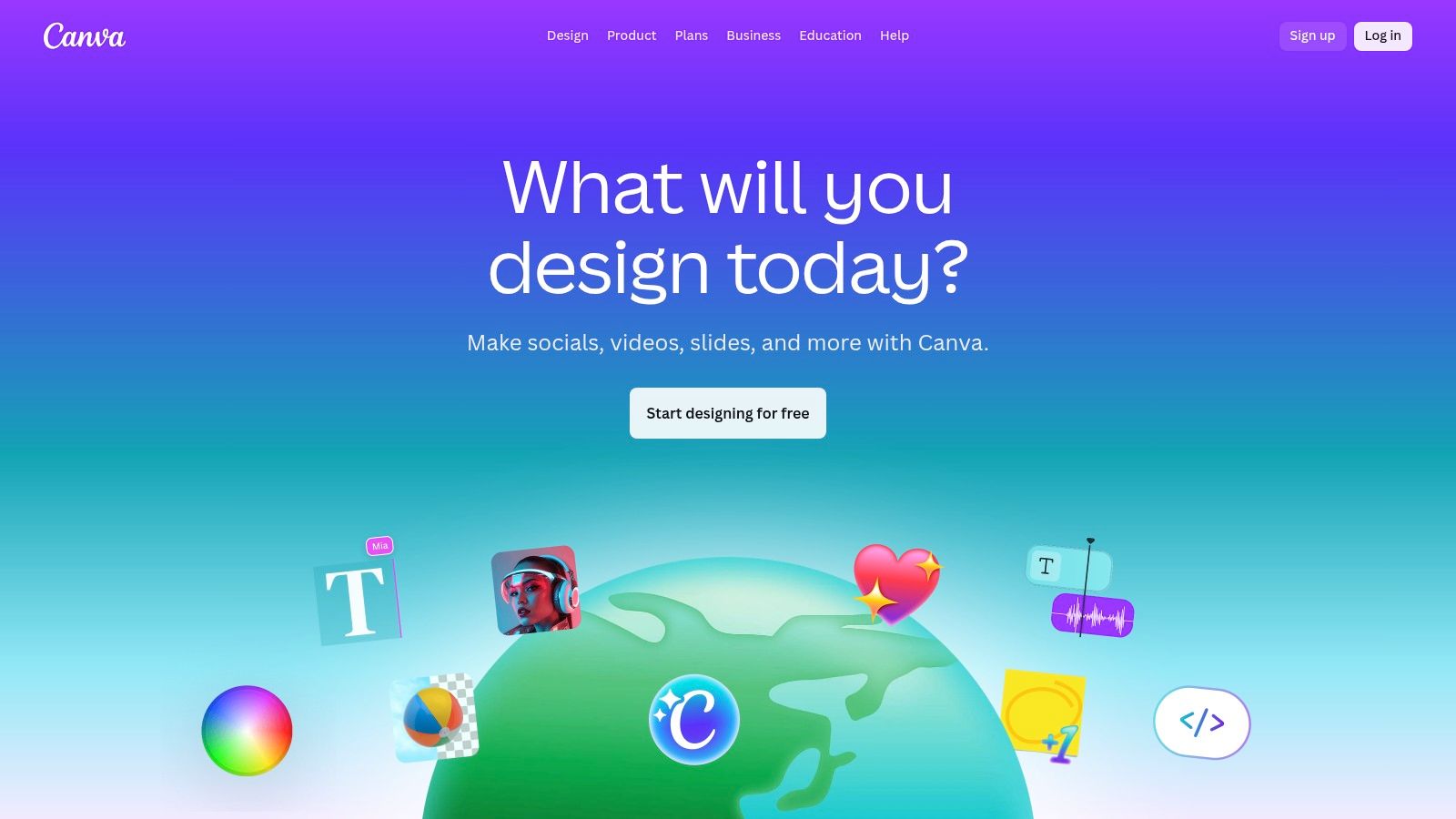
What makes Canva a standout choice is its all-in-one platform approach. Teams can go from a simple idea to a fully branded, polished video without ever leaving the application. The generated clips can be dropped into templates, customized with Brand Kit assets like logos and color palettes, and combined with Canva's extensive library of stock media. This unified workflow drastically lowers the barrier to entry for creating compelling video for social media marketing and other promotional content.
Key Features & Use Cases
- Model: Powered by Google's Veo for prompt-to-video generation with sound.
- Integrated Workflow: Generated clips can be edited immediately in Canva’s Video Editor, using brand kits, templates, and stock assets.
- User-Friendliness: Designed for non-technical users, making video creation accessible to entire marketing, sales, and internal comms teams.
- Ideal For: Social media managers creating quick, on-brand video posts, small businesses producing product ads, and corporate teams developing internal training materials.
Pricing and Access
Canva's AI video features are available within its standard subscription tiers. A free plan offers limited access to Magic Studio features. Paid plans like Canva Pro and Canva for Teams provide more generous usage credits and unlock the full suite of tools, including Brand Kits. Some teams have reported price increases for the Teams plan in 2024, so it’s wise to evaluate the total cost against your organization's specific video creation needs.
- Pros: Highly accessible for non-technical teams, ensures brand consistency via integrated brand kits, enables rapid iteration within a single platform.
- Cons: Creative controls are less granular than specialized video tools, team pricing may be a consideration for larger organizations.
Website: https://www.canva.com
8. Synthesia
Synthesia is an enterprise-focused AI video generation tool specializing in creating polished, avatar-led videos for corporate training, internal communications, and customer support. Instead of generating cinematic scenes, its strength lies in converting scripts into professional presentations featuring realistic AI avatars, making it ideal for scalable L&D modules, product explainers, and onboarding content without the need for cameras or microphones.
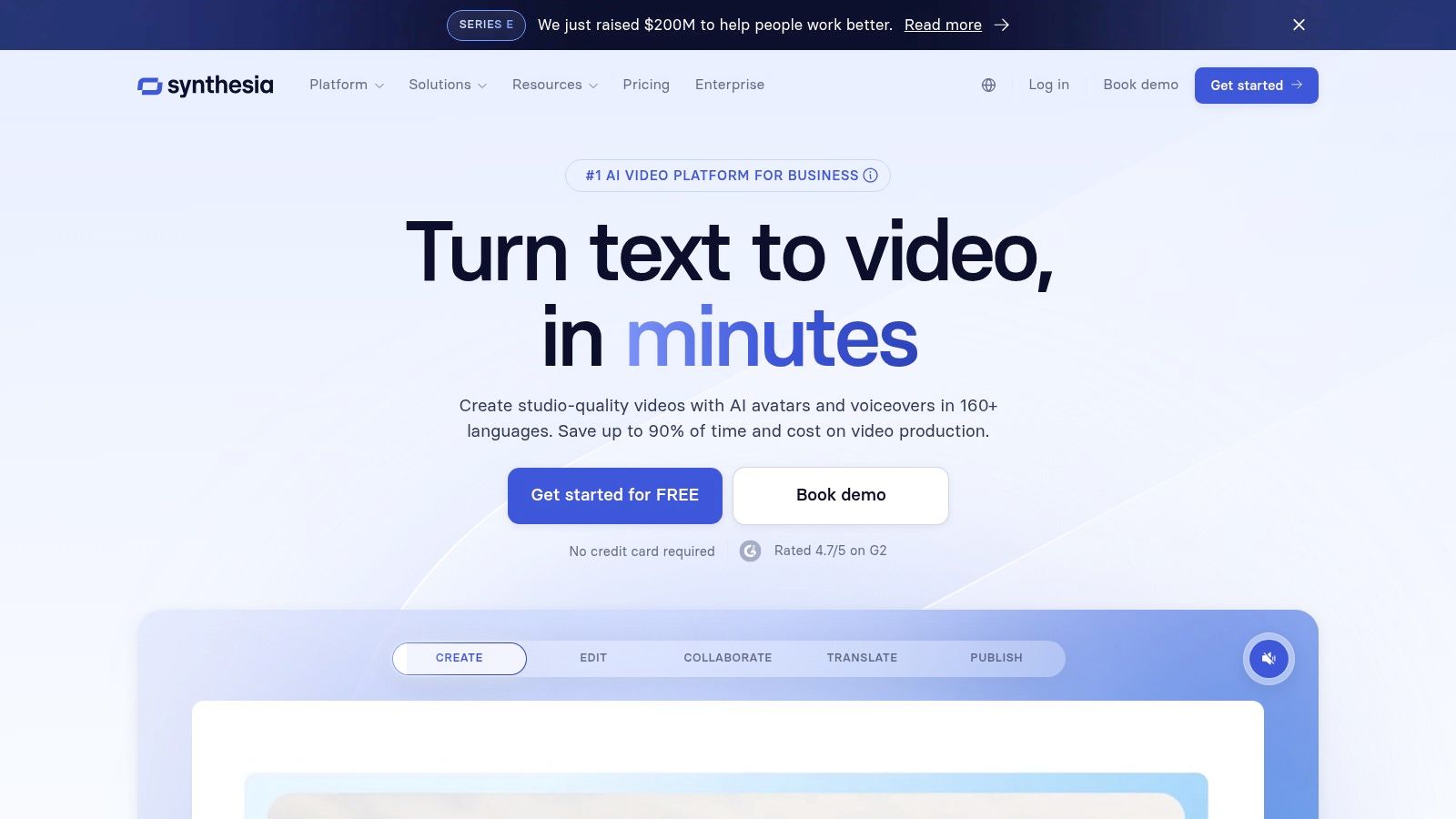
What sets Synthesia apart is its maturity in the corporate space and its powerful localization capabilities. The platform supports over 140 languages and offers AI-powered dubbing and translation, allowing global teams to create consistent training materials efficiently. With options for both stock and custom digital avatars, companies can maintain brand consistency across all video communications, while its API enables automated, template-driven video production for personalized sales outreach or support tickets.
Key Features & Use Cases
- Avatars: Offers a library of 160+ stock avatars and the ability to create custom, personal, or studio-quality avatars for brand alignment.
- Localization: Supports script-to-video creation and AI-powered dubbing in over 140 languages, perfect for global teams.
- Automation: Provides an API for scalable, templatized video production, integrating directly into existing L&D or support workflows.
- Ideal For: Corporate learning and development (L&D) teams, HR departments creating onboarding materials, and support teams producing help-desk videos.
Pricing and Access
Synthesia’s pricing is geared toward business use, starting with personal plans and scaling to custom enterprise solutions. Plans are based on a per-minute credit system, where one credit typically equals one minute of video generation. The Enterprise plan includes advanced features like SSO, brand governance, and custom avatars, making it a comprehensive solution for large organizations needing to manage video creation at scale.
- Pros: Excellent for corporate training and internal comms, strong localization and language support, robust governance and API features for enterprise.
- Cons: Not a cinematic text-to-video tool; focuses strictly on presenter-style videos, managing minute-based credits requires planning for large-scale programs.
Website: https://www.synthesia.io
9. HeyGen
HeyGen has carved out a niche among AI video generation tools by focusing on avatar-led content, making it an excellent choice for creating professional-looking explainer videos, e-commerce product guides, and training modules. It enables teams to quickly produce content with realistic digital presenters, eliminating the need for expensive shoots, actors, or studio equipment. Its strength lies in scalability and localization, offering a practical solution for global marketing campaigns.
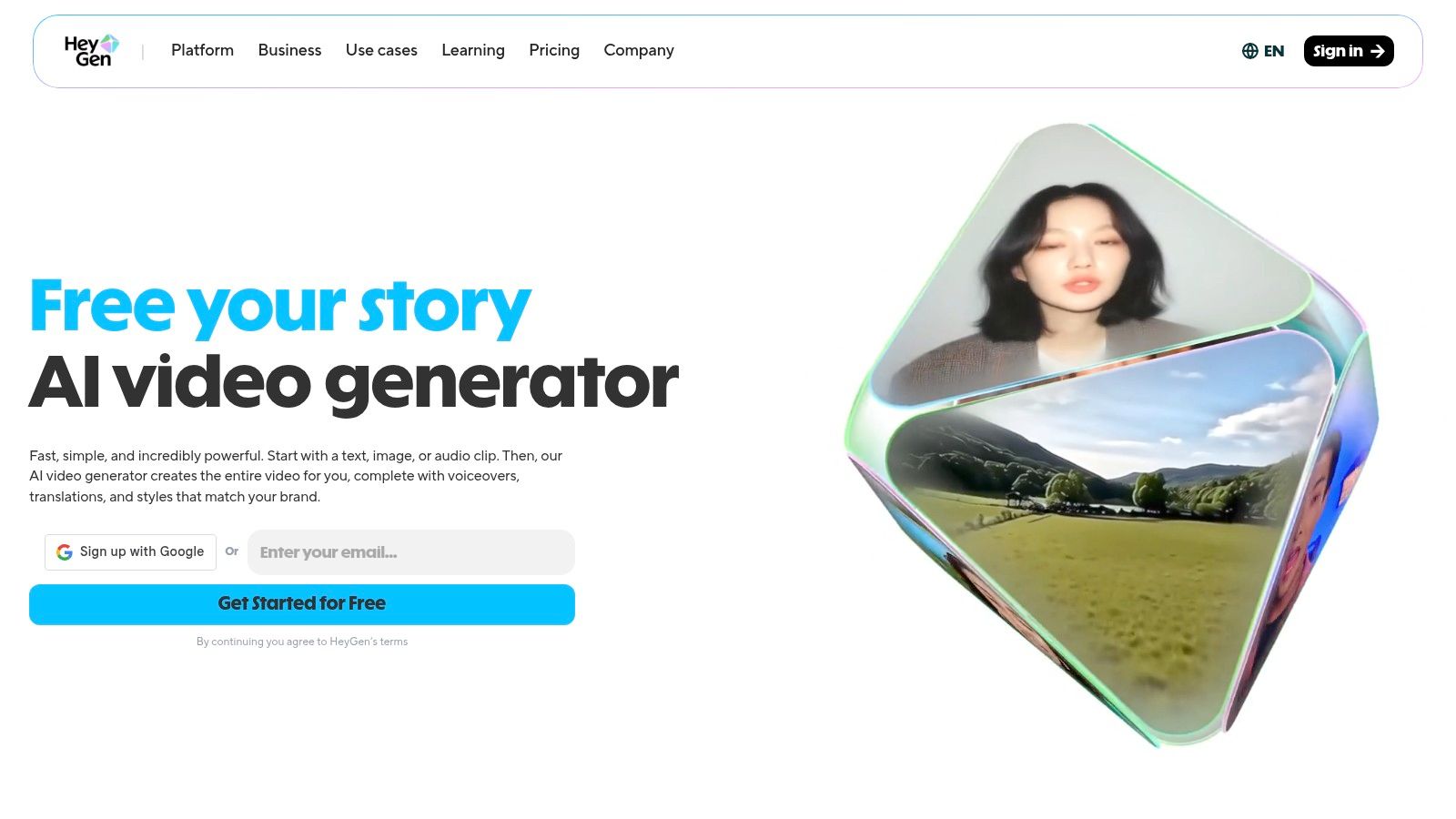
What truly sets HeyGen apart is its robust localization toolset. The platform supports translation and accurate lip-syncing across a vast number of languages and dialects, allowing a single video to be adapted for multiple international markets with minimal effort. This capability, combined with a large library of stock avatars and the option to create custom ones, makes it a highly efficient tool for businesses looking to personalize their digital communications at scale. For those exploring this technology, there are various text-to-video platforms available that offer different features.
Key Features & Use Cases
- Avatar Library: Offers 500-700+ stock avatars and supports the creation of custom, branded avatars for a consistent corporate identity.
- Localization & Translation: Supports over 175 languages with precise lip-syncing and voice cloning, perfect for global campaigns.
- High-Resolution Output: Delivers 1080p to 4K video exports on paid plans, ensuring high quality for professional use cases.
- Ideal For: Marketing teams creating product demos, e-commerce brands localizing video ads, and corporate trainers developing multilingual learning materials.
Pricing and Access
HeyGen provides a generous free tier that allows users to test its core features, though videos include a watermark. Paid plans are structured around a credit system and unlock higher resolutions, watermark-free downloads, and access to premium features like voice cloning and the API. It is important to purchase directly from the official website, as the company warns about unauthorized third-party resellers.
- Pros: Strong localization and translation tools, generous free tier for evaluation, fast processing times for quick iteration.
- Cons: Not designed for cinematic text-to-video generation (less creative flexibility than tools like Runway), risk of scams from unofficial "group buy" offers.
Website: https://www.heygen.com
10. Colossyan
Colossyan stands out among AI video generation tools by focusing specifically on corporate training and workplace communication. Instead of generating cinematic scenes, it excels at creating professional, avatar-led videos from scripts, making it ideal for learning and development (L&D), standard operating procedures (SOPs), and internal announcements. Its streamlined process allows teams without video production experience to produce consistent, high-quality instructional content quickly.
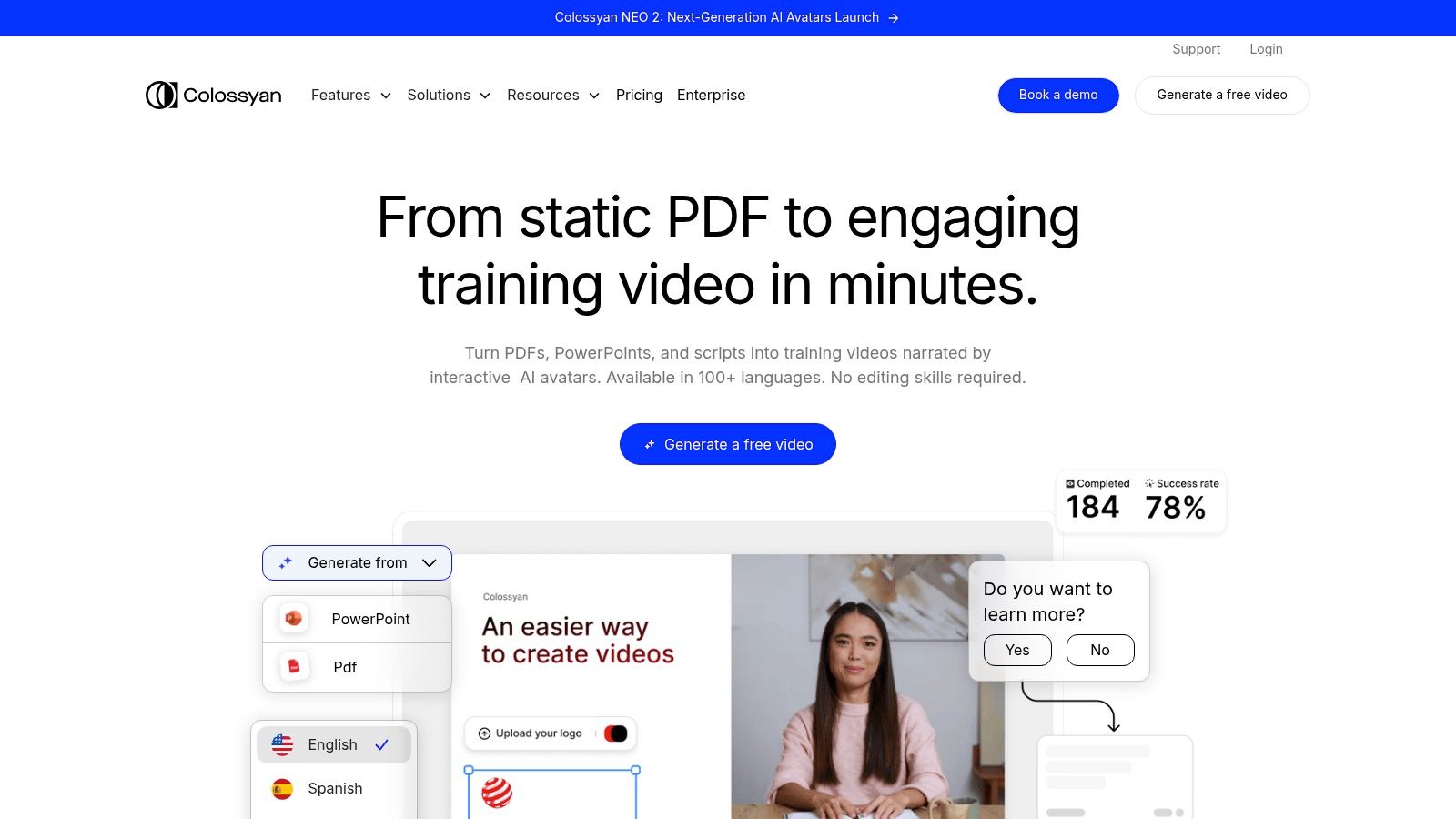
What makes Colossyan particularly effective for its niche is the emphasis on engagement and scalability. The platform supports multi-avatar conversations, enabling dialogue-based training scenarios, and offers auto-translation to localize content for global teams. Higher-tier plans introduce interactive elements like in-video quizzes and branching logic, transforming passive viewing into an active learning experience. For large-scale deployment, API access and generous minute allocations on business plans facilitate automation and integration into existing corporate systems.
Key Features & Use Cases
- Avatar-Led Generation: Features 70+ stock AI avatars and options for creating custom "studio" avatars for brand consistency.
- Interactive Content: Business plans support quizzes and branching scenarios directly within the video player, boosting learner engagement.
- Scalability & Automation: Offers API access for programmatic video creation and annual minute allocations designed for large-scale production.
- Ideal For: HR and L&D teams creating employee onboarding and compliance training, operations managers developing video-based SOPs, and corporate communications departments producing internal updates.
Pricing and Access
Colossyan's pricing is structured around video creation minutes and feature access. A free trial is available to test the platform. Paid plans start with a "Starter" tier providing a fixed number of minutes per month. The "Business" and "Enterprise" tiers are designed for scale, offering significantly more (or unlimited) minutes, advanced features like interactive video, API access, and dedicated support, making them suitable for organizations with high-volume video needs.
- Pros: Purpose-built for training and SOP content, fast script-to-video workflow, interactive features enhance engagement, simple interface for non-technical users.
- Cons: Not a creative or cinematic text-to-video generator, starter plan minutes are limited and may not suffice for longer content.
Website: https://www.colossyan.com
11. Kaiber
Kaiber has carved out a niche among AI video generation tools as a go-to platform for creating stylized, music-reactive, and visually dynamic videos. It appeals strongly to artists, musicians, and social media marketers who need to produce motion-rich content that syncs with audio. Its strength lies in transforming text or images into vibrant, often surreal, video clips driven by artistic presets and beat-sync technology.
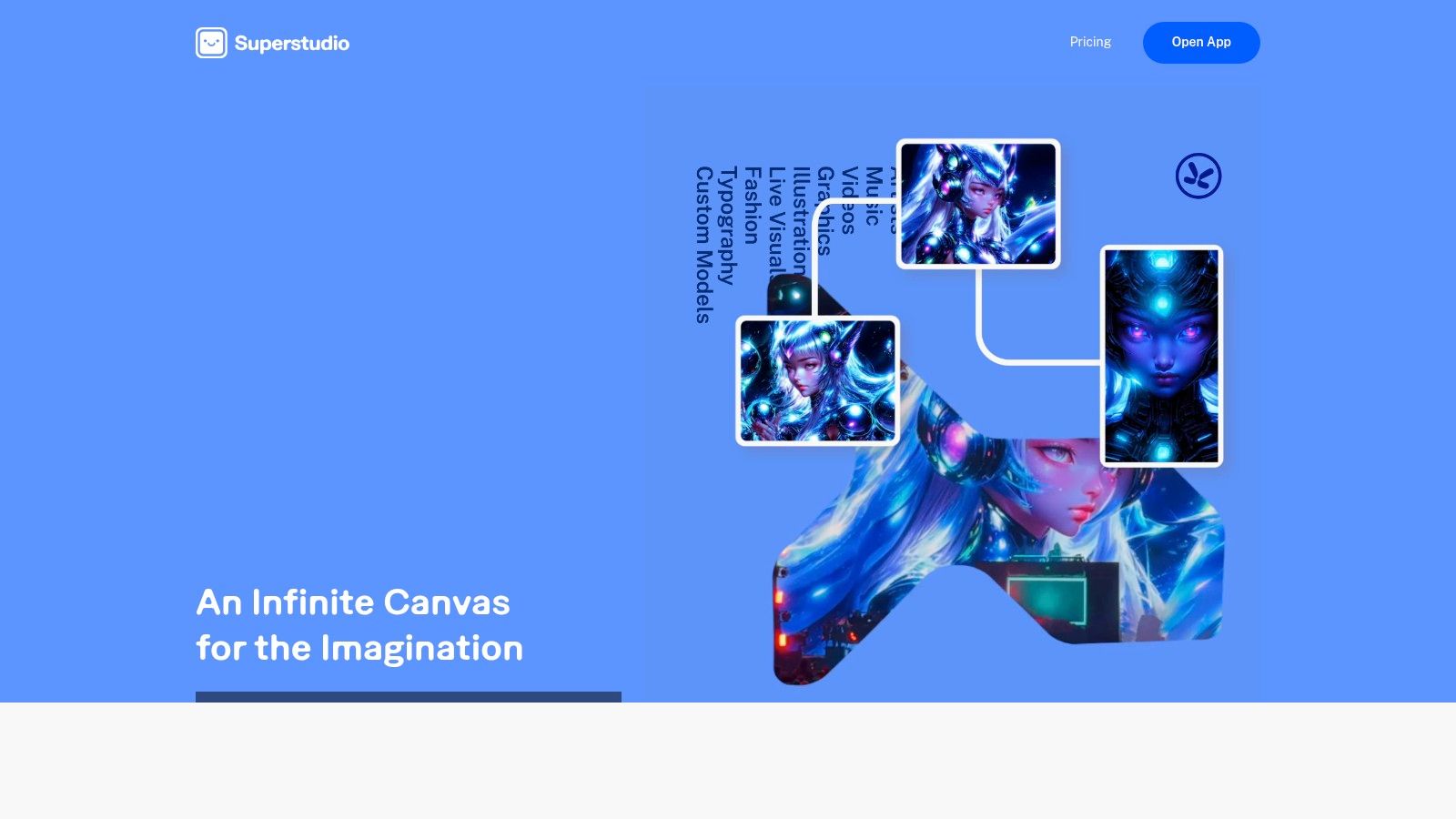
What sets Kaiber apart is its focus on artistic expression and flexible access. The platform's "Superstudio" provides an intuitive interface for crafting videos that pulse and transform in time with an uploaded audio track. This makes it exceptionally well-suited for creating unique music videos, abstract promotional content, or eye-catching visuals for social media campaigns where mood and style are paramount.
Key Features & Use Cases
- Models: Utilizes text-to-video and image-to-video models with a strong emphasis on artistic styles and motion.
- Creative Control: Features style presets, camera movement controls, and powerful beat-sync tools to create music-reactive visuals.
- Advanced Options: Higher-tier plans offer model training for custom styles and video upscaling for improved resolution.
- Ideal For: Musicians producing visuals for their tracks, marketers creating stylized ads for platforms like TikTok or Instagram, and artists exploring generative art.
Pricing and Access
Kaiber offers a highly flexible pricing structure that accommodates different usage patterns. It provides standard monthly and annual subscriptions alongside pay-as-you-go credit packs and even a 24-hour day pass, which is great for one-off projects. The Explorer plan is a good starting point, while Creator and Pro plans add commercial rights, model training, and more credits.
- Pros: Excellent for music videos and stylized visuals, flexible access models (subscriptions, credits, day pass), commercial rights on paid plans.
- Cons: Less suited for photorealistic content, some users have noted a need to carefully review billing and support terms before committing.
Website: https://www.kaiber.ai
12. Kapwing
Kapwing stands out as a versatile, browser-based AI video generation tool and collaborative editor, designed for speed and ease of use. It excels at turning text prompts, full scripts, or even articles into complete videos by automatically sourcing B-roll, adding voiceovers, and generating subtitles. This makes it a fantastic solution for marketing and social media teams who need to produce content quickly without a steep learning curve.
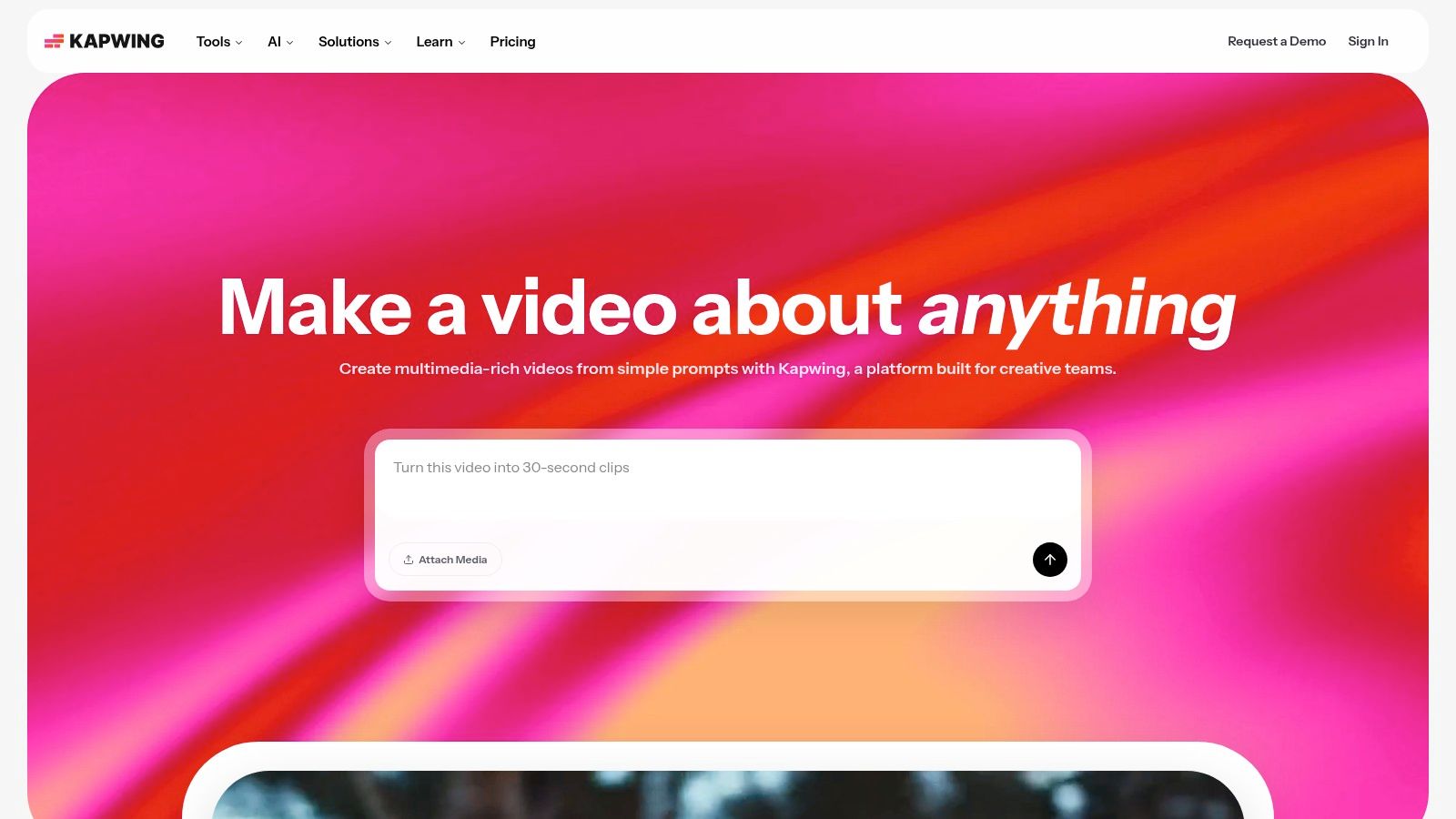
What makes Kapwing unique is its seamless integration of AI generation with a traditional, timeline-based video editor. Users can generate multiple scenes with AI, then immediately jump into the editor to tweak timings, add brand assets, or mix in their own footage. This hybrid approach bridges the gap between purely generative tools and conventional editing software, offering a practical one-stop-shop for everyday content creation.
Key Features & Use Cases
- Generation Models: AI-powered text-to-video and script-to-video generation with automatic B-roll sourcing and voiceover creation.
- Editing Suite: Features a full timeline editor, team workspaces, brand kits, and automated tools for subtitles and translation.
- Collaboration: Cloud-based platform allows teams to work on projects together in real-time, streamlining the review and approval process.
- Ideal For: Social media managers creating daily content, marketing teams repurposing blog posts into videos, and publishers needing a quick tool for simple video explainers.
Pricing and Access
Kapwing offers a free tier with basic features and watermarked exports, which is great for testing the platform. Paid plans (Pro and Business) remove watermarks, unlock 4K exports, and provide more AI credits and storage. The credit system is straightforward, with specific actions like generation and translation consuming credits, making it easier to manage costs on higher-volume projects.
- Pros: All-in-one editor and generator with a shallow learning curve, strong collaboration features and templates, efficiently combines AI and manual editing.
- Cons: AI-generated visuals may be less cinematic than specialized tools, heavy use of generative features requires a higher-tier plan with more credits.
Website: https://www.kapwing.com
Top 12 AI Video Generation Tools — Feature Comparison
Integrating AI Video into Your Marketing Workflow
The landscape of video production has fundamentally shifted. As we've explored, the array of powerful AI video generation tools available today is not just a technological novelty; it's a strategic asset for marketing, e-commerce, and publishing teams aiming to scale their content efforts efficiently and creatively. From the cinematic prowess of Runway and Luma AI's Dream Machine to the avatar-driven specialization of Synthesia and HeyGen, and the all-in-one content ecosystems of Canva and Adobe, the right solution exists for nearly every workflow.
The core takeaway is that these tools are no longer on the horizon; they are here and ready to be integrated. The primary value isn't merely about replacing manual tasks but augmenting human creativity. By automating the more repetitive aspects of video creation, these platforms free up your team’s valuable time to focus on higher-level strategy, narrative development, and campaign optimization. This allows for unprecedented speed in testing new concepts, localizing content for global audiences, and producing timely, relevant videos for social media.
Choosing Your Starting Point: A Strategic Framework
Navigating this diverse marketplace requires a clear understanding of your team's specific needs. Your choice should not be based on hype but on a pragmatic assessment of your goals, resources, and existing technical infrastructure.
Here’s a simplified framework to guide your decision:
- For High-Volume Social Media & Ad Creative: If your primary need is generating dozens of ad variations for A/B testing or creating a constant stream of short-form social content, tools like Canva, Kapwing, and Kaiber offer an excellent blend of speed, ease of use, and template-driven efficiency. They lower the barrier to entry, empowering social media managers and marketers to become video creators.
- For Corporate Communications & Training: When consistency, clarity, and scalability are paramount for internal training, onboarding, or corporate announcements, avatar-based platforms like Synthesia, HeyGen, and Colossyan are unmatched. Their ability to generate professional, multi-lingual videos from a simple script is a game-changer for L&D and corporate communications departments.
- For Advanced Creative & Cinematic Output: For teams pushing the creative boundaries, tools like Runway, Pika, and Luma AI provide the most advanced, fine-grained control over generative output. These are ideal for creating unique brand films, conceptual ads, or visually stunning b-roll that would otherwise be impossible or prohibitively expensive to produce.
- For Integrated Professional Workflows: Teams already embedded in the Adobe ecosystem will find its Firefly-powered video features in Premiere Pro a natural extension of their existing workflow. Similarly, platforms like Aeon are designed from the ground up to be a central hub, combining AI generation with strategic playbooks and collaborative tools for a complete campaign management system.
From Tool Selection to Workflow Integration
Adopting a new tool is only the beginning. The real transformation happens when it’s thoughtfully integrated into your daily operations. To truly leverage AI video generation tools effectively, consider how a robust AI strategy for content creation workflows can optimize your marketing efforts. This involves more than just teaching your team how to use a new interface; it requires rethinking your entire content pipeline.
Start small with a pilot project. Identify a single, measurable pain point. For an e-commerce team, this might be producing product demo videos for your entire catalog. For a publisher, it could be turning top-performing articles into engaging video summaries. Track key metrics: production time saved, cost per video, and audience engagement. This data will build the business case for wider adoption.
The era of AI-powered video is not a distant future; it's the current reality. By approaching this technology with a strategic mindset, you can unlock unparalleled levels of efficiency, creativity, and agility. The opportunity is not just to make more videos faster but to communicate with your audience in more dynamic, personalized, and impactful ways than ever before.
Ready to move beyond individual tools and build a unified, AI-powered content engine? Aeon integrates cutting-edge generative AI with strategic campaign playbooks and collaborative workflows, transforming how marketing teams create, manage, and deploy video content at scale. Explore how a cohesive system can elevate your strategy by visiting Aeon.