So, what does it actually mean to automate video editing?
In simple terms, it's about using smart, AI-powered software to take over the tedious, repetitive parts of video creation. Think trimming clips, sourcing b-roll, adding music, and slapping on your brand’s logo and colors. It transforms a painfully slow manual process into a fast, scalable workflow.
For marketing and e-commerce teams, this isn't just a "nice-to-have." It’s how you finally produce high-quality video at a volume that was previously impossible, turning blog posts or raw webinar footage into polished assets in minutes, not days.
Why Teams Are Automating Video Editing
Let's be honest—the traditional video production process is a notorious bottleneck for any ambitious content team. It’s slow. It's expensive. And it's a nightmare to scale.
This friction means missed opportunities. The demand for fresh video content is relentless, but production capacity can never keep up. You end up with endless revision cycles, inconsistent branding across campaigns, and turnaround times that make you want to pull your hair out.
How many times has a simple product update video gotten stuck in the production queue for weeks? By the time it’s published, it’s already lost its impact. This is the reality that prevents teams from being agile and responsive in a fast-moving market.
Breaking Free from Production Bottlenecks
Automating video editing isn't about replacing human creativity. It's about unleashing it.
By handing over the mind-numbing tasks to AI, your creative talent is freed up to focus on what actually moves the needle: strategy, storytelling, and crafting a message that resonates.
This is part of a much bigger shift happening across the media industry. For example, a core function of modern AI video tools is to intelligently segment clips and identify key moments, as you can see in the workflow below.
The image gives you a glimpse of how AI can analyze raw footage to automatically create highlight reels or summaries—a job that would otherwise take someone hours of painstaking manual review.
The real magic of automation is turning your existing assets—blog posts, webinar recordings, even just audio files—into a constant stream of on-brand videos without having to hire more people.
This incredible efficiency is precisely why the market is exploding. The global AI in media and entertainment market is projected to rocket from USD 26.34 billion in 2024 to an eye-watering USD 166.77 billion by 2033.
A huge driver of that growth is video editing automation. You can dig into more data on AI's impact on media from Business Wire. This trend makes one thing clear: adopting these tools isn't just an option anymore; it's essential for staying competitive.
Designing Your Automated Video Workflow
A truly powerful automation strategy isn’t about drawing up complex flowcharts. It's about building a practical, repeatable process that takes you from a raw idea to a published video with as little friction as possible. Think of it as creating a plug-and-play system for your entire team by making a few key decisions upfront.
First things first, you need to define your inputs. What's the raw material the AI will be working with? A solid system should be flexible enough to handle a few different starting points.
- Text-Based Inputs: This is a popular one. You can feed the AI a URL to a recent blog post, a product description, or even a great customer testimonial. The system will then get to work summarizing the text, generating a script, and pulling in relevant visuals.
- Video-Based Inputs: Have a ton of long-form content sitting around, like webinar recordings or in-depth customer interviews? An automated workflow can sift through that footage, identify the most compelling moments, and chop them into shareable clips complete with brand elements.
- Audio-Based Inputs: A podcast episode or even a quick voice note can be all you need. The AI can transform it into a dynamic audiogram or a fully visualized video summary, perfect for social media.
Establishing Your Brand Identity
Once you know what you’re feeding the machine, the next step is absolutely critical: locking in your brand identity. An automated video editor that spits out generic, cookie-cutter content is worse than useless. You need to build a robust brand kit that the AI can pull from for every single video it creates.
This brand kit is essentially your digital style guide. It ensures every video feels like it came straight from your in-house team, no matter who on your team actually clicked the "generate" button.
A proper brand kit should always include:
- Logos: Your primary, secondary, and any icon variations you use.
- Color Palette: The exact hex codes for your brand’s primary colors, secondary shades, and any accent colors.
- Fonts: Your go-to primary and secondary brand typefaces.
- Branded Assets: Any pre-made assets like intro/outro clips, lower-third graphics, or specific transitions that define your style.
By doing this work upfront, you completely eliminate the endless back-and-forth over minor branding tweaks that so often bog down traditional video production. Your brand is just baked right into the workflow from the start.
The image below really drives home the efficiency gains when you compare a traditional process to an automated one.
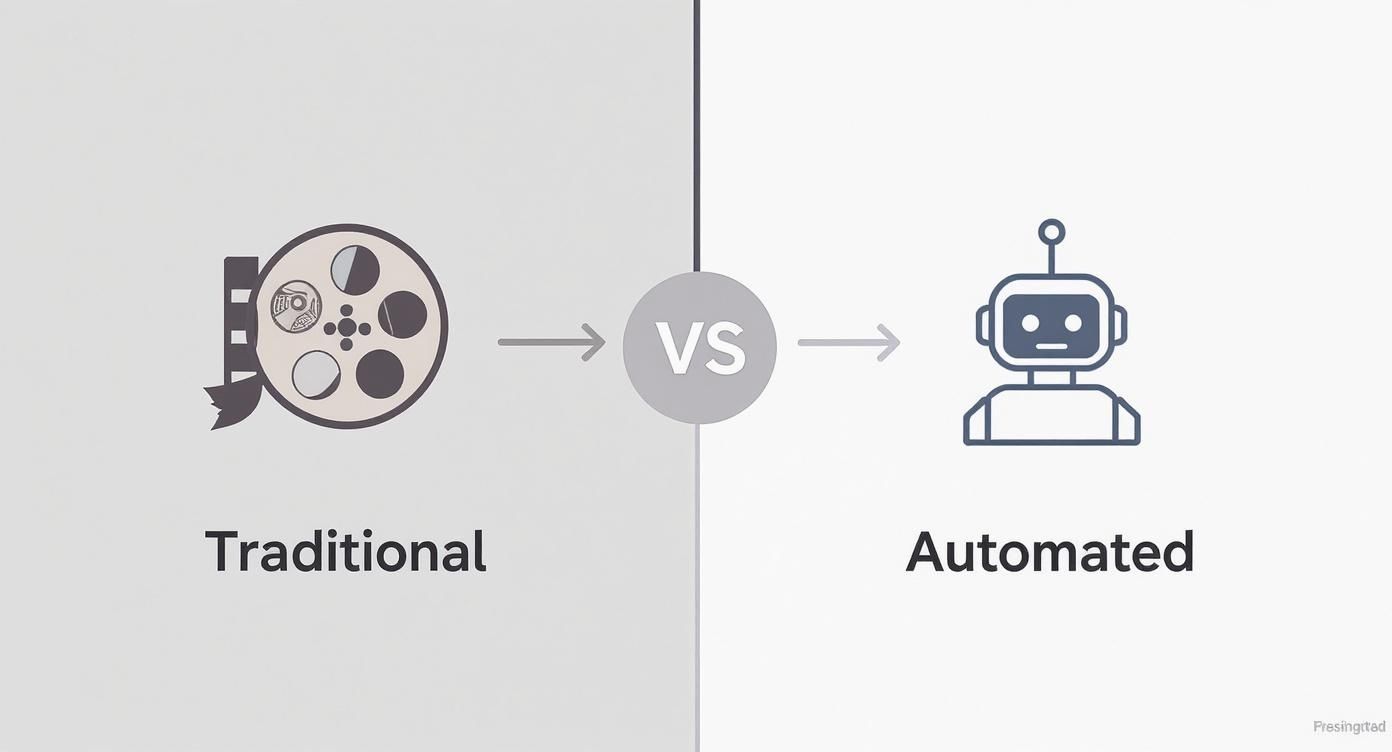
You can see how automation collapses multiple manual steps into a single, cohesive sequence, which dramatically slashes production time. This isn't just a nice-to-have; it's driving massive market shifts. The global AI video editing market is projected to explode from $0.9 billion in 2023 to $4.4 billion by 2033, and 77% of editing tools already have some form of AI baked in.
Creating and Customizing Templates
Templates are the final, crucial piece of your automated workflow puzzle. These are pre-designed structures for specific types of videos, combining your brand kit with a defined layout, pacing, and flow. The key is to create a few distinct templates for your most common use cases.
For example, a "Blog Post Summary" template might be designed with prominent text overlays and a quick, punchy pace. In contrast, a "Webinar Highlight" template would likely prioritize the screen recording and use callouts to feature the speaker.
For a deeper dive into streamlining these kinds of processes, check out our guide on how to boost production efficiency with media workflow automation.
By setting up these templates, you empower anyone on your team—not just the video experts—to automatically edit videos that are not only perfectly on-brand but also purpose-built for the job at hand.
Choosing the Right AI Video Editing Tools
The market for AI video tools is exploding, and trying to pick the right one can feel overwhelming. You’ve got everything from simple text-to-video generators for quick social media hits all the way up to powerful enterprise platforms with API access for full-blown automation.
The trick is to find a solution that actually fits your team's content needs, technical skills, and, of course, budget.
A good place to start is by looking at the core AI features. How well does the platform actually select relevant b-roll from its stock library? Does the AI voiceover sound natural and engaging, or does it come across as flat and robotic? These are the fundamentals of any tool that can effectively automatically edit videos.
Evaluating Core Platform Features
Once you've vetted the basics, it's time to dig deeper into the features that really impact your quality and efficiency. A platform can claim it's "automated," but what truly matters is the level of control you actually have.
Here are a few key areas I always scrutinize when comparing options:
- Brand Kit Customization: How deeply can you bake your brand into the videos? Can you upload specific fonts and lock in hex codes, or are you stuck with a limited palette? The best tools give you precise control over logos, colors, and even branded intros and outros.
- Template Flexibility: Look for the ability to create and save your own templates. A rigid, one-size-fits-all approach is a recipe for generic-looking content. You need the freedom to design unique templates for different formats, like webinar highlights, product explainers, or article summaries.
- Input Versatility: Can the tool work with what you've already got? The most useful platforms can spin up a video from a blog post URL, raw video clips, or even just a podcast audio file. This flexibility is what unlocks the potential to repurpose your entire content library.
This growth reflects a huge shift in content production. The global video editing software market is projected to hit around $5.13 billion by 2032, with cloud-based, subscription models becoming the new normal. Everyone wants accessible tools that make collaboration easy and scaling possible.
Matching Tools to Team Needs
The "best" tool is completely relative to your team's makeup. A small, scrappy marketing team will likely prioritize an intuitive, all-in-one platform that requires zero coding. For them, ease of use and a massive library of ready-made assets are king.
The right tool shouldn't just automate tasks; it should empower every member of your team to create on-brand video content with confidence, regardless of their technical background.
On the other hand, a larger enterprise with a dedicated development team might be on the hunt for a platform with a robust API. This opens the door for deep integration with existing content management systems (CMS) and digital asset management (DAM) platforms, creating a truly seamless workflow from start to finish. If you're curious about these more advanced setups, there are great resources on AI integration in post-production.
To help you visualize the differences, here’s a quick breakdown of the common platform types and what they offer.
Comparison of Automated Video Editing Platform Features
Choosing the right tool ultimately comes down to a simple question: does it align with your strategic goals?
When you focus on customization, flexibility, and scalability, you're not just buying a tool—you're making an investment that will fuel your video strategy for years. Picking the right https://project-aeon.com/blogs/automatic-video-editor ensures you're set up for success from day one.
Maintaining Quality and Brand Governance
Automating video creation can seriously speed things up, but speed without quality is a quick way to torpedo your brand’s reputation. If you're going to automatically edit videos at scale, you absolutely need a solid framework for quality control and brand governance. This isn’t about pumping the brakes; it's about setting up smart guardrails so every single video hits the mark.
The secret sauce here is a human-in-the-loop review. Don’t worry, this doesn't mean you’ll be manually checking every single frame. It’s about building practical checkpoints at key moments in your automated workflow. This hybrid approach lets you trust your system while keeping the final say where it belongs—with your team.
Building Your Quality Control Checkpoints
Your review process needs to be lightweight but effective. The last thing you want is for quality control to become the new bottleneck. Think of it as a quick, thorough once-over by someone who lives and breathes your brand.
Here are a few essential checkpoints we've seen work wonders:
- Script and Summary Check: First things first, read the AI-generated script or on-screen text. Does the summary actually reflect the source material? Is the tone right? This is a quick sanity check to make sure the core message is correct and sounds like you.
- Visuals and B-Roll Relevance: Next, glance over the visuals the AI picked. Is the stock footage a good fit? A video about financial planning probably shouldn't be filled with carefree beach scenes. This check ensures the visuals are actually supporting the story, not creating a weird disconnect.
- Pacing and Flow: Finally, watch the finished video. Just once, at normal speed. Does the pacing feel right for its destination? A high-energy, punchy edit is great for social, but an educational video might need a bit more room to breathe. This is all about nailing the emotional feel of your content.
A human-in-the-loop process is your safety net. It pairs the raw speed of AI with the nuanced, strategic oversight that only a human can provide. You never have to sacrifice quality for quantity.
By putting these simple checks in place, you can catch 95% of potential errors before they ever see the light of day. This system gives your team the confidence to move fast, knowing there’s a final quality gate.
Creating a Lean Video Style Guide
When you start cranking out dozens or even hundreds of videos, consistency is everything. A lean video style guide becomes your single source of truth, keeping everyone on the same page. This doesn't need to be some 50-page manifesto; it should be a practical, easy-to-use guide.
Make sure your style guide clearly defines:
- Visual Elements: Specify things like logo placement, which fonts to use for titles and subtitles, and your exact color palette.
- Audio Standards: Outline the kind of background music that fits your brand (e.g., upbeat and corporate vs. calm and ambient) and the preferred tone for voiceovers.
- Editorial Voice: Describe the personality you're aiming for. Is it authoritative and serious, or friendly and witty?
This guide serves as a blueprint for both your AI tool's templates and your team’s review process. For a deeper dive into this, our guide offers a valuable 8-point brand consistency checklist for 2025 you can adapt for your video strategy.
Putting these governance measures in place gives you the confidence to go all-in on automation without risking the brand trust you’ve worked so hard to build.
Integrating and Distributing Automated Videos
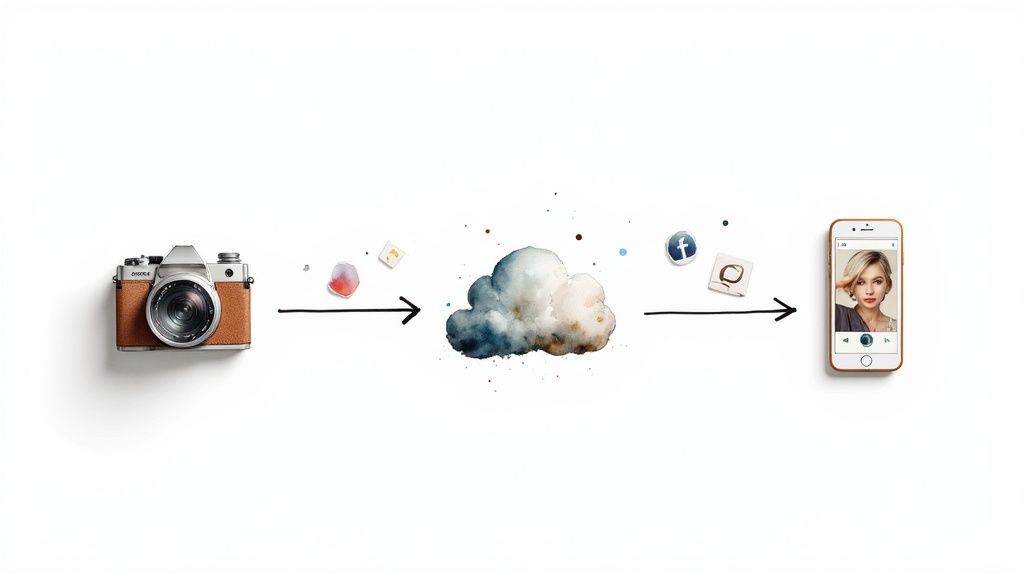 A slick video creation process is only half the battle. After all, the whole point when you automatically edit videos isn't just to make them faster—it's to get them in front of your audience without hitting any roadblocks.
This last mile is all about hooking your video engine into the rest of your marketing tech stack. When you connect your video automation tool to your core platforms, you build a seamless pipeline that moves content from creation to publication. No more videos getting stuck in digital limbo, waiting for someone to manually download and re-upload them.
Connecting Your Video Engine to Your Tech Stack
The secret to a truly hands-off workflow is setting up direct connections between your video tool and the platforms you live in every day. Most modern video automation platforms have native integrations built-in, or they can talk to other apps through services like Zapier.
This is where you can start automating the flow of content across your entire ecosystem.
- Content Management System (CMS): Imagine a new blog post goes live. An integration could instantly trigger the creation of a summary video and embed it right back into the post. Just like that, you've enriched your content without lifting a finger.
- Social Media Schedulers: Instead of exporting videos one by one, you can push finished clips directly into your scheduling tool’s content library. From there, your social media manager can grab them and plan out the calendar.
- Digital Asset Management (DAM): For larger teams, a DAM is the single source of truth. Integrating your video tool ensures every new video is automatically archived, tagged, and ready for other teams to find and use.
This connected approach transforms video production from a siloed task into a fully integrated part of your content operations. It’s the difference between having a fast car and building an entire automated highway.
Automating Content Repurposing and Optimization
Integration isn't just about shuffling files from one place to another. It’s about intelligently repurposing and tweaking that content for each specific platform. A well-oiled workflow can take a single master video and instantly adapt it for different channels.
This usually involves using the platform's API to tell it what you need. For example, you could set up a rule that takes every new webinar recording and automatically does the following:
- Spit out a full-length 16:9 version for your website and YouTube.
- Chop up a 9:16 short clip of a key highlight for Instagram Reels and TikTok.
- Create a 1:1 square version of another segment for your LinkedIn and Facebook feeds.
On top of that, a smart integration can automatically pack your videos with the right metadata. Think about adding relevant tags, descriptions, and custom thumbnails based on the source content. This gives a huge boost to your video’s visibility on platforms like YouTube. It’s the final piece of the puzzle that ensures your automated video engine doesn't just create content—it gets that content seen.
Still Have Questions? Let's Clear Things Up.
Switching to an automated video workflow is a big move, and it's totally normal to have a few questions. I hear the same concerns from teams all the time—will the quality really be there? Is this tech just too complicated for my team to pick up?
Let's walk through some of the most common questions I get. The goal is to get you comfortable with the idea of automatically editing videos so you can confidently add these powerful new workflows to your toolkit.
Can AI Truly Replace a Human Video Editor?
This is the big one, and the short answer is no. Honestly, that shouldn't even be the goal.
Think of it this way: AI is brilliant at crushing the repetitive, time-sucking tasks that make up a shocking 80% of the video creation process. We're talking about generating first drafts from a blog post, digging up relevant b-roll, adding subtitles, and slapping on your brand assets.
Your AI tool isn't a replacement for a creative editor; it's an incredibly efficient assistant. It handles all the grunt work, which frees up your human talent to focus on what they do best: storytelling, getting the emotional pacing just right, and adding those creative flourishes that a machine could never dream up. It’s a partnership that lets you produce more without burning out your best people.
What Kind of Content Is This Actually Good For?
Automation absolutely sings when you're dealing with high-volume, template-driven content. If speed and brand consistency are your main drivers, this is where you'll see a massive ROI. It’s the perfect fit for the day-in, day-out videos that keep modern marketing and communication engines running.
Here are a few prime examples where automated editing is a game-changer:
- Blog Post Summaries: Instantly turn your articles into shareable summary videos.
- Webinar Highlights: Stop letting great content die in a two-hour recording. Pull out the best moments for social media in minutes.
- Product Updates: Create standardized, on-brand announcement videos every single time, no matter who hits "publish."
- Short-Form Ads: Need ten variations of an ad to A/B test by tomorrow? No problem.
Bottom line: if the content follows a repeatable format, it's an ideal candidate for automation.
How Do I Keep My Automated Videos from Looking Generic?
This is a valid fear, but easy to avoid. The secret to steering clear of cookie-cutter content is all in the setup. The best automation platforms let you build out incredibly detailed brand kits that go way beyond just uploading a logo.
You can—and should—specify your exact brand color palettes, upload all your custom fonts, and define pre-set animations or transitions that feel like you.
The single most effective way to guarantee authenticity is to use your own assets as the foundation. When you supply your own core footage, use your own music library, and build custom templates that reflect your unique visual identity, you ensure your brand’s DNA is at the heart of every single video.
The AI is just the assembly line; the ingredients are all yours.
Seriously, What’s the Learning Curve for These Tools?
Unlike clunky, old-school editing software that takes months of training to master, modern AI video tools are built for the rest of us—marketers, content creators, and comms teams. They aren't just for professional video editors.
Most platforms are designed to be dead simple, with intuitive interfaces and guided workflows that just make sense. You're not staring at a blank timeline with a million confusing buttons.
For most teams, we see people get the hang of it in just a few hours. That means you can literally sign up for a tool in the morning and be producing high-quality, on-brand videos by the afternoon. This accessibility is what finally makes it possible to scale video creation across your entire organization.
Ready to stop the manual grind and start scaling your video production? Aeon empowers your team to automatically transform any text, audio, or video into on-brand content in minutes. Discover how Aeon can revolutionize your workflow today.