A product demo video isn't just a feature-dump. Far from it.
Think of it as a short, visual presentation showing exactly how your product solves a real, nagging problem for your customer. These aren't just feature lists set to music; they are persuasive visual stories crafted to turn a casual browser into someone who's ready to buy. It's all about showing tangible value in action.
Why Product Demos Are Your Secret Sales Weapon

In today's crowded market, just telling people what your product does is a losing game. You have to show them. This is where a great product demo video shifts from a "nice-to-have" marketing asset to a critical piece of your sales and conversion engine. It’s the bridge between an abstract feature on a pricing page and the real-world benefit a customer will feel.
Here’s an analogy I like: a feature list is like reading the blueprint of a house, but a demo video is the guided tour. It lets your audience picture themselves using the product, wiping out their daily frustrations, and hitting their goals. That creates an emotional connection and a sense of ownership before they’ve even clicked "buy now."
Building Trust and Answering Questions Proactively
A polished demo does more than just walk through the UI; it builds instant trust. By transparently showing your product’s interface and workflow, you’re pulling back the curtain and managing expectations from the get-go.
This proactive approach answers questions and crushes objections before a prospect even has a chance to voice them, which can seriously shorten your sales cycle.
A great demo video preemptively handles the most common sales objections by showing, not just telling. It demonstrates ease of use, highlights key differentiators, and proves the product’s value proposition in a tangible way.
This is especially true for complex software or products with a higher price tag. Viewers can see for themselves how simple the user experience is or how a specific feature directly solves their biggest headache. That visual proof is infinitely more powerful than any sales pitch.
To see how demos fit into a broader strategy, check out our complete guide on using product videos for marketing.
Key Metrics for Product Demo Video Success
The data consistently shows just how much these videos move the needle. Here’s a quick look at some key benchmarks that illustrate why investing in high-quality demos pays off.
These numbers paint a clear picture: product demos aren't just for show. They are a core driver of customer understanding, confidence, and, ultimately, sales.
Driving Decisions with Visual Evidence
The numbers don't lie. In the fast-paced world of digital marketing, product demo videos are a powerhouse for pushing buyers to a decision. A staggering 98% of people admit they've watched an explainer or demo video to learn more about a product.
This isn’t just passive scrolling, either. An incredible 87% of those viewers said the video is what convinced them to make a purchase, proving just how well these visual stories cut through the noise. You can dive deeper into the data from this SaaS demo video study for more context.
At the end of the day, a product demo turns your marketing from a monologue into a dialogue. It respects your buyer's intelligence and time by giving them concise, relevant information in a format they actually want to consume. By creating that immersive experience, you empower people to make informed decisions, turning them from skeptical prospects into your biggest fans.
Laying the Groundwork for a Winning Demo
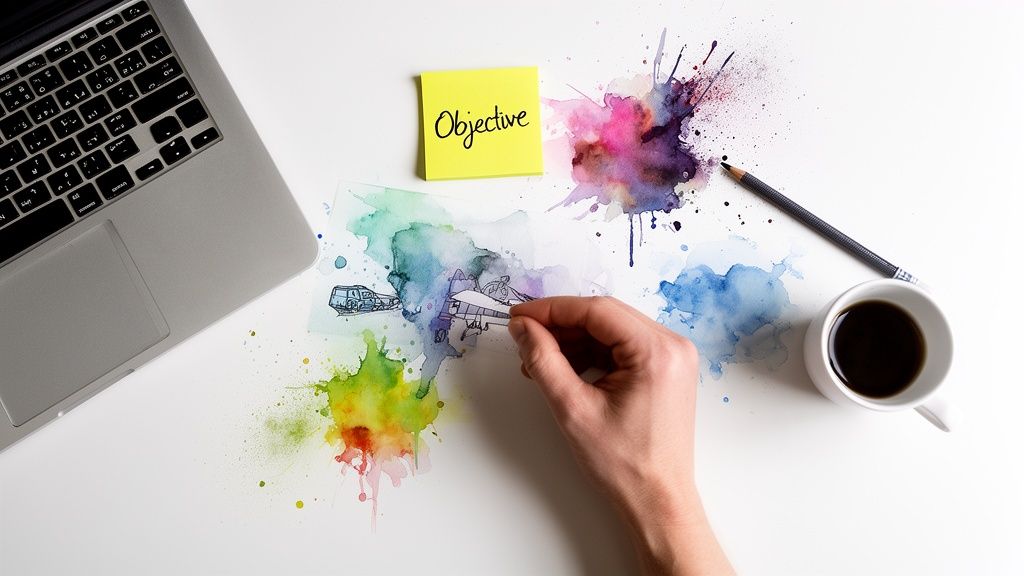
An exceptional product demo video is built on a foundation of solid strategy, long before you even think about hitting the record button. This initial planning phase is non-negotiable; it's what separates a video that just shows features from one that actually sells a solution.
Think of it as the blueprint for your project. If you just jump in and start recording, you're likely to end up with a meandering tour that fails to connect with your audience or drive any real action. The goal here is to define every element with purpose, making sure your final video is sharp, focused, and effective.
Define Your Single Most Important Objective
Before writing a single word of your script, you have to answer one critical question: what is the primary goal of this video? A demo trying to do everything at once will almost certainly achieve nothing. You need to pick one core objective that will guide every single decision from here on out.
Are you trying to generate more qualified leads for your sales team? Or maybe you need a powerful asset to help close enterprise deals by showing off a specific, high-value workflow. Another common goal is to lighten the load on your customer support team by proactively answering common questions.
Each of these goals demands a different approach:
- Lead Generation: The video will probably be shorter, centered on a "wow" moment, and end with a strong call-to-action to sign up for a trial.
- Sales Enablement: This demo could be more detailed, tailored to a specific industry, and designed for account executives to share during the sales process.
- Support Deflection: Here, the focus is all on clarity and problem-solving. You’ll be walking users through a common sticking point step-by-step.
By defining a single, measurable objective, you create a North Star for your project. This clarity prevents scope creep and ensures every scene, line of narration, and visual cue serves a specific, strategic purpose.
For a deeper dive into organizing your project's goals, our guide on how to write a creative brief offers a structured approach that can be invaluable.
Get Inside Your Audience's Head
Once your objective is locked in, the next step is to get a crystal-clear picture of the person you're making the video for. Creating a generic demo for "everyone" is a recipe for connecting with no one. You have to tailor your message to a specific audience persona.
Think about their technical expertise, their role in the company, and what truly motivates them. A demo for a CTO will look completely different from one aimed at a marketing manager. The CTO cares about security, integrations, and scalability, while the marketing manager is laser-focused on campaign performance and ROI.
Map out their biggest daily frustrations. What problems are they wrestling with that your product can solve? A successful demo doesn't just list features; it frames them as direct solutions to these very real pain points. It makes the viewer feel like you truly get them.
Crafting a Compelling Narrative Arc
With your objective set and your audience defined, you can now start structuring your story. The best product demos follow a classic narrative arc, transforming a simple feature walkthrough into a relatable problem-solution journey. Don't just show what your product does—show what it enables.
Start by outlining the key stages of your demo:
- The Hook: Kick things off by hitting on the core problem. State the viewer's pain point clearly and concisely in the first 15 seconds to grab their attention.
- The Solution: Introduce your product as the hero of the story. Briefly explain its value proposition before you get into the "how."
- The Demonstration: This is the heart of the video. Show the product in action, but only focus on the features that solve the problem you introduced at the beginning. Resist the temptation to show off every single button and menu.
- The Payoff: Wrap up by showing the successful outcome. What does life look like after using your product? Highlight the tangible benefits—time saved, revenue gained, or stress eliminated.
- The Call-to-Action: End with a clear, direct instruction. Tell the viewer exactly what you want them to do next, whether it's "Start Your Free Trial" or "Book a Personalized Call."
This structure creates a logical flow that guides the viewer from their current state of frustration to a future state of success, all made possible by your product.
Crafting a Narrative That Sells Your Solution
Features are just facts. It’s a great story that builds an emotional connection and actually inspires someone to take action. This is the secret behind a truly high-converting product demo video.
Your mission isn't just to rattle off a list of what your product can do. It's to tell a story where the viewer is the hero, and your product is the indispensable tool that helps them win the day.
Forget those dry, robotic feature tours. You need to build a narrative that clicks with your audience’s real-world headaches. People don’t buy software or products; they buy better, more efficient versions of themselves. Your video has to paint a crystal-clear picture of that transformation.
Master the Problem-Agitate-Solve Framework
One of the most powerful storytelling structures for any demo is the classic "Problem-Agitate-Solve" (PAS) framework. It works so well because it mirrors the viewer's own thought process, which creates an immediate sense of, "Yes, they get it!"
Here’s how to put it into practice:
- Problem: Kick things off by clearly stating the exact pain point your audience is dealing with. Don't be vague. For an e-commerce team, this might be: "Spending hours manually cutting out backgrounds from product photos is absolutely killing your team's productivity."
- Agitate: Now, you twist the knife just a little. Dig into the consequences of that problem. For example: "It’s not just tedious work. Those inconsistent results are cheapening your brand's premium image and actively costing you sales."
- Solve: Finally, you swoop in with your product as the obvious, elegant solution. "With Aeon Lossless Background, you can get perfect, studio-quality cutouts on hundreds of images in the time it takes to grab a coffee."
This simple three-act structure instantly frames your product as a direct answer to a costly frustration, not just another piece of tech. It hooks the viewer by proving you understand their struggle before you even mention a single feature.
Use a Day-in-the-Life Scenario
Another fantastic approach is the "Day in the Life" story. This is perfect for showing how your product fits neatly into a user's current workflow, making their job fundamentally easier and more impactful. Instead of a sterile tour of the UI, you're telling a story they can see themselves in.
Imagine a demo for a marketing team following a campaign manager named Alex. The video could open with Alex looking totally stressed, staring at a blank screen, with a deadline to create ad visuals for a new launch breathing down their neck.
From there, you’d show Alex using your platform's AI tools to generate stunning, on-brand images, draft compelling copy, and get the entire campaign out the door in minutes. The video closes with Alex looking confident and successful, having knocked out a full day's work in under an hour. This makes the benefits tangible and helps viewers immediately imagine themselves achieving the same results.
The most persuasive product demo videos don't feel like a sales pitch. They feel like a helpful colleague showing you a smarter way to work, making the desired outcome feel both achievable and essential.
A huge part of this is mastering the art of writing a compelling script for advertising that genuinely grabs attention and pushes people to act.
Writing a Script That Sounds Human
Your script is the soul of your video. It absolutely has to sound authentic, not like it was written by a corporate committee. The trick is to write for the ear, not for the eye.
- Use Simple Language: Ditch the jargon and corporate-speak. Seriously. Use short sentences and simple, direct words. Read your script out loud—if it sounds stuffy or unnatural when you say it, rewrite it until it flows like a real conversation.
- Focus on Benefits, Not Features: This is a big one. Never lead with the feature. Lead with the benefit that feature delivers. Instead of saying, "Our platform uses the Flux 2 Max engine," say, "Create photorealistic 4K assets that stop the scroll and drive more clicks."
- Integrate a Natural Call to Action: Your CTA shouldn't feel like it was just tacked on at the end. It should be the logical next step in the story you've just told. After showing the incredible outcome, a CTA like, "Ready to launch campaigns this fast? Start your trial today," feels like a natural invitation, not a hard sell.
Bringing Your Product Demo Video to Life
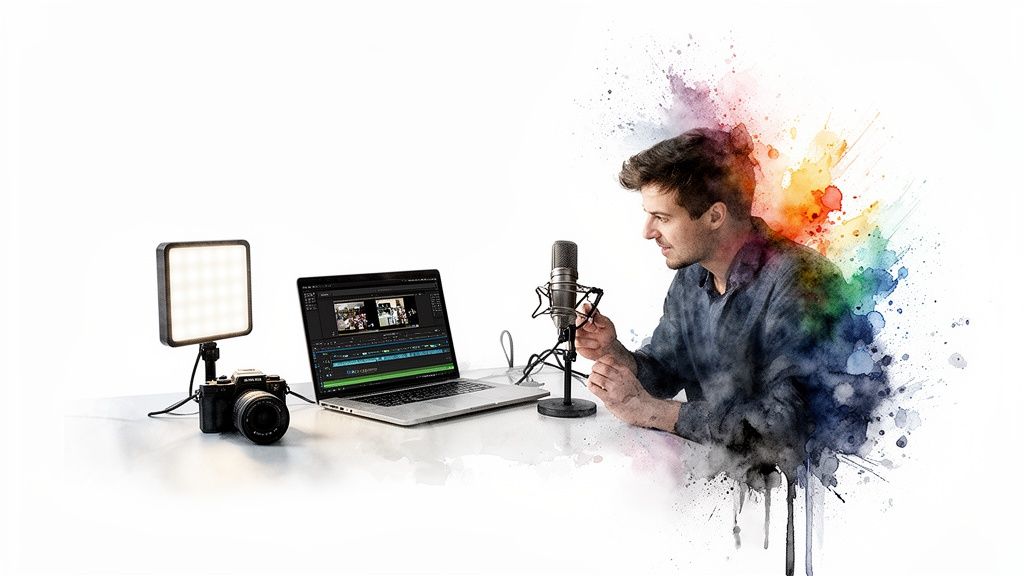
Alright, you’ve got a solid plan and a script that tells a great story. Now it's time to roll up your sleeves and turn that strategy into a tangible asset—a polished video ready to do some heavy lifting for your sales team.
This is where the magic happens. Whether you're recording your screen, shooting live-action footage, or building an animated sequence, the production phase is what gives your story that professional sheen and persuasive punch.
And here’s the good news: you don't need a Hollywood budget or a massive studio to pull this off. Some of the most authentic and highest-converting demos I've seen were made with surprisingly simple setups. The real secret is focusing on a few core technical details that make a huge difference in how your audience perceives your brand.
Choosing Your Recording Method
First things first, how are you going to capture the visuals? This decision really hinges on your product and the story you've decided to tell. For most software and digital products, a screen recording is the most straightforward and effective path.
- Screen Recording: This is the bread and butter for SaaS platforms. It shows your product in its natural habitat, giving potential customers an authentic peek into the user experience.
- Live-Action: Perfect for physical products or any service that involves human interaction. It helps people visualize themselves actually using your product in the real world.
- Animation: This is a fantastic choice when you need to explain complex ideas or abstract services that are tough to show on screen. It gives you total creative freedom to build the visual narrative from the ground up.
The Technical Must-Haves for a Polished Demo
No matter which route you take, a few technical fundamentals are non-negotiable. Getting these right is what will elevate your video from looking like a weekend project to a professional piece of content that builds trust. Viewers are smarter than we give them credit for; poor quality is an immediate red flag that signals a lack of care.
Clean audio, clear visuals, and good lighting aren’t just nice-to-haves—they're the foundation of your video's credibility.
Crystal-Clear Audio Is Everything
Let's be blunt: if your audience has to strain to hear you or gets distracted by buzzing and background noise, you've lost them. Bad audio is more distracting than bad video.
Please, invest in a decent external microphone. The built-in mic on your laptop or camera just won't cut it.
- USB Microphones: For screen recordings and voiceovers, a quality USB mic like a Blue Yeti or Rode NT-USB+ is a fantastic, affordable option that delivers rich, clear sound.
- Lavalier Mics: If you’re shooting live-action, a small lavalier (or "lapel") mic is your best friend. It clips right onto your shirt and ensures your audio levels stay consistent, even if you move around.
Here's a pro tip: Always record in a quiet space with minimal echo. A small room with soft furnishings—carpets, curtains, even a closet full of clothes—can do wonders for absorbing sound and killing that nasty reverb.
Software and Lighting for Crisp Visuals
For screen recordings, you’ll need some reliable capture software. Tools like Loom and Vidyard are great for their simplicity and sharing features. If you need more editing muscle, Camtasia is a more robust option that gives you a lot more control.
If you’re going to be on camera, lighting is your best friend. You don’t need an expensive kit to start. The simplest trick is to sit facing a window and let soft, natural daylight do the work. If that's not an option, a ring light is a cheap investment that provides even, flattering light and gets rid of harsh shadows.
For anyone creating videos specifically for e-commerce sites, checking out a profit-driven guide to product video for Amazon can give you some extra, platform-specific insights.
Post-Production: Where the Magic Happens
Editing is where you bring it all together. This is where your raw video clips, voiceover, music, and graphics are assembled into a cohesive, engaging story. You’ll set the pace, emphasize key moments, and add that final layer of professional polish.
Your editing software doesn’t have to be intimidating. Simple tools can handle basic cuts just fine, while more advanced software like Adobe Premiere Pro offers deeper control. During this phase, your focus should be on:
- Pacing: Be ruthless. Cut out any awkward pauses, loading screens, or slow moments. A tight, well-paced video respects your viewer's time and keeps them hooked.
- Music and Sound: A subtle, upbeat music track can add a ton of energy and emotion. Just make sure it isn't distracting and that your voiceover is always front and center. If you’re working with separate audio and video files, our guide on how to https://project-aeon.com/blogs/sync-audio-to-video has some practical steps for getting everything perfectly aligned.
- Graphics and Text Overlays: Use simple text callouts to highlight key benefits or point to specific features on the screen. This visual reinforcement is crucial for helping people remember the important stuff.
This meticulous attention to detail is what convinces your audience. The numbers don't lie: 96% of people have watched a video to learn about a product, and for 89% of consumers, video quality directly impacts their trust in a brand. When 85% of people are convinced to buy after watching a video, the quality of your production becomes a direct driver of sales.
Getting Your Demo in Front of the Right People
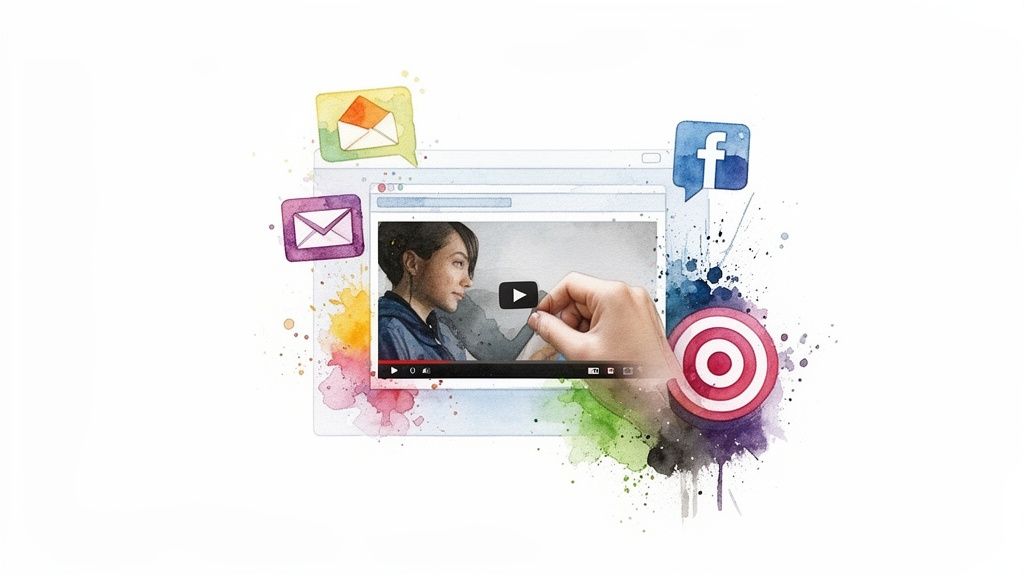
You’ve poured your heart and soul into creating a killer demo video. That’s a huge win, but let's be real—it's only half the battle. A brilliant demo is totally useless if the right people, your ideal customers, never even see it.
So, now we pivot. The focus shifts from production to promotion. We need a smart, multi-channel distribution strategy to get this video seen and make sure it has the impact it deserves. Just tossing it on a video platform and crossing your fingers isn’t a strategy. You need a deliberate plan to put your demo in the exact digital spots where your prospects are already searching for answers.
Strategic Placement on Your Owned Properties
Your own website is the most valuable real estate you've got. It’s where people with high intent land when they’re seriously evaluating your solution, making it the perfect stage for your demo. Don’t bury it. Put it front and center.
Here are the key locations for maximum visibility:
- Your Homepage: Go ahead and place your demo above the fold. This is your chance to immediately grab the attention of new visitors and quickly show them what you're all about.
- Product and Feature Pages: This is where you get specific. Embed shorter, feature-focused demos right on the pages that break down those capabilities. It gives crucial context and answers detailed questions the moment a user gets curious.
- Dedicated Landing Pages: If you're running paid campaigns, send that traffic to a landing page where your demo video is the star of the show. It creates a focused, high-conversion experience.
By placing your video in these key spots, you’re meeting your audience exactly where they are in their journey, giving them the visual proof they need, right when they need it.
One of the biggest mistakes I see is treating the demo like a single, monolithic asset. Think of it as a modular story instead. Create short, punchy clips for social media and more in-depth versions for your product pages. Match the content to the context.
This tailored approach keeps your message relevant, whether someone is just discovering your brand or digging deep into a specific feature. This naturally leads to the next step: expanding your reach beyond your own site.
Expanding Your Reach with Outbound Channels
Once your on-site strategy is locked in, it's time to take your demo on the road. Pushing it out through email, social media, and paid channels can dramatically boost your video's visibility and drive qualified traffic back to you.
Email marketing is still a powerhouse. Just including the word "video" in a subject line can give your open rates a serious lift. Weave your demo into onboarding sequences for new trial users or use it in nurture campaigns to warm up colder leads. A link to a targeted demo can be the perfect nudge to get someone to the next step.
On social media, native video is king. Upload your demo directly to platforms like LinkedIn or X (formerly Twitter) instead of just dropping a link. Create short, attention-grabbing clips—even just the first 15 seconds of your demo—to act as a hook that gets people clicking to watch the full version.
The Next Frontier: Interactive Demos and SEO
If you really want to stand out, think beyond passive video. The rise of interactive product demos is a game-changer, letting you turn viewers into active participants. Instead of just watching, users can click, type, and navigate through a simulated version of your product, all inside the player.
This hands-on approach is incredibly powerful. The latest data shows interactive demos are reshaping how brands showcase their products, with 18% of B2B SaaS websites now featuring interactive demo CTAs. The results speak for themselves: the elite top 1% of these demos see a whopping 71% click-through rate (CTR).
And get this—52% of the top-performing demos appear on multiple pages. When placed strategically, these interactive experiences can drive 32% higher conversions. You can see more insights on how interactive demos are changing the B2B landscape.
Finally, don't sleep on video SEO. Optimize your video’s title, description, and tags with relevant keywords on platforms like YouTube and Wistia. This simple step helps your demo pop up in search results when potential customers are actively looking for solutions just like yours, creating a steady, sustainable source of high-intent traffic over time.
Common Questions About Product Demo Videos
When marketing and e-commerce teams dive into creating product demos for the first time, a few key questions always seem to pop up. Getting straight answers to these can save you a ton of headaches and help you sidestep the usual rookie mistakes.
Let's walk through some of the most frequent questions we hear and give you the practical, no-fluff answers that we know work across different industries.
How Long Should a Product Demo Video Be?
There’s no single magic number here, but the ideal length of your demo really boils down to where people will be watching it.
For a primary demo sitting on your homepage or a product page, you’ll want to aim for the 2-5 minute sweet spot. That gives you enough runway to tell a compelling story and show off the core value without your audience's attention wandering. In fact, a whopping 73% of consumers say they prefer short-form videos when they’re learning about a new product.
But the moment you shift to social media feeds or paid ads, the rules change entirely. You have to get to the point, and fast.
- Social Media Ads: Try to keep it under 90 seconds.
- Organic Social Posts: Aim for 30-60 seconds, max.
The golden rule? Be as brief as you possibly can while still getting your unique value across. You absolutely have to front-load your most important message. If you don't hook them in the first 15 seconds, they're gone.
What Is the Difference Between a Demo and an Explainer Video?
This is a really important distinction. They serve completely different purposes and speak to people at different stages of their journey. Getting this wrong means creating a video that completely misses the mark with your audience.
An explainer video is all about the "why." Think of it as a high-level introduction to a problem your audience has, positioning your brand as the answer. It’s an awareness-building tool, perfect for people who might not even realize a solution like yours exists.
A product demo video, on the other hand, gets into the "how." This is for prospects who are already aware of the problem and are actively shopping for a solution. A demo's job is to show your product in action, focusing on the specific features and workflows that make it the best choice for them.
What Are the Biggest Mistakes to Avoid?
Honestly, making a great product demo is often more about what you don't do. If you can steer clear of a few common but critical mistakes, your content will immediately stand out from the noise.
- Focusing on Features, Not Benefits: This is, without a doubt, the most common trap. Viewers don’t care about your "Flux 2 Max engine." They care that it helps them create "photorealistic 4K assets that drive more clicks." Always, always translate your features into tangible outcomes for the customer.
- Tolerating Poor Audio: Bad sound is so much worse than slightly imperfect video. Muffled, echoing, or quiet audio just screams unprofessional. It kills your credibility on the spot and makes your video basically unwatchable.
- Forgetting a Clear Call-to-Action (CTA): After they watch, what do you want them to do? You have to tell them! Whether it’s "Start a Free Trial" or "Book a Call," a clear, direct CTA isn't optional—it's essential.
- Trying to Show Everything: A great demo is a focused one. You have to resist that temptation to click on every single button and show every menu. Instead, zero in on the core features that solve the biggest, most painful problems for your ideal customer.
At Aeon, we combine powerful AI tools with expert-backed playbooks to help your team create high-converting campaigns in minutes, not weeks. Turn a simple prompt into polished ads and studio-quality visuals effortlessly. See how it works at https://www.project-aeon.com.