
The demand for video content is relentless, but traditional production workflows are slow, expensive, and difficult to scale. For publishers, marketing departments, and e-commerce teams, this bottleneck means missed opportunities for engagement, traffic, and revenue. AI video creation tools are changing this by automating everything from scriptwriting and voiceovers to generating entire scenes from a simple text prompt.
This guide cuts through the hype to provide a detailed, comparative roundup of the 12 best platforms available today. We move beyond marketing claims to analyze core features, ideal use cases, and practical limitations for each tool. Our goal is to help you find the right solution to transform your content strategy, streamline production, and captivate your audience without breaking your budget. While this article focuses on video, AI also provides significant opportunities for scaling other forms of content, such as through advanced tools for AI Affiliate Writing.
We’ve structured this resource to be scannable and practical. Each entry includes a breakdown of its key strengths, potential drawbacks, pricing, and specific scenarios where it excels, from creating social media shorts to producing polished training videos. You will find direct links and visual examples for every platform listed, allowing you to quickly evaluate which ai video creation tools best fit your team’s specific workflow and strategic goals. Whether you need to generate realistic avatars, animate product images, or create cinematic B-roll from text, this comprehensive list will help you make an informed decision and start scaling your video output immediately.
1. Aeon
Best For: High-volume, brand-aligned video production for publishers and e-commerce.
Aeon solidifies its position as a top-tier choice among ai video creation tools by offering a powerful, end-to-end platform engineered for speed, scale, and brand consistency. Unlike more generalized tools, Aeon is specifically architected for publishers, marketing departments, and ad-sales teams that require a high output of quality video without sacrificing editorial control or brand integrity. The platform excels at transforming various inputs, including articles, audio files, or existing video clips, into polished, social-ready assets automatically.

Its standout capabilities are rooted in the proprietary Veo 3.1 engine. This suite includes Fast first/last-frame-to-video, which generates photorealistic transitions, and reference-to-video, a feature that animates static images with synchronized audio. These advanced generative tools allow teams to create dynamic visuals that feel custom-produced, not automated. For e-commerce brands, the Lossless BackgroundReplace feature is a game-changer, enabling the creation of cinematic product videos from static photos without requiring manual retouching or reshoots.
Key Features and Use Cases
- Automated Content Conversion: Transforms articles or audio into multi-format videos, ideal for editorial teams looking to expand their content reach on platforms like TikTok, Instagram Reels, and YouTube Shorts.
- Brand and Editorial Control: Utilizes customizable playbooks to enforce brand guidelines, ensuring consistency in fonts, colors, and messaging across all video outputs.
- Advanced Generative AI: The Veo 3.1 suite elevates production quality, making it perfect for ad-sales teams creating high-impact sponsored content or marketing teams animating product stills for campaigns.
- E-commerce Optimization: Lossless BackgroundReplace is specifically designed for creating uniform, high-quality product videos, which helps drive conversions and streamlines asset creation. You can learn more about how Aeon compares to other top AI video solutions and discover additional insights on their official blog.
Pricing and Access
Aeon offers a free trial to explore its core functionalities. The Professional tier is priced at approximately $20 per user per month, with promotional rates sometimes available (e.g., $16 per user/month). For larger organizations, custom enterprise pricing is available upon request.
Analysis
Website: https://www.project-aeon.com
2. Runway
Runway positions itself as a comprehensive, browser-based AI magic toolkit for creators, moving well beyond simple text-to-video prompts. It’s one of the most mature AI video creation tools, offering a suite of production-ready features that cater to both individual artists and enterprise-level marketing teams. The platform's core is its Gen-2 model, a powerful engine for generating video from text or images with an emphasis on stylistic control and cinematic motion.
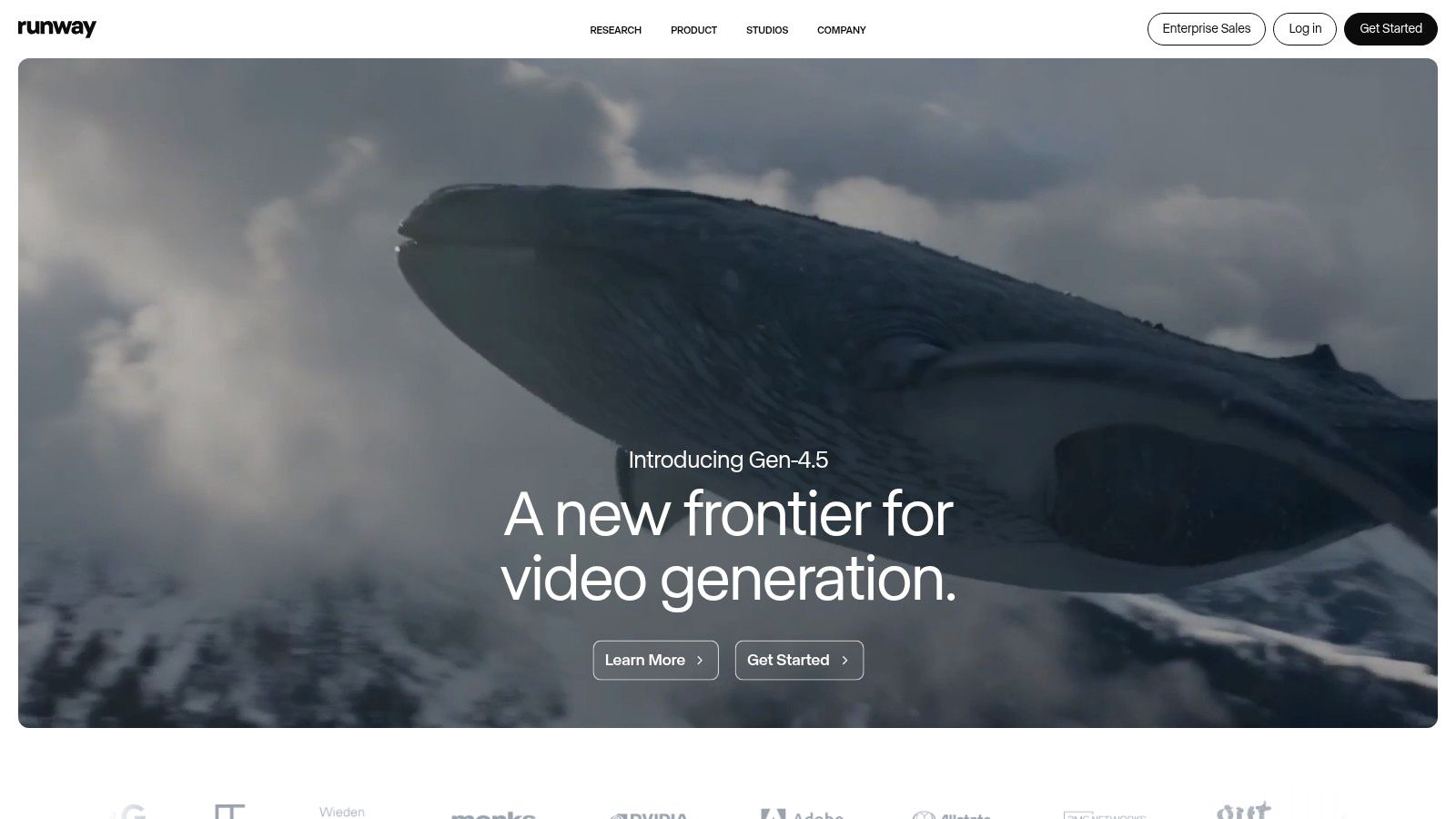
Unlike competitors focused solely on generation, Runway integrates its AI capabilities into a robust, timeline-based editor. This allows teams to seamlessly transition from creating a short clip to incorporating it into a larger project with AI-powered features like background removal, motion tracking, and 3D texture generation.
Key Features & Use Cases
- Best For: Marketing teams needing a complete production suite, creative agencies experimenting with generative art, and content creators looking for advanced AI editing tools.
- Core Functionality: Gen-2 model (Text/Image-to-Video), Video-to-Video restyling, AI Training for custom models, and a full-featured video editor.
- Practical Tip: Use the "Motion Brush" tool to apply motion to specific regions of a still image. This gives you granular control for creating dynamic product shots or subtle environmental effects without re-generating the entire scene.
Pricing & Platform
Runway operates on a credits-based system, which can be initially confusing but offers scalability. A free plan provides a limited number of credits to start. Paid tiers (Standard at $15/user/mo, Pro at $35/user/mo) offer more credits, 4K exports, and access to more advanced tools, with enterprise options available for larger teams.
Website: https://runwayml.com
3. Pika
Pika has carved out a niche as a fast, user-friendly, and highly creative AI video creation tool, particularly popular for generating short, stylized clips for social media. Instead of positioning itself as a full production suite, Pika excels at rapid idea generation and playful visual transformations. The platform’s strength lies in its accessibility and the variety of its creative effects, allowing users to quickly turn text or images into dynamic, eye-catching videos.
Its interface is built around a simple prompt bar, making it one of the easiest tools to start with. Pika’s unique value comes from its suite of transformative tools like Pikaffects and Pikaswaps, which let creators modify and enhance existing videos with AI-powered effects, rather than just generating content from scratch. This makes it a powerful tool for quick iteration and experimentation.
Key Features & Use Cases
- Best For: Social media managers, content creators needing rapid video assets, and marketing teams testing creative concepts for short-form video ads.
- Core Functionality: Text/Image-to-Video generation, multiple model tiers (Turbo, Pro), and video modification tools (Pikaffects, Pikaswaps).
- Practical Tip: Use the "Modify Region" feature combined with a prompt to change only a specific part of your generated video. This is ideal for altering a character’s clothing or adding a new object to the background without having to regenerate the entire clip.
Pricing & Platform
Pika uses a credit-based system, with a free plan offering a small number of credits to get started (videos include a watermark). Paid plans (Standard at $10/mo, Pro at $68/mo) provide more credits, remove the watermark, offer faster generation times with the Pro model, and grant a commercial use license.
Website: https://pika.art
4. Luma AI: Dream Machine
Luma AI's Dream Machine enters the market as a formidable text-to-video generator, carving out a niche with its focus on high-fidelity motion, fluid character actions, and realistic physics. It excels at creating short, impactful clips (typically 5 seconds) that feel dynamic and coherent, making it a strong contender among AI video creation tools for producing high-quality social media content, b-roll, or animated storyboards. The platform’s strength lies in its ability to interpret prompts that describe movement and interaction with a high degree of accuracy.
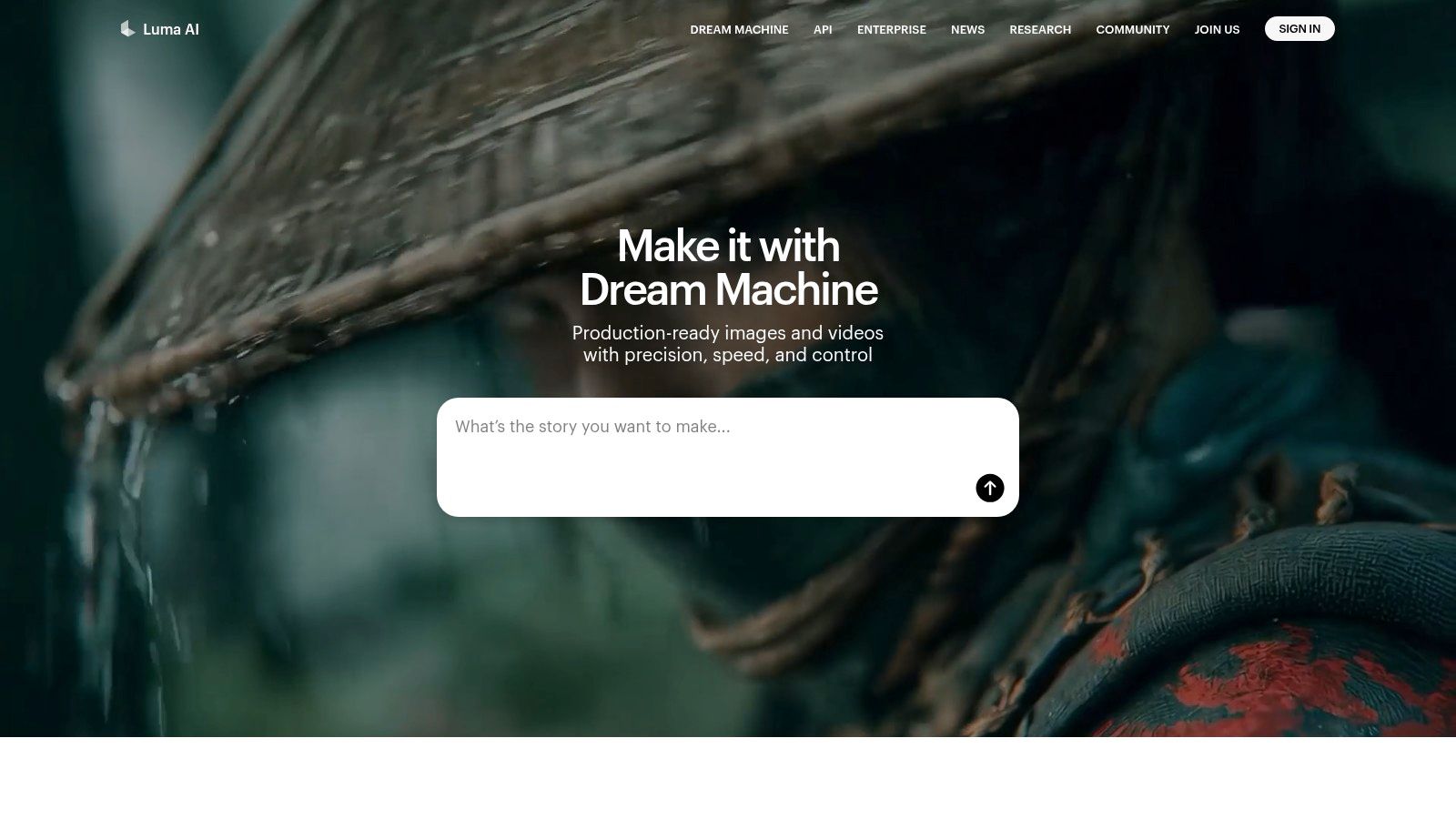
Unlike all-in-one editor suites, Dream Machine concentrates purely on generation. It offers a streamlined web interface where users input text or image prompts to quickly generate video drafts. This singular focus allows it to push the boundaries of motion quality, making it an excellent tool for marketing teams who need to create visually stunning short-form video ads or engaging clips for platforms like TikTok and Instagram Reels without a complex editing environment.
Key Features & Use Cases
- Best For: Social media managers, advertisers creating short video ads, and creative teams needing quick, high-quality concept visualizations.
- Core Functionality: Text-to-Video and Image-to-Video generation, with options for extending clips and upscaling to 4K on paid plans.
- Practical Tip: Be highly descriptive with action verbs and camera movements in your prompt (e.g., "a slow-motion tracking shot of a golden retriever joyfully leaping..."). Dream Machine's physics engine responds well to specific motion instructions, leading to more dynamic results.
Pricing & Platform
Luma AI uses a credits-based subscription model. A free plan is available, offering a generous allotment of monthly generations for non-commercial use. Paid plans (Standard at $29.99/mo, Pro at $99.99/mo) provide significantly more credits, faster generation priority, commercial usage rights, and no watermarks. An "unlimited" generation option is available at the highest tier, appealing to heavy users and agencies.
Website: https://lumalabs.ai
5. Synthesia
Synthesia is a leader in the corporate space, focusing on creating professional, polished videos using AI avatars. Instead of generating cinematic scenes, it excels at producing scalable training content, L&D modules, and corporate communications. The platform stands out by transforming simple text scripts into presenter-led videos, making it one of the most efficient AI video creation tools for business and educational purposes without needing cameras or microphones.
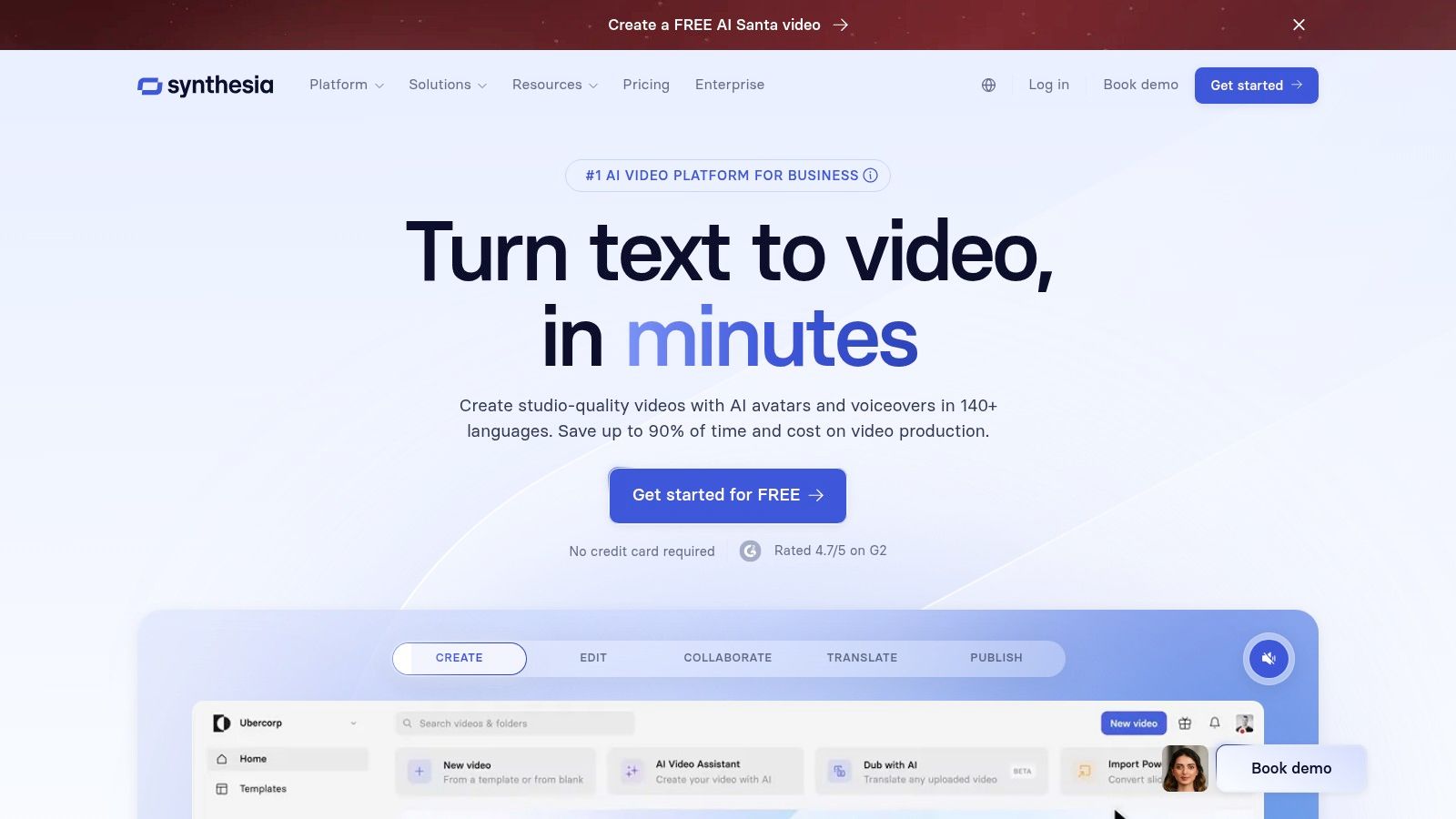
The platform is built for enterprise-level workflows, offering features like SCORM exports for seamless integration with learning management systems (LMS) and an API for automating video creation at scale. With a vast library of stock avatars and extensive language support, companies can rapidly localize content for global audiences. For a deeper look at its capabilities, you can find a comprehensive breakdown in our guide to AI avatar videos.
Key Features & Use Cases
- Best For: Enterprise L&D departments, corporate training teams, and marketers creating scalable how-to videos or internal communications.
- Core Functionality: Large library of 180+ stock AI avatars, AI dubbing in 120+ languages, customizable video templates, and API access for automation.
- Practical Tip: Use the screen recording feature to create a product demo, then add an AI avatar to narrate specific steps. This combines a personal touch with a clear instructional guide, perfect for customer onboarding.
Pricing & Platform
Synthesia’s pricing model is geared toward business use, with a Personal plan starting at $29/mo for 10 minutes of video. The real power unlocks in its custom Enterprise plans, which provide unlimited video creation, custom avatars, and robust security features like SSO and SOC 2 compliance.
Website: https://www.synthesia.io
6. HeyGen
HeyGen specializes in avatar-led video production, positioning itself as a powerful tool for scalable business communications like marketing, sales outreach, and corporate training. Rather than focusing on cinematic scene generation, it provides a polished platform for creating presenter-style videos quickly. Its core strength lies in its extensive library of realistic AI avatars and high-quality voice cloning, making it one of the go-to AI video creation tools for professional content.
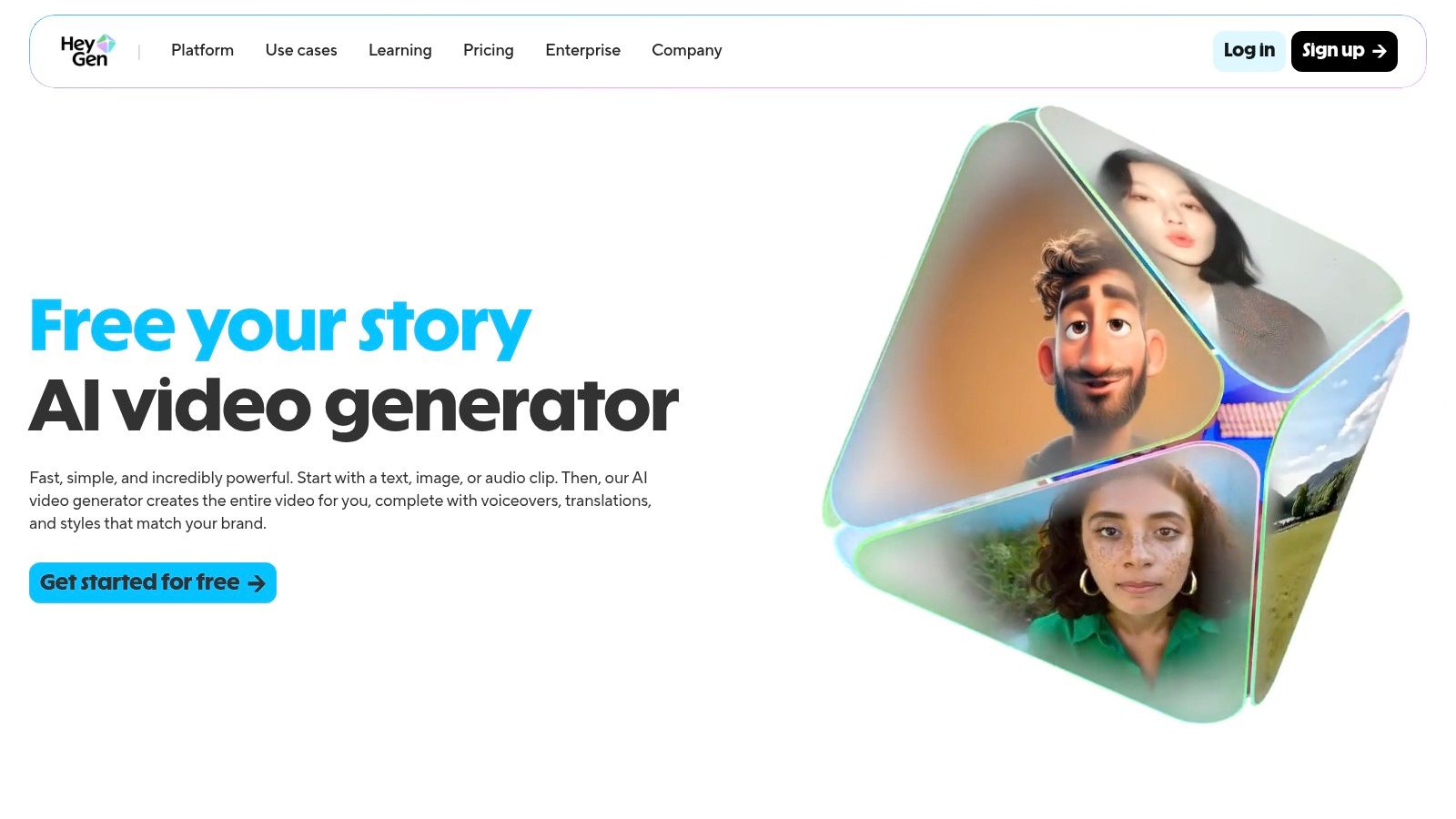
The platform stands out with its robust localization features, allowing teams to translate and dub videos into over 175 languages with realistic lip-syncing. This makes it exceptionally valuable for global marketing campaigns and e-learning modules. With team collaboration features, brand kits, and an available API, HeyGen is built for integration into existing business workflows.
Key Features & Use Cases
- Best For: Corporate training departments, marketing teams creating personalized sales videos, and businesses needing to localize video content at scale.
- Core Functionality: AI avatar video generation (stock or custom), voice cloning, video translation and dubbing, and an API for product integration.
- Practical Tip: Use the video translation feature to repurpose a single English-language marketing video for multiple international markets. The platform handles the voice dubbing and lip-syncing, saving immense time and localization costs.
Pricing & Platform
HeyGen uses a subscription model based on credits, which are consumed for each minute of generated video. A free plan is available to test the platform but includes a watermark. Paid plans start with the Creator tier at $29/mo, with Team plans at $149/mo offering more credits, 4K exports, and brand kit features. Enterprise and API plans provide custom solutions for larger-scale needs.
Website: https://www.heygen.com
7. Descript
Descript approaches AI-powered video from an editor-first perspective, making it an indispensable tool for content driven by dialogue. Instead of focusing on pure generation, it leverages AI to streamline the editing process for podcasts, tutorials, and marketing interviews. Its core innovation is treating video and audio like a text document, where deleting a transcribed word or sentence automatically cuts the corresponding media.
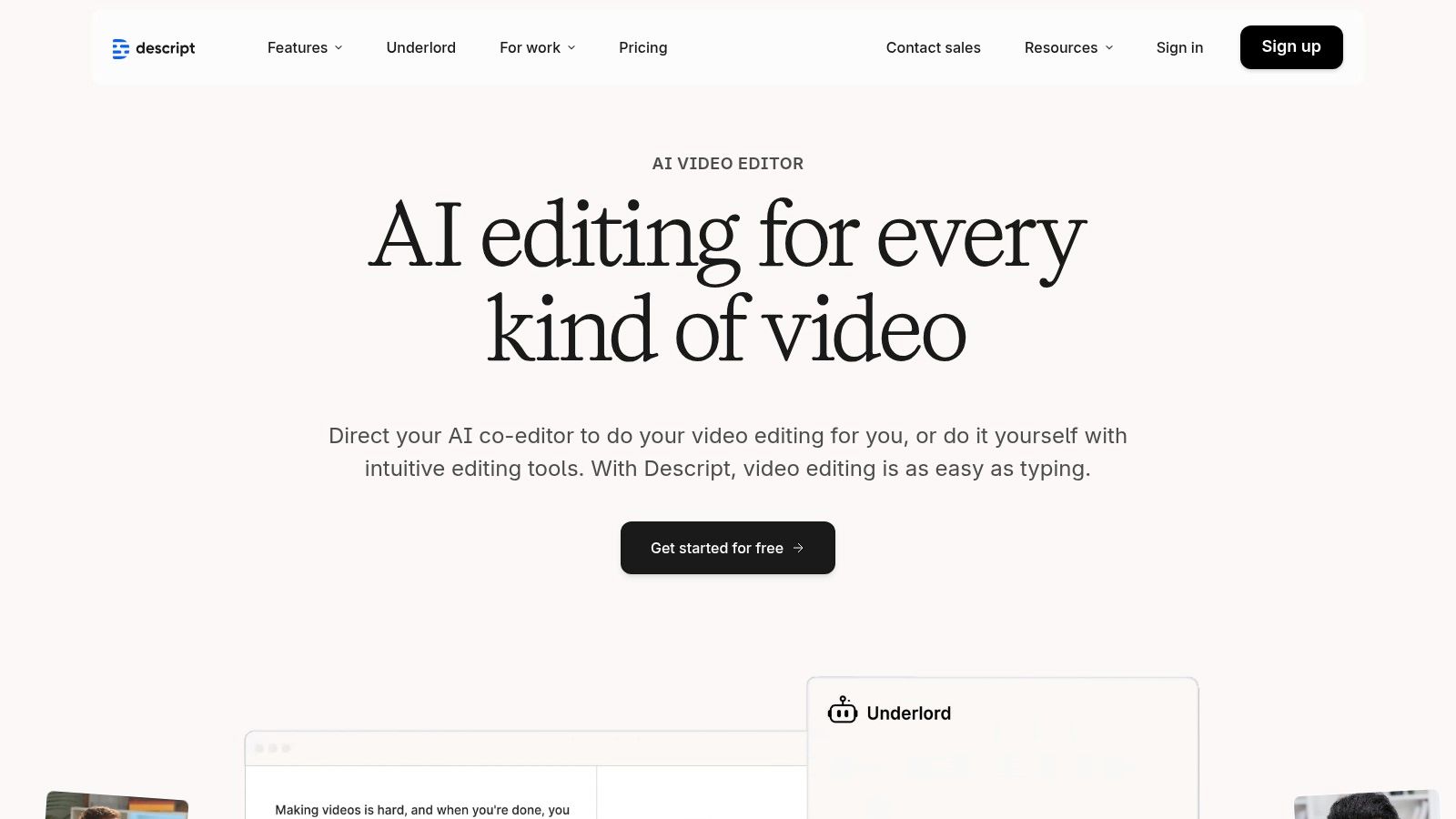
This text-based workflow makes it one of the most intuitive AI video creation tools for teams who produce talking-head content. The platform integrates powerful features like "Studio Sound" for audio enhancement, automated filler-word removal, and "Overdub" for correcting misspoken words using a cloned AI voice. To learn more about how Descript can automatically edit your videos, its text-based approach is a key advantage.
Key Features & Use Cases
- Best For: Podcasters, corporate training teams, course creators, and marketing teams producing interview or testimonial-heavy content.
- Core Functionality: Text-based video/audio editing, high-accuracy transcription, Overdub (AI voice cloning), Studio Sound (noise removal), and integrated screen recording.
- Practical Tip: Use the "Remove Filler Words" feature to instantly clean up "ums" and "ahs" from an entire recording in a single click, saving hours of manual editing on interview footage.
Pricing & Platform
Descript offers a straightforward subscription model. A free plan includes limited transcription and screen recording. Paid plans (Creator at $15/user/mo, Pro at $30/user/mo) unlock more transcription hours, advanced AI features like Overdub, and higher-quality exports. An enterprise plan is available for teams needing advanced collaboration and security.
Website: https://www.descript.com
8. Kapwing
Kapwing positions itself as a collaborative, browser-based video studio where AI serves to accelerate the editing and repurposing workflow. Rather than focusing on purely generative video, Kapwing excels at using AI to streamline common, time-consuming tasks for social media and marketing teams. It’s one of the most accessible AI video creation tools for teams who need to quickly add captions, translate content, and reformat videos for different platforms without a steep learning curve.
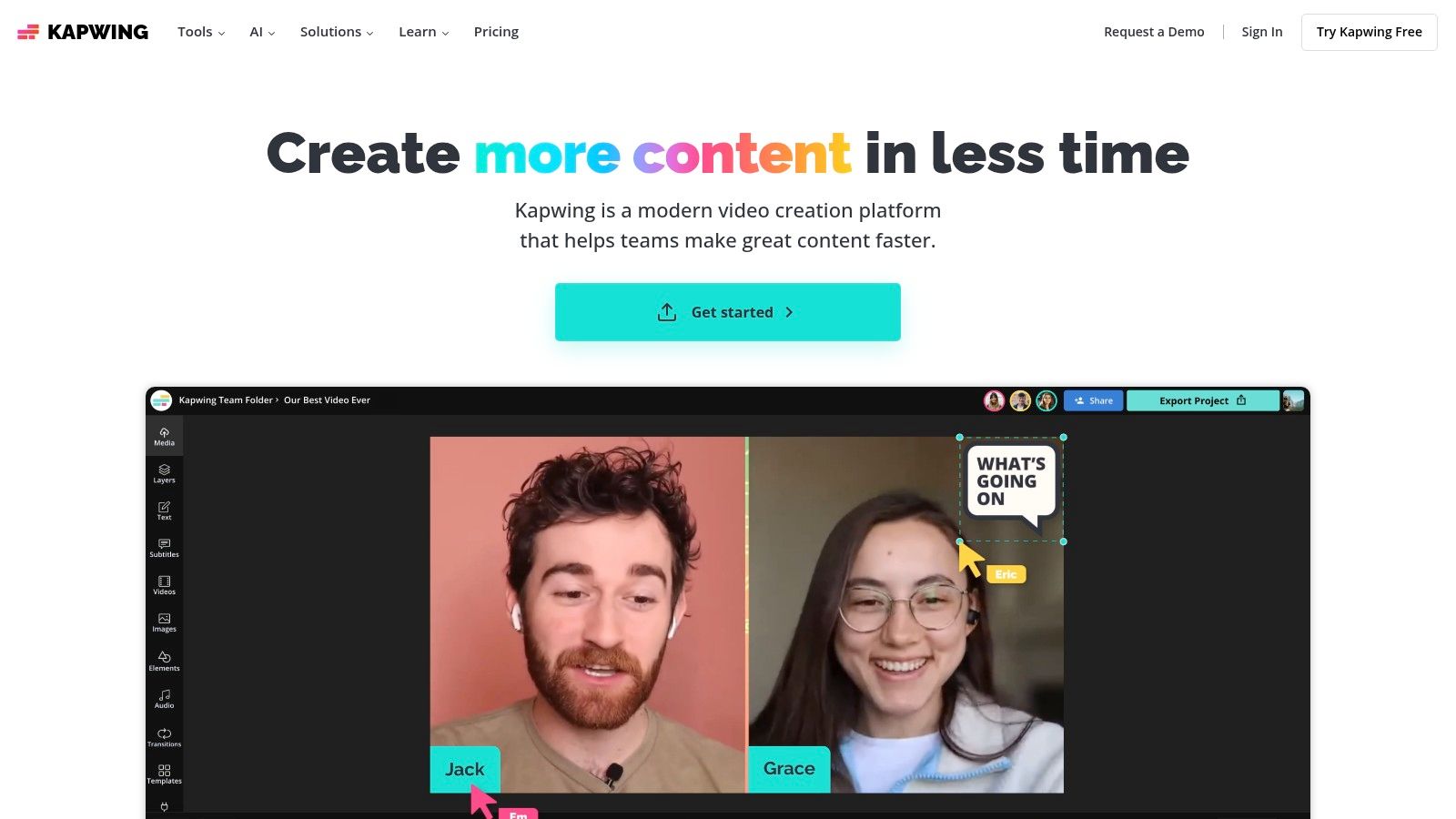
The platform integrates a suite of practical AI features directly into a user-friendly, timeline-based editor. This design allows creators to automatically generate subtitles, dub audio into new languages with AI-powered lip-sync, or create a short social clip from a long webinar. Its strength lies not in creating video from scratch, but in enhancing and repurposing existing footage with remarkable speed.
Key Features & Use Cases
- Best For: Social media teams needing to rapidly repurpose long-form content, marketers requiring quick and accurate subtitling, and collaborative teams looking for a simple video editor.
- Core Functionality: AI-powered subtitling and transcription, video translation and dubbing, text-to-speech, background removal, and a smart "Repurpose" tool for auto-generating short clips.
- Practical Tip: Use the "AI Dubbing" tool to translate a testimonial video. Upload your clip, select the target language, and Kapwing will generate a translated voiceover and even adjust the speaker's lip movements to match, making your content accessible to a global audience with minimal effort.
Pricing & Platform
Kapwing offers a free plan with a watermark on exports and limited access to AI features. The Pro plan ($24/user/mo) removes watermarks, unlocks 4K exports, and provides a monthly allowance of credits for AI tools. The Enterprise plan offers custom pricing for larger teams needing advanced collaboration features and security.
Website: https://www.kapwing.com
9. Canva
Canva has evolved from a simple graphic design tool into a comprehensive content creation suite, integrating powerful AI features into its user-friendly interface. While not a dedicated generative video platform, its "Magic Studio" now includes AI video generation, making it one of the most accessible AI video creation tools for teams already using the platform for social media graphics, presentations, and brand collateral. It excels at generating short, supplementary clips that can be immediately dropped into a project.
The platform's strength lies in its ecosystem. A user can generate a clip, add it to a professionally designed template, pull brand assets from a pre-configured Brand Kit, and overlay stock audio or video, all within a single browser tab. This streamlined workflow is ideal for marketing teams and non-designers tasked with producing a high volume of content quickly.
Key Features & Use Cases
- Best For: Marketing teams, social media managers, and small businesses that need an all-in-one design and video platform with simple AI capabilities.
- Core Functionality: "Magic Media" text-to-video clip generation, a massive library of video templates, integrated stock assets, and collaborative Brand Kits.
- Practical Tip: Use the AI-generated clips as dynamic backgrounds for text overlays or product callouts. Generate a short, abstract video and place it inside a frame on a social media graphic to make your static designs more engaging.
Pricing & Platform
Canva offers a robust free tier, but AI video generation is primarily a feature of its paid plans. The Pro plan ($14.99/user/mo) and Teams plan ($29.99/user/mo for 5 users) provide a set number of "Magic Media" credits per month. Enterprise plans offer custom solutions for larger organizations needing advanced brand controls and administration.
Website: https://www.canva.com
10. InVideo (invideo AI)
InVideo AI excels as a workflow-driven tool that transforms a simple text prompt into a fully-scripted, voiced, and edited video in minutes. It's designed specifically for publishers and marketers who need to produce explainer videos, social media content, or listicles at scale, without getting bogged down in manual editing. The platform automates the entire process, from generating a script and scene-by-scene storyboard to sourcing relevant stock media and adding a human-like voiceover.
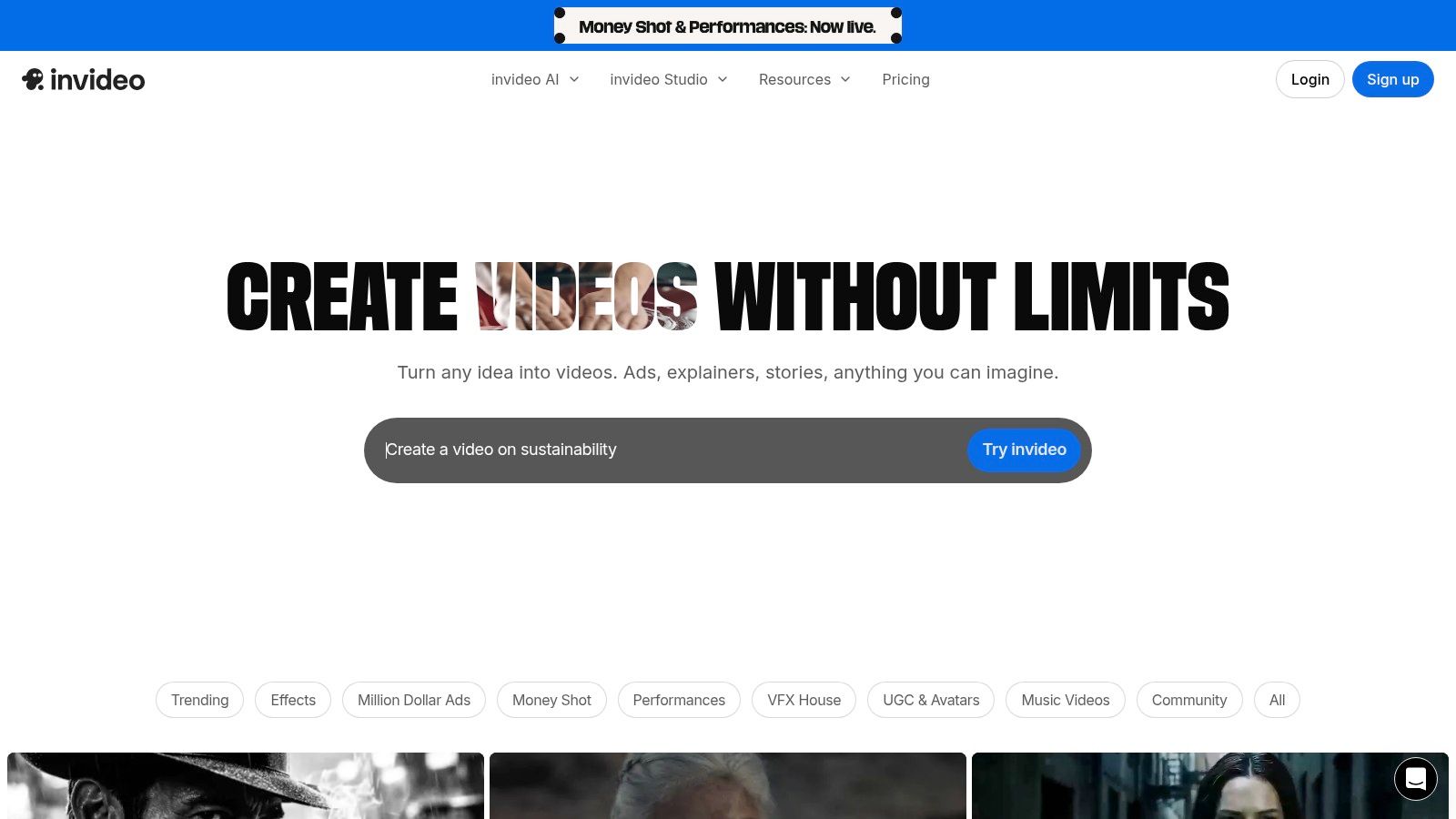
What sets InVideo apart is its hybrid approach. While the initial creation is fully automated based on your prompt, it then drops you into a familiar, intuitive editor where you can manually tweak every element. This gives teams the speed of AI generation combined with the final control needed for brand consistency, making it one of the most practical AI video creation tools for content production workflows.
Key Features & Use Cases
- Best For: Marketing teams creating explainer videos, content creators repurposing articles into video, and businesses needing quick, polished social media ads.
- Core Functionality: Prompt-to-video workflow automation, script and voiceover generation, integrated stock media library, and a full-featured manual editor for post-generation tweaks.
- Practical Tip: When generating a video, give the AI a specific target audience and platform in your prompt (e.g., "Create a 60-second TikTok video for millennial homeowners about saving for a down payment"). This helps the AI tailor the script, pacing, and visual style.
Pricing & Platform
InVideo offers a free plan that allows for 10 minutes of AI generation per week but includes a watermark. Paid plans start with the Plus tier at $25/month for more generation minutes and no watermarks, while the Max tier at $60/month offers significantly higher limits and stock media usage, ideal for active content teams.
Website: https://invideo.io
11. Colossyan
Colossyan specializes in enterprise-grade AI avatar video, carving out a niche for workplace learning and corporate communications. It's built for teams that need to produce training, onboarding, and internal announcement videos at scale without the logistical overhead of filming. The platform stands out as a highly specialized AI video creation tool focused on creating professional, presenter-led content quickly and efficiently.
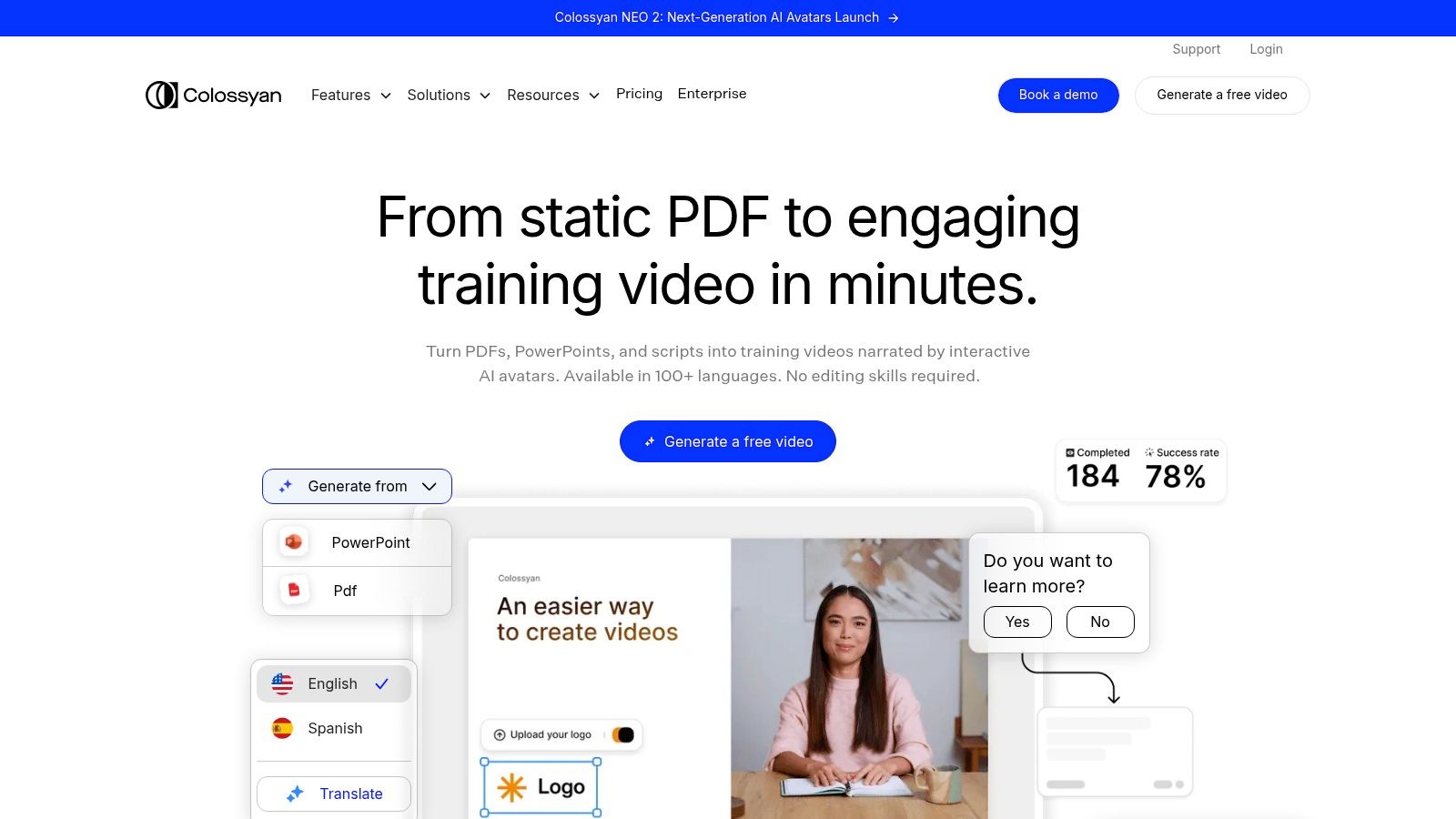
Unlike tools geared toward cinematic scene generation, Colossyan's strength lies in its practical application for Learning & Development (L&D). It offers features like interactive quizzes, branching scenarios, and SCORM exports that integrate directly into Learning Management Systems (LMS), making it a purpose-built solution for instructional design and corporate training departments.
Key Features & Use Cases
- Best For: L&D teams, HR departments, and corporate communication managers who need to create scalable and localized training content.
- Core Functionality: A vast library of 170+ stock AI avatars, custom avatar creation, auto-translation into 70+ languages, and interactive video elements.
- Practical Tip: Leverage the auto-translation feature to create a single master training video. You can then instantly generate localized versions for global teams, ensuring consistent messaging across different languages without re-recording anything.
Pricing & Platform
Colossyan offers a free trial to explore its features. Paid plans start with the Starter tier at $35/user/mo. The Pro plan ($120/user/mo) and custom Enterprise plans offer more minutes, advanced features like SSO and brand kits, and crucially, the option for unlimited video generation minutes, which is a major benefit for high-volume production teams.
Website: https://www.colossyan.com
12. D-ID
D-ID specializes in bringing still images to life, focusing on creating high-quality, AI-powered talking-head videos. Rather than generating cinematic scenes, its strength lies in animating a photo or avatar using text-to-speech or an audio upload, making it a leading choice for personalized marketing, corporate training, and interactive customer support agents. The platform offers both a user-friendly web studio and a robust API for deeper integration.
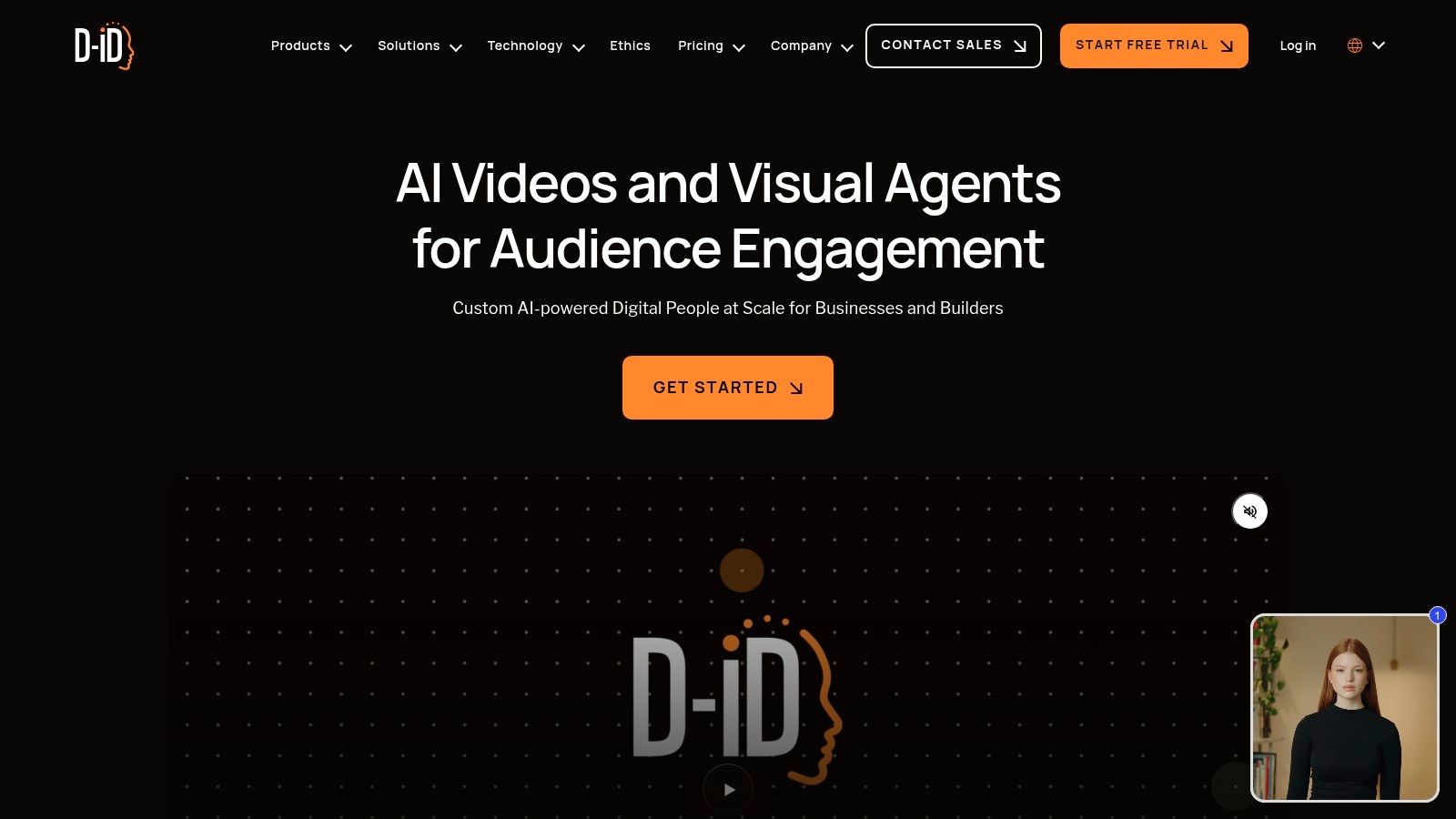
This focus makes D-ID one of the more specialized AI video creation tools on the market. It excels at producing photorealistic digital presenters and supports a vast array of languages and voices, including voice cloning capabilities. This allows marketing teams to create localized, scalable video content without needing actors or complex studio setups.
Key Features & Use Cases
- Best For: E-commerce teams creating personalized onboarding videos, corporate trainers developing multi-language learning modules, and businesses building interactive AI assistants.
- Core Functionality: Text-to-video from still images, avatar-based talking-head generation, live and interactive agents, voice cloning, and a developer API.
- Practical Tip: For training content, use the API to programmatically generate videos for each employee with their name in the script. This level of personalization significantly increases engagement with internal communications.
Pricing & Platform
D-ID's pricing is minute-based, with plans starting with a free trial that provides a limited number of credits. Paid plans (Lite at $5.99/mo for 10 minutes, Pro at $29/mo for 15 minutes) offer more minutes, additional AI presenters, and commercial use rights. Enterprise plans unlock API access and advanced features. Note that video generation is billed in fixed blocks, typically 15 seconds, so a 5-second video will consume a full 15-second credit.
Website: https://www.d-id.com
Top 12 AI Video Creation Tools — Feature & Capability Comparison
Choosing the Right AI Tool to Future-Proof Your Video Strategy
Navigating the vibrant and rapidly expanding landscape of AI video creation tools can feel overwhelming, but it also presents a pivotal opportunity for marketing, e-commerce, and publishing teams. As we've explored, the "best" tool is not a one-size-fits-all solution; it is entirely dependent on your specific objectives, existing workflows, and strategic goals. The key takeaway is to move beyond the novelty of AI and focus on its practical application as a strategic asset.
The platforms detailed in this guide, from the cinematic prowess of Runway and Luma AI to the enterprise-level avatar consistency of Synthesia and Colossyan, each serve a distinct purpose. Purely generative tools are pushing the boundaries of creative expression, while platforms like Descript and Kapwing are fundamentally changing post-production workflows. This diversity underscores a critical truth: your selection process must begin with a clear definition of your primary use case.
A Strategic Framework for Selecting Your Tool
To make an informed decision, avoid getting lost in feature-for-feature comparisons. Instead, frame your evaluation around your core business needs. A powerful framework for selection involves answering three fundamental questions:
- What is our primary video objective? Are you aiming to create net-new, artistic content from scratch? Or is your goal to transform existing assets (articles, product listings, data sheets) into engaging video formats at scale? The answer immediately narrows the field.
- What is our required level of brand control? For corporate communications or brand-sensitive advertising, features like custom avatars (HeyGen, Colossyan), precise voice cloning, and strict template enforcement are non-negotiable. Creative teams, however, might prioritize tools that offer more generative freedom and stylistic experimentation (Pika, Luma AI).
- How must this tool integrate with our existing workflow? Consider your content sources. If your team operates primarily from written content like blog posts or product descriptions, a tool like Aeon that is purpose-built for text-to-video automation will deliver the highest ROI. If your workflow is centered on editing existing footage or podcasts, Descript’s transcript-based editor is a more natural fit.
Implementation: Beyond the Tool Itself
Once you've chosen a tool, successful implementation requires a shift in mindset. It’s not just about producing videos faster; it's about rethinking your entire content strategy. As you begin to integrate these powerful ai video creation tools, remember that platform-specific optimization remains crucial for performance. Creating a visually stunning video is only half the battle; ensuring it’s formatted correctly for each channel is just as important. As you strategize, remember that optimizing your videos for specific platforms is key; a useful resource is a complete guide to understanding video dimensions for Facebook ads.
Ultimately, the right AI video tool will act as a force multiplier for your team. It should not only automate tedious tasks but also unlock new possibilities for audience engagement, enabling you to produce diverse, high-quality video content at a pace and scale that was previously unimaginable. By aligning your choice with your core strategic needs, you can effectively future-proof your video strategy and turn this revolutionary technology into a sustainable competitive advantage.
Ready to transform your existing content into high-quality video at scale? Aeon is the purpose-built AI video creation platform for publishers, ad sales teams, and e-commerce brands looking to automate their content-to-video workflows with precision and brand control. Discover how you can streamline production and unlock new revenue opportunities by visiting Aeon today.