Figuring out how to find a specific clothing item from a picture used to be a real detective story. You'd see the perfect outfit in a photo, and the search would begin. These days, a quick reverse image search with a tool like Google Lens or Pinterest Lens can often crack the case in seconds. Just upload a clean, cropped photo of the item, and let the AI do the heavy lifting, scanning the web for similar products and serving up direct shopping links.
From Screen to Closet: The New Rules of Fashion Discovery
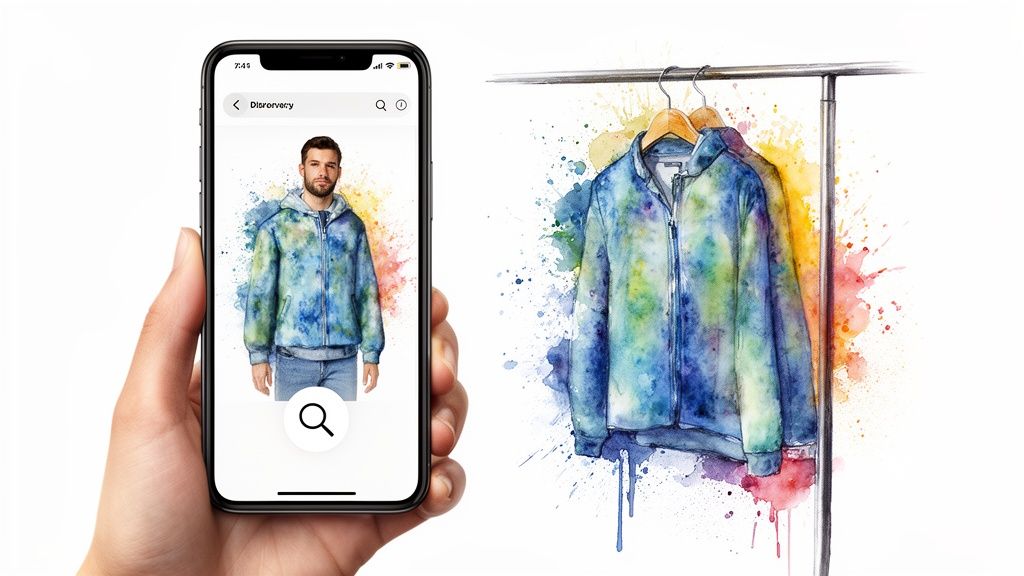
Ever spotted the perfect outfit on your social feed and immediately wondered, "Where can I get that?" That spark of inspiration doesn't have to dead-end in a frustrating, fruitless search anymore. Finding clothes from a picture has gone from a manual, time-sucking hunt to an almost instant, AI-powered discovery.
For anyone working in e-commerce, content, or marketing, this isn't just a neat trick—it's an essential skill. Mastering these tools means you can quickly source products, keep tabs on what competitors are pushing, and build shoppable content that actually turns followers into customers. It’s all about converting that visual "wow" moment into a tangible, strategic asset.
The Rise of Visual Search in Fashion
The days of frantically typing "blue floral midi dress with puff sleeves" into a search bar are numbered. Visual search technology has completely changed how we all interact with fashion online. Instead of trying to describe an item with words, you can now just show an algorithm exactly what you’re looking for.
See a one-of-a-kind jacket on Instagram? AI can probably find it, or something incredibly close, in a matter of seconds. This capability is fueling a massive shift in fashion discovery. Major retailers across the United States have already baked visual search into their apps, allowing shoppers to upload photos and find similar styles with a single tap. This tech is a huge player in the global AI in fashion market, which is on track to explode to USD 89.41 billion by 2035. You can dig into more data on the AI fashion market's growth to see just how big of an impact visual search is making.
For professional teams, this is way more than a consumer convenience. It’s a core competency. It streamlines the entire workflow for content sourcing, helps inform trend forecasting, and offers a direct line of sight into what’s capturing your audience’s attention.
This guide goes beyond the basic "how-to." We’re diving into the actionable strategies your team needs to truly master visual search. The goal is to help you:
- Boost Conversions by creating a direct path from inspiration to checkout.
- Streamline Workflows when sourcing items for those "shop the look" features.
- Understand Trends by analyzing what kinds of styles are being searched for most often.
Setting Your Image Up for a Perfect Match
Before you even think about plugging that photo into a search tool, let's talk about the image itself. The quality is everything.
Sending a blurry, dark, or cluttered picture to a visual search engine is like giving someone bad directions—they’re bound to get lost. Taking a few moments to prep your image can be the difference between a dead end and finding the exact item you're looking for.
Think of it as setting the stage for success. A high-resolution photo is always your best starting point because it gives the algorithm more visual data to chew on. If you’re grabbing a screenshot from a video, pause and capture the frame where the clothing is sharpest and most clearly in view.
Isolate Your Target
One of the most powerful things you can do is also the simplest: crop the image.
Let's say you're after a specific handbag in a busy street-style shot. Crop that photo tightly around just the bag. This instantly gets rid of all the distracting noise—other people, chaotic backgrounds, or different pieces of clothing that could easily confuse the AI.
This tiny edit forces the search engine to focus on the one thing you care about. It’s especially critical for items with intricate patterns or textures. By cutting out the visual clutter, you’re basically handing the AI a crystal-clear request, guiding it toward a much more accurate match.
Don't underestimate the power of a clean edit. A simple crop or a quick brightness adjustment can be the difference between a "no results found" dead end and a direct link to the product page.
Along the same lines, if the background is super busy or has colors that clash with the item, think about cleaning it up.
For professional teams that need to process images at scale, looking into an AI background removal solution can be a game-changer. It automates this step and makes sure every single search starts with the cleanest possible image. Of course, none of this matters if the initial quality is poor, which is why mastering image sizes and quality is a foundational skill for anyone in this space.
Alright, you’ve got your image prepped and ready to go. Now for the fun part: letting the visual search engines do the heavy lifting.
This is where you shift from prep work to pure action. Think of these tools as your personal team of style detectives, each with a unique specialty. Some are brilliant at finding that exact runway piece, while others are masters of uncovering budget-friendly lookalikes or similar styles. Knowing which detective to send for which job is the real key to finding what you're looking for.
Mastering Google Lens for Broad Discovery
Google Lens is the undisputed heavyweight champ of visual search. It's almost always your best first move. Its secret weapon is tapping into Google's absolutely massive index of the web, which means it can identify an incredible range of items, from high-fashion exclusives to fast-fashion basics.
Just upload your cleaned-up image. Lens will immediately try to identify the main piece of clothing, but it also places little dots on other items it recognizes. This is incredibly useful. You can simply tap a dot to switch the search from the jacket to, say, the handbag or the shoes in the same shot. It’s perfect for breaking down an entire outfit, piece by piece.
The results page is a mix of exact matches, very similar items, and things that just look visually related. This is where your human expertise kicks in. Don't just fixate on the top result. Look for patterns. Are several results pointing to the same brand or retailer? That’s a huge clue that you’re on the right trail.
Here's the clean, simple interface you'll see when you first upload a photo.
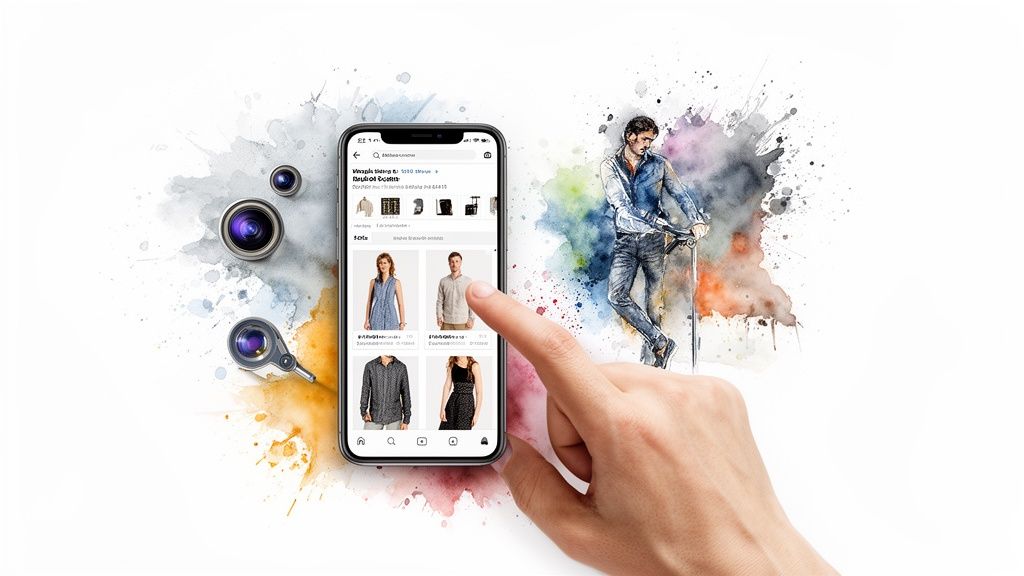
Behind this simple upload is a seriously complex analysis, as the AI breaks your image down into key visual markers to hunt for matches across the web.
Leveraging Pinterest Lens for Style Inspiration
If Google Lens is about finding a specific thing, Pinterest Lens is about discovering a whole vibe. It's less about the transaction and more about inspiration, which is gold for content teams trying to tap into broader style trends.
When you feed an image to Pinterest Lens, it doesn't just look for the product. It analyzes the entire aesthetic—the style, the color palette, the mood.
The results are presented as a board of "Visually Similar Pins," which is a fantastic workflow if you're trying to:
- Find great "dupes" or more affordable alternatives to a pricey designer piece.
- Build out "shop the look" content based on a single photo.
- Get ideas for a complete outfit starting from just one item.
If your goal is to understand the context of a piece of clothing and not just buy it, Pinterest Lens is an essential tool. The technology here is also moving at a blistering pace. The AI in fashion market is projected to hit USD 1689.7 million in 2026, largely because of tools that blend vision and context to offer style advice from a single photo. You can read more about how AI is shaping future fashion trends and completely changing the search game.
Pro Tip: Use Google Lens for precision and Pinterest Lens for exploration. If you need the exact match, start with Google. If you need creative alternatives or to understand a trend, pivot to Pinterest.
This dual-tool approach gives your team a powerful, comprehensive strategy. The whole process is becoming more integrated, with some platforms starting to work like an AI outfit generator free of all the manual guesswork, building entire looks from a single visual cue. By mastering these core platforms now, you're getting your team ready for what's next.
Using In-App Search for Targeted Results
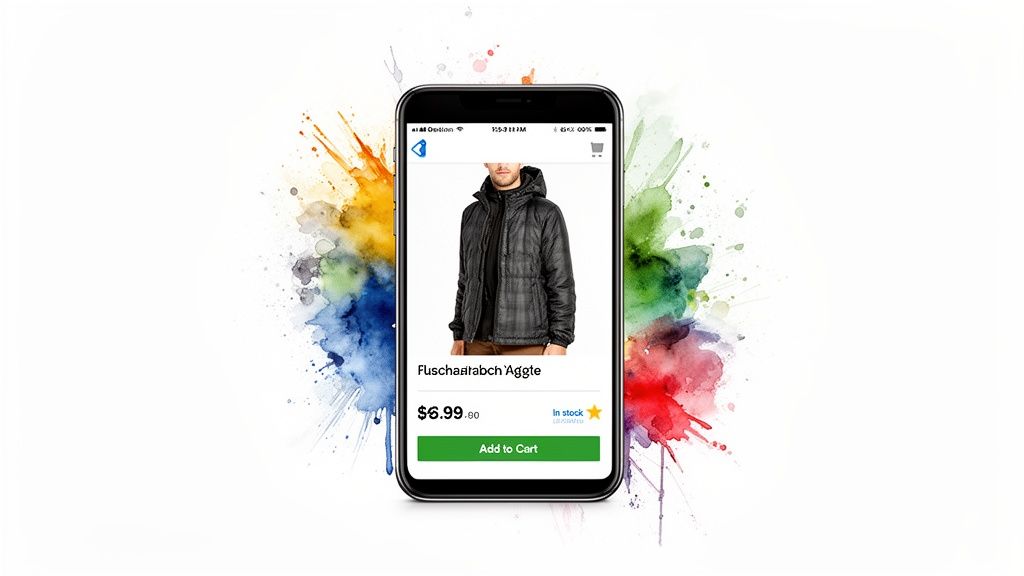
While general search engines like Google Lens are fantastic for casting a wide net, they can sometimes feel like searching for a needle in a global haystack. You get tons of results, but they aren't always shoppable or even available.
That's where the visual search tools built right into major retail apps come in. When you need precision and you need it now, going straight to the source is often your best bet. These companies have invested heavily in their own powerful visual search, giving them one huge advantage: every result is pulled directly from their own inventory.
It means that every match it finds is something you can actually buy, right then and there. No more clicking through a dozen different websites only to find it's sold out.
Why Go Straight to the Source?
The biggest win here is the elimination of noise. Searching for a plaid blazer on a general search engine might pull up old blog posts, expired eBay listings, and a hundred "close enough" items from stores you've never heard of.
Do that same search inside the Zara or ASOS app, and you get a curated list of every plaid blazer they currently have in stock. This is a total game-changer for content teams trying to build "shop the look" features or for e-commerce managers benchmarking a competitor's collection. You cut your search time down dramatically and get immediate, actionable results.
For example, the ASOS in-app visual search is baked right into the shopping experience, making the leap from inspiration to purchase nearly seamless.
Key Platforms and Their Strengths
Of course, not all in-app search tools are built the same. Each platform has its own algorithm, its own inventory, and its own unique strengths. Knowing these little differences helps you pick the right tool for the job.
- Amazon StyleSnap: With its absolutely massive and varied inventory, StyleSnap is brilliant for finding a huge range of items, from basic essentials to more niche, trend-focused pieces. Its AI is also pretty good at recommending similar products at different price points.
- ASOS Style Match: Known for its trend-driven and massive catalog, the ASOS visual search is my go-to for identifying contemporary fashion you've seen on influencers or in street-style shots. If it's trendy, ASOS probably has it.
- LIKEtoKNOW.it (LTK): This one works a bit differently. Instead of a pure visual search, LTK connects you to the exact products featured in an influencer's photos. If you know the image came from an LTK creator, this is the most direct path to purchase you'll find.
By going directly to a retailer's app, you bypass the broad discovery phase and jump straight to the purchase phase. This targeted strategy is invaluable when speed and accuracy are the top priorities for your team.
General Search vs. Retail App Search
Deciding whether to start with a broad tool like Google Lens or a targeted retail app really depends on your goal. This quick comparison should help you choose the right starting point for your team's workflow.
Ultimately, an efficient workflow involves knowing which tool to grab for which task. For broad discovery and hunting for dupes, start with Google or Pinterest. For finding a specific, in-stock item from a known brand, head straight to their app. This simple distinction is a cornerstone of mastering how to find clothes from a picture.
Weaving Visual Search into Your Team's Workflow
Moving past one-off searches, the real magic happens when visual search becomes a repeatable, scalable part of your team's day-to-day. For content creators, e-commerce managers, and marketers, this is about turning a cool party trick into a serious business asset. It's about building efficient systems that drive real results.
Instead of just reacting when you see a must-have item in a photo, your team can start using these tools proactively. A solid workflow lets you analyze what competitors are dropping, source items for shoppable content, and even verify products in user-generated campaigns. This kind of systematic approach saves a ton of time and, frankly, gives you much more reliable data.
Building an Efficient Sourcing System
First things first, you need a clear process for identifying and tracking items. This isn't about aimless scrolling; it’s about creating a living database of visual intel your team can pull from.
Imagine a new trend is just starting to bubble up on TikTok. A dedicated team member can be tasked with capturing the key looks. Their workflow could look something like this:
- Capture High-Quality Screenshots: They'd grab the clearest possible shots of the trending item from a few different influencer posts.
- Get a Quick ID with Google Lens: Running the best image through Google Lens gives them a baseline—maybe a brand name, a product title, or a few potential retailers.
- Cross-Reference in Retail Apps: Armed with that info, they can jump into specific retail apps (like ASOS or Zara) to run targeted searches, confirming stock and nailing down the price.
- Log Everything in a Shared Sheet: All the findings—links, prices, image sources—get dropped into a shared Google Sheet or Airtable. Now, the whole team is on the same page.
A simple, documented process like this ensures everyone on the team knows exactly how to find clothes from a picture, and all the information gets captured the same way, every time.
From Reactive Search to Proactive Strategy
A truly dialed-in workflow doesn't just find what's already out there. It uses visual search to predict what's coming next. By systematically digging into the "visually similar" results from tools like Pinterest Lens, your team can start spotting emerging patterns.
Think of it like a form of visual data mining. If you keep searching for a certain style of boot and the results are suddenly flooded with a new color or texture, that’s not just noise—it’s an early signal that a new trend is brewing.
By tracking these signals, you can get ahead of the curve, informing your content calendar and even guiding your buying decisions. Your team shifts from simply identifying items to actively forecasting trends. That's a serious competitive edge.
Automating Content Enrichment with APIs
Once you're operating at scale, manual searches just won't cut it—they become a massive bottleneck. This is where visual search APIs (Application Programming Interfaces) come into play, giving you a way to put the whole process on autopilot.
An API lets your own internal systems "talk" directly to a visual search engine. This unlocks some pretty powerful possibilities:
- Automated Product Tagging: You can automatically scan user-generated content submitted to your site, identify the clothing, and tag the items with shoppable links right from your own inventory.
- Competitor Monitoring: You could set up scripts to monitor competitor websites or social feeds, using visual search to identify and catalog their new product drops automatically.
- Enhanced User Experience: Why not integrate a "shop the look" feature directly into your own app? Users could upload their own photos, and your site would instantly serve up similar items.
Exploring how to incorporate AI into your digital storefront can open your eyes to new ways to make this tech a core part of your customer experience. By baking these tools into a structured workflow, you turn the simple act of finding an outfit from a photo into a powerful engine for growth.
Common Questions About Finding Clothes from a Picture
Even with the best tools and a perfectly prepped image, some searches just fall flat. We've all been there. You run a search, and… crickets.
What happens when your visual search engine comes up empty? Or what if you're hunting for a vintage piece that’s been out of production for decades? This is where a little extra strategy and creative thinking come into play.
Knowing how to handle these common roadblocks is what separates the novices from the pros. Instead of hitting a dead end, you learn how to pivot your approach and dig a little deeper.
What If My Search Comes Up Empty?
An initial dead end isn't a failure; it's just a signal to change tactics. If your first search yields nothing, the first thing to do is revisit your source image. Can you find a higher-quality version? Maybe a different photo from the same event or photoshoot will give the AI a better angle to work with.
If the image itself is solid, your next move is to broaden the search. Don't just rely on the image alone—combine it with descriptive keywords. For instance, if you're looking for a specific floral dress, upload the image to Google Lens and then add a text query like "puffy sleeve midi dress" or the name of the celebrity wearing it. This hybrid approach often surfaces results that a pure image search would miss.
Finally, think about the source of the image. Is it from a small, independent brand that might not be well-indexed by the big search engines? In these cases, community-based platforms can be your best bet for an ID.
Pro Tip: Don't give up after one try. Rotate through different tools—if Google Lens fails, try Pinterest Lens or a retail app. Each algorithm works differently, and what one misses, another might find instantly.
How to Find Vintage or Out-of-Stock Items
Finding current-season items is one thing, but tracking down vintage or sold-out pieces is a whole different ball game. This is where you graduate from visual search engines to resale marketplaces. Once a visual search gives you a brand and product name, take that intel and head over to these platforms:
- eBay: A classic for a reason. Set up saved searches for the brand and item description and let the results come to you.
- Poshmark: This is my go-to for contemporary and recent-season items that are sold out in stores. It’s a massive closet.
- The RealReal: The best destination for authenticated luxury and high-end designer vintage pieces.
- Depop: Perfect for trendier, Y2K-era, and more unique vintage finds that have a cult following.
The strategy here is all about patience. It might take weeks or even months for the item to pop up. Setting up alerts is absolutely crucial, as the best pieces often sell within hours of being listed.
Do These Tools Work for Accessories and Shoes?
Absolutely. In my experience, visual search tools are often just as effective, if not more so, for identifying accessories, shoes, and handbags. These items typically have more distinct shapes, hardware, and branding elements than clothing, which makes them much easier for an AI to recognize.
The same principles apply: use a clear, cropped image focused solely on the item. If you’re trying to identify a pair of sneakers, for example, a clean shot of the side profile is way more effective than a photo of someone wearing them from 20 feet away. The details—like logos, sole design, and unique stitching—are what the algorithm latches onto.
Ready to transform your content into compelling videos at scale? Aeon uses AI to turn your articles, audio, and existing footage into engaging social videos, streamlining your production workflow and driving massive engagement. See how leading publishers are using Aeon to grow their audience by visiting the Project Aeon website.