In the world of image fashion, let's be honest: static product photos just don't have the same pull they used to. To really grab a shopper's attention and keep it, brands have to move beyond still images and embrace dynamic, story-driven videos that show how a garment truly moves, feels, and fits into a customer's life.
Why Static Fashion Images No Longer Cut It
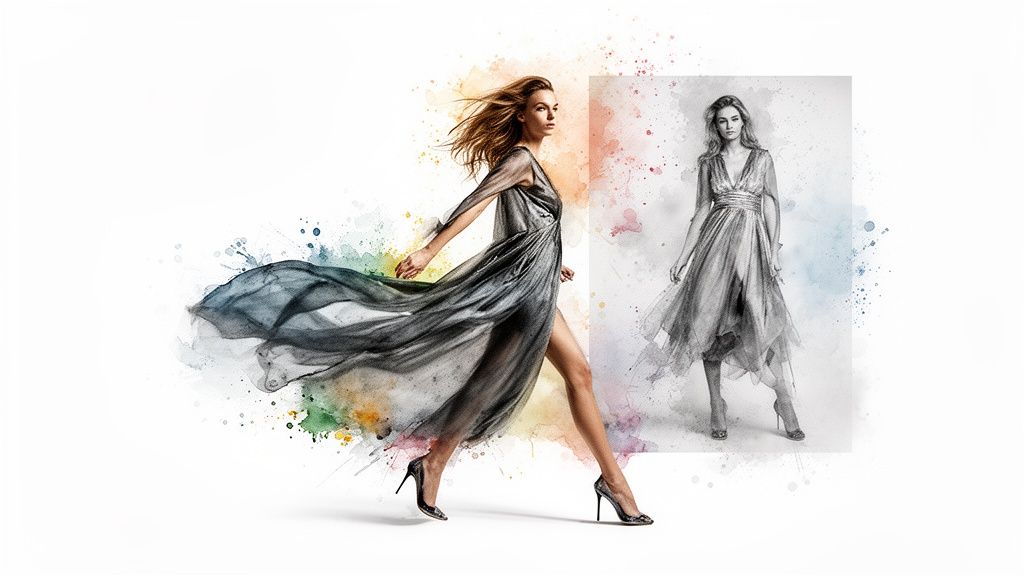
The digital fashion space is packed. It’s an endless scroll of beautiful, yet silent, photographs. That standard product shot on a clean white background? It’s fighting an uphill battle to get noticed, let alone convince someone to click "add to cart." This is the reality every e-commerce and content team is up against.
Moving from static photos to dynamic video isn't just about adding a little motion. It's about forging a real connection. Video gives you the power to tell a story, to showcase the elegant drape of a fabric, and to set a mood that a single, flat photo never could.
The Power of Movement and Narrative
The brands that are winning right now get this. They're using video to build a narrative around their products, turning a simple dress or a handbag into a whole vibe, an aspirational moment. This approach isn't just for show; it delivers real results:
- Deeper Product Understanding: Video instantly answers questions a static image can't. Customers see exactly how a piece of clothing hangs and flows in real life.
- Increased Emotional Connection: When you tell a story, you build an emotional hook that makes your brand stick in a customer's mind.
- Higher Engagement Rates: It's no secret that social platforms love video. Using it means better reach and more meaningful interactions with your audience.
If you want to dig into the data, just look at the impact of product videos on performance—it consistently outshines static imagery for engaging shoppers.
The real challenge isn't knowing you need video. It's figuring out how to create high-quality video content over and over again, at scale, without burning through your entire budget and creative team.
This is where automated workflows come in and completely change the game. With the global fashion market projected to hit an eye-watering $1.84 trillion in 2025, the competition is absolutely ferocious. Producing content efficiently isn't a "nice-to-have" anymore; it's a core part of survival and growth.
By automating the heavy lifting of converting images to video, your team can finally stop spending hours on tedious manual edits and start focusing on what really matters: creative strategy.
Crafting Your Visual Story Before Hitting 'Go'
Diving headfirst into an automation tool without a clear vision is like designing a collection without a mood board. Sure, you'll create something, but it’s going to lack purpose and punch. The most successful image fashion videos don't start with a click; they start with a plan. Top e-commerce teams always map out their visual narratives first to make sure every single video serves a specific goal.
This whole process kicks off with what you already have. Before you even think about new content, take a hard look at your existing photo library. You're probably sitting on a goldmine of untapped assets that are perfect for video.
It’s all about finding those hidden gems that can tell a much richer story.
Finding Your Video-Ready Assets
Your first task is to round up a diverse set of images that can be woven together into a compelling sequence. Don't just grab the standard front-and-back product shots. You need to dig deeper for visuals that give your brand’s story some real texture and context.
- High-Resolution Product Shots: These are your non-negotiables. Crisp, clean images are the foundation for a professional, polished video. No pixelation allowed.
- Varied Angles and Close-Ups: Hunt down those detail shots—the stitching, the buttons, the texture of the fabric. These are gold for creating dynamic zooms and pans that scream quality.
- Lifestyle and In-Context Images: Photos of models wearing your pieces in real-world settings are invaluable. They help customers imagine the product in their own lives and build a genuine emotional connection.
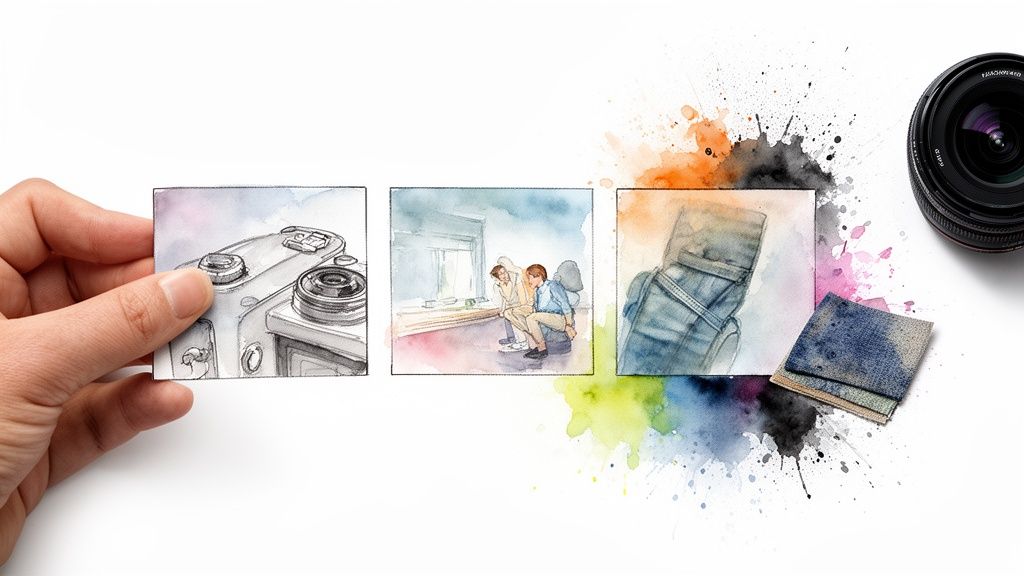
With your assets in hand, you can start sketching out simple but effective storyboards. Think of them as mini-narratives that guide the video's flow. A "New Arrivals" video, for instance, could open with a wide lifestyle shot, cut to close-ups of key pieces, and wrap up with a strong call-to-action. Or maybe a "Behind the Seams" featurette, combining shots of raw materials with detailed product images and text overlays about the craftsmanship.
This kind of planning is also a lifesaver if you're trying to figure out how to find clothes from a picture, as the video can zero in on the specific details that make an item instantly recognizable.
Tailoring Your Story for the Right Audience
Finally, your strategy has to be platform-specific. A video built for a product detail page (PDP) has a completely different job than one destined for TikTok. Before you start, decide exactly where this video is going to live.
Your target platform dictates everything from the aspect ratio and video length to the tone of voice and pacing. A 9:16 vertical video for Instagram Reels requires a fast-paced, attention-grabbing hook, while a 16:9 horizontal video for your website can be slower and more detailed.
Getting this right from the get-go saves countless hours of re-editing down the line. By auditing your assets, storyboarding your concepts, and defining your platforms, you’re creating a clear roadmap. This ensures that when you finally fire up an automation tool like Aeon, you’re not just making a video—you’re executing a well-oiled strategy.
Building Your Automated Image To Video Workflow
This is where the magic really happens. A smart workflow can take what was once a soul-crushing manual editing job and turn it into a fast, repeatable process that pumps out consistently great videos. Let’s walk through how a modern automation platform can transform a simple folder of static product shots into a dynamic video feed.
It all starts with something simple but incredibly powerful: batch uploading. Forget adding photos one by one. You can upload entire collections at once—every product shot, lifestyle image, and detail close-up you have. This single step shifts the entire dynamic from manual labor to strategic oversight.
From there, the system really gets to work.
Activating Intelligent Motion And Templates
Once your images are in the system, AI-driven tools can automatically apply intelligent motion. We're not talking about random, jarring movements that feel cheap. This is about subtle, tasteful effects designed to highlight the best features of your image fashion assets.
- Subtle Zooms: A slow, deliberate zoom can draw the eye to the intricate weave of a fabric or the delicate details on a piece of jewelry.
- Gentle Pans: A smooth pan across a lifestyle photo builds atmosphere and makes the scene feel more alive, giving it a sense of place.
- The Ken Burns Effect: This classic technique of panning and zooming at the same time adds a cinematic, almost narrative quality to still images, giving them a real sense of depth.
These automated effects are designed to mimic the choices a human editor would make, but they do it in a fraction of the time. This frees up your team to think about creative direction instead of getting bogged down in technical execution. The right tools make this incredibly efficient; you can see for yourself how to create dynamic content from photos and how fast it can be.
Pre-built templates are another secret weapon for scaling up your video production.
Think of templates as your brand's video blueprints. They ensure every piece of content—from a quick flash sale announcement to a major new collection launch—is perfectly on-brand without you having to build it from scratch every single time.
And for teams looking to really push the envelope with their visual strategy, understanding what a 360 video booth is can open up entirely new avenues for creating immersive content.
Reclaiming Creative Time And Energy
At the end of the day, the goal of an automated workflow is to give your team back its most valuable resource: time.
Picture this: a new collection just dropped. In the past, creating video assets for every single product could have tied up a dedicated editor for days of painstaking work.
With an automated workflow, that process looks completely different. A content manager uploads all the new product shots, picks a "New Arrivals" template, and lets the platform generate a preview. After a quick review and maybe a few minor tweaks, they can export dozens of unique videos, each already optimized for different social channels.
What used to be a multi-day ordeal is now a quick, repeatable task. This is the kind of efficiency that allows your brand to keep up with the relentless pace of the fashion world, ensuring your content is always fresh and engaging without burning out your creative team.
Adding Layers That Make Your Brand Pop
Getting an automated video live is a good start, but it’s the finishing touches that really make your brand memorable. These smart enhancements are what turn a simple animation into a compelling piece of marketing that actually sells. It all comes down to adding polished layers that communicate value and build a brand identity people recognize instantly.
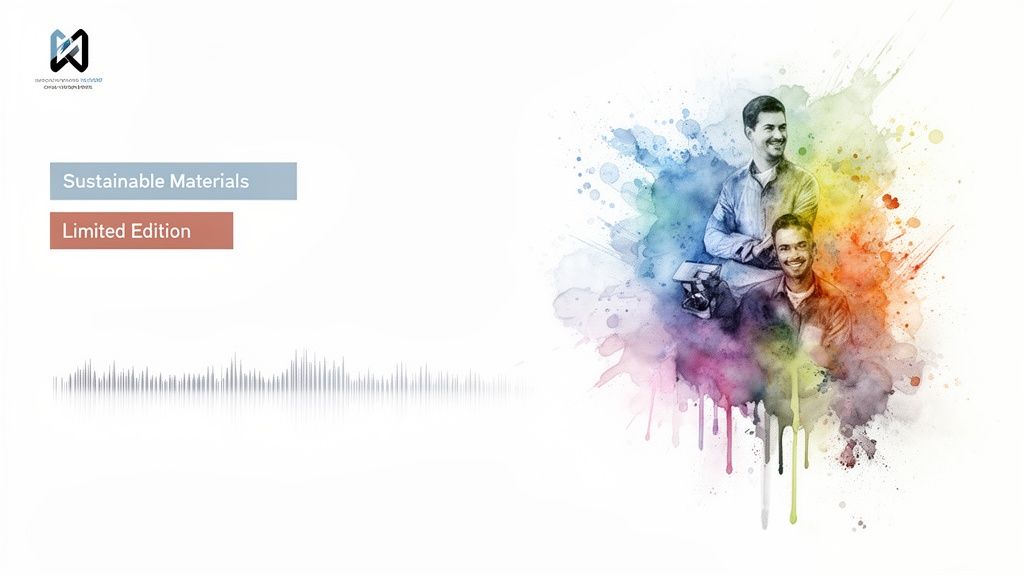
One of the simplest yet most effective layers is the text overlay. This isn't just about throwing words on a screen; it's about adding context and creating urgency in a way a static image never could. Instead of just hoping a customer notices a unique detail, you can spell it out for them.
Using Text and Voice to Guide the Narrative
Well-placed text overlays transform your image fashion video from something people just watch into an active sales tool. They let you shine a spotlight on the exact selling points that matter to your audience and nudge them toward taking the next step.
- Highlight Key Features: Use short, punchy text like "Sustainable Materials" or "Italian Leather" to immediately draw the eye to product quality.
- Create Scarcity: A little FOMO goes a long way. Phrases like "Limited Edition" or "Exclusive Drop" trigger a sense of urgency that can speed up the decision to buy.
- Drive Action: Be direct. A clear call-to-action (CTA) like "Shop the Collection" or "Swipe Up to Buy" tells viewers exactly what you want them to do. No guesswork involved.
Going beyond text, an AI-powered voiceover can add a whole new dimension of personality. The trick is to pick a voice that genuinely fits your brand's vibe. Are you a high-end luxury brand needing a smooth, sophisticated tone? Or a young, energetic label that calls for something more upbeat and friendly? Today’s platforms give you plenty of options to make sure the audio is the perfect match for your visuals.
The goal is to make every piece of content feel like it came from the same brand, speaking with one consistent voice. This cohesion is what builds trust and makes your brand instantly recognizable in a crowded feed.
Solidifying Your Brand Identity Instantly
Achieving that kind of consistency is where a brand kit becomes your best friend. A brand kit is essentially a pre-set collection of your visual identity—logo, color palette, custom fonts—that can be automatically applied to any video you create.
This is a complete game-changer, especially in the relentless pace of online fashion. Think about it: the fast fashion market is expected to explode from $162.76 billion in 2025 to over $317.98 billion by 2032. Keeping up with that kind of growth means producing content at a breakneck speed without letting quality or brand integrity slip. You can dig into the numbers yourself by reading the full research on the fast fashion market's projected growth on fortunebusinessinsights.com.
With a platform like Aeon, applying your brand kit is dead simple. Every single video—whether it's for a new arrival, a seasonal sale, or a special feature—gets instantly stamped with your unique identity. The logo is placed perfectly, the text appears in your brand’s font, and the color accents match your guidelines. This simple step ensures that even when you’re churning out content at scale, every video reinforces who you are, building the recognition and trust that are crucial for long-term success.
Getting Your Fashion Videos Seen and Shared
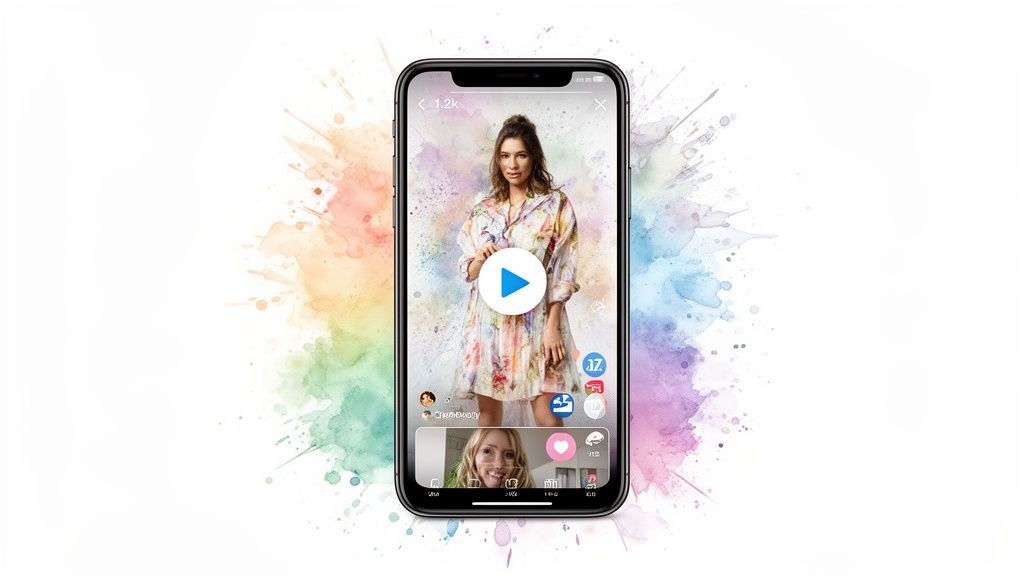
So, you've created a stunning collection of videos. That's a great start, but it's only half the battle. Now comes the real test: getting those videos in front of the right shoppers and making sure they actually perform. This is where a smart distribution and optimization strategy separates the pros from the amateurs, turning creative assets into measurable results.
Simply blasting the same video file across all your channels just won't work. Each platform has its own vibe, its own audience expectations, and its own rules of engagement. What crushes it on a product detail page will likely fall completely flat on TikTok, and vice versa.
Match the Video to the Venue
You have to think about where your audience is and what they're doing when they see your video. The mindset of someone scrolling through Instagram Stories is completely different from someone actively shopping on your site.
Here’s a quick breakdown of how to approach different channels for image fashion videos:
- Instagram Stories & Reels (9:16): Think short, punchy, and attention-grabbing. You’ve got maybe three seconds to stop the scroll, so lead with your most compelling shot. Keep it under 15-30 seconds.
- E-commerce Product Pages (1:1 or 4:5): This is where you can go a bit longer and focus on the details that drive a purchase. Show off fabric texture, the fit from every angle, and how the garment moves. The goal here is conversion, not just a quick view.
- YouTube Shorts (9:16): Just like Reels, these need to be quick and engaging. Tapping into trending audio and using clear, bold captions is key to getting discovered within the massive YouTube ecosystem.
This is exactly where an automated workflow becomes a lifesaver. Instead of your team getting bogged down in the tedious task of manually resizing and re-editing content, a platform like Aeon can instantly generate multiple versions of your video—each one perfectly formatted for a specific channel—all from a single set of images.
Video Optimization Cheat Sheet for Fashion Content
To keep things simple, here’s a quick-reference guide for the most popular platforms. Use this to ensure your fashion videos are always perfectly formatted to maximize their impact.
Remember, these are starting points. The real magic happens when you test and see what resonates specifically with your audience on each platform.
Test, Tweak, and Win
Never just "set it and forget it." The digital world moves fast, and what worked last month might not work today. The only way to consistently win is to test everything. A/B testing isn't just a good idea; it's a non-negotiable part of a successful video strategy.
Start with your video thumbnails. It’s the first impression, the "cover of the book." Create two different versions—maybe a close-up on a unique detail versus a full lifestyle shot—and track which one earns more clicks.
Treat every video as a learning opportunity. Small tweaks to your thumbnails, headlines, or the first few seconds of your video can lead to significant lifts in engagement and conversion rates over time.
This same logic applies to your headlines and captions. Does your audience respond better to a direct, benefit-driven headline or something more aspirational and creative? You'll never know for sure until you test it. For a deeper dive into platform-specific tactics, check out our guide on making effective video for social media marketing.
The shift to digital has completely transformed how people shop for fashion. Global e-commerce apparel revenues are projected to hit an incredible $779.3 billion in 2025, with some forecasts even pushing that number toward $1.2 trillion. You can dig into more global apparel revenue statistics on bestcolorfulsocks.com to see just how big the opportunity is.
Finally, don't sleep on the basics of video SEO. Weave relevant keywords into your video titles, descriptions, and tags. This simple step helps search engines and platform algorithms understand what your content is about, making it much easier for new customers to find you organically.
Answering Your Questions About Image-to-Video Automation
Jumping into a new workflow always brings up a few questions. When it comes to turning your static fashion images into a video powerhouse, most teams run into the same curiosities and concerns. Let's get those answered so you can move forward with confidence.
A big one we hear all the time is: are our existing photos even good enough for video? The good news is, you probably already have exactly what you need. As long as you’re starting with high-resolution images, you’re on the right track for a crisp, professional final product.
From there, variety is your best friend. A mix of clean product photos on neutral backgrounds, detailed close-ups of textures or hardware, and lifestyle shots showing the item in action gives you all the raw material for a compelling visual story.
Will My Videos Look Generic?
This is a totally valid fear. Nobody wants their videos to look robotic or cheap, losing the human touch that defines their brand. Modern automation platforms are built to prevent this exact problem.
The key is to remember that the automation handles the technical heavy lifting, but the creative direction stays firmly in your hands. Good tools use subtle, intelligent motion—think of the classic Ken Burns effect—that adds a cinematic feel without being distracting. The real magic happens when you layer on your unique branding:
- Custom Brand Kits: Instantly apply your logo, specific color palette, and proprietary fonts to keep everything on-brand.
- Unique Text Overlays: Craft your own messaging, whether you're highlighting key features or announcing a limited-time drop.
- Targeted Voiceovers: Pick a voice style that perfectly matches your brand’s personality, from sophisticated and chic to fun and energetic.
Your videos will only look generic if your inputs are generic. When you combine a diverse set of high-quality images with your distinct brand identity, the result will always feel authentic and custom-made.
How Much Time Can We Realistically Save?
This is the bottom-line question for most busy content and e-commerce teams, and the answer is: a lot. Teams often report saving several hours every single week, and that number can skyrocket during peak seasons or major collection launches.
Think about it. A process that once tied up a skilled video editor for a full day—sourcing clips, editing sequences, adding graphics, and exporting multiple versions—can often be squeezed into less than an hour.
But this efficiency isn't just about clawing back time; it’s about unlocking scale. It empowers your team to go from producing a handful of videos per month to deploying dozens across all your channels. That means your content stays fresher, your campaigns are more dynamic, and you can jump on market trends with incredible agility, all without burning out your creative talent.
Ready to turn your static images into high-performing videos in minutes? See how Aeon automates the entire process, allowing your team to scale content creation effortlessly. Learn more and get started at project-aeon.com.