Ecommerce image editing isn't just about cleaning up photos. It's the entire process of taking raw product shots and transforming them into professional, high-converting assets that build brand trust. This means everything from basic background removal and color correction to advanced retouching and creating a cohesive look across your entire catalog.
Why High-Quality Visuals Are The New Ecommerce Standard
In the world of online retail, your product images are your digital salesperson. They're the critical touchpoint that bridges the gap between a casual browser and a confident buyer. Let’s be honest, the days of getting by with a simple, unedited photo are long gone. Today's customers demand a polished, consistent, and genuinely engaging visual experience.
Because of this, a smart ecommerce image editing workflow has become a non-negotiable part of any successful online business.
A well-oiled visual strategy does more than just make your products look good. It builds credibility. It reinforces your brand identity with every single click. When a shopper sees consistent lighting, true-to-life colors, and professional compositions across your site, they see a brand that's reliable and cares about the details.
The Rise of Intelligent Editing
This intense demand for top-tier visuals has sparked some incredible leaps in editing technology. The market for AI photo editors hit $2.1 billion in 2024 and is on track to explode to an astounding $8.9 billion by 2034. That growth tells a clear story: brands are ditching tedious manual edits and embracing intelligent tools to get the speed and scale they need.
This modern approach goes way beyond basic fixes, opening up a whole new world of creative possibilities. It’s all about building a scalable system that can handle every visual you need:
- Product Detail Pages: Crisp, clean shots that put every feature in the spotlight.
- Marketing Campaigns: Compelling lifestyle images and ad creatives that resonate.
- Social Media: Scroll-stopping visuals that grab attention and drive engagement.
The goal is to build a repeatable process that turns complex editing into a streamlined operation. This allows your creative team to focus on strategy and storytelling instead of getting bogged down by repetitive tasks.
Of course, great visuals are more than just pretty pictures. You also have to know how to optimize images for the web to keep your site fast and SEO-friendly. For brands in demanding niches like fashion, getting this right is absolutely essential. You can dive deeper into that specific workflow in our guide to editing fashion images.
Preparing Shoots and Assets for a Seamless Workflow
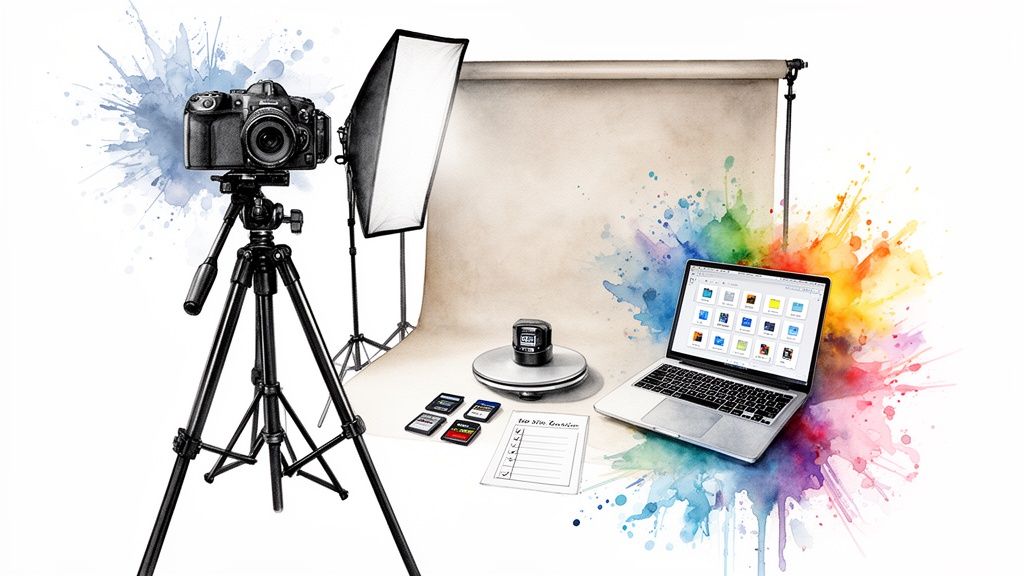
Here's a hard-earned lesson from years in the trenches: fantastic ecommerce images don't start in Photoshop. They start way before that. The real magic happens during pre-production and on the day of the shoot. This is the groundwork that defines the speed, quality, and ultimately, the scalability of your entire visual pipeline.
Trying to fix major issues in post-production is a losing battle. It's slow, expensive, and frustrating. Instead, the goal is to create a repeatable system where every raw image is already 90% of the way there, perfectly prepped for efficient editing and ready for AI tools to work their magic.
Crafting a Bulletproof Creative Brief
Your creative brief is your single source of truth. I've seen firsthand how a vague brief leads to inconsistent shots, frustrated teams, and endless, costly rework. A strong one, however, gets everyone—from the photographer to the retoucher—aligned on the exact same visual target.
Don't be shy about getting granular. Your brief needs to include:
- Visual Identity Guidelines: What’s the vibe? Minimalist and clean? Vibrant and energetic? Throw in some mood board images and your exact brand color palettes.
- Standardized Camera Angles: This is non-negotiable. List out the specific shots you need for every single product, like a front, back, 45-degree angle, and a key detail shot. This consistency is what makes a product page feel professional and trustworthy.
- Lighting Specifications: Get specific about the light. Are you going for soft, diffused light for apparel or a harder light with crisp shadows for electronics? Nail this down so every product looks like it belongs in the same collection.
A detailed brief eliminates the guesswork. It empowers your team to produce uniform, high-quality assets from the very first shutter click. For a deeper dive on getting that professional look, especially with apparel, check out our guide on capturing the perfect picture of clothes.
Organizing Assets for Efficiency
A logical file structure is the unsung hero of a productive editing workflow. When you're juggling hundreds, or even thousands, of images, a messy folder system can bring everything to a screeching halt. The simplest defense against this chaos is a rock-solid naming convention.
We've found this simple formula works wonders: Brand_ProductSKU_Angle_Version.filetype. An example would be Aeon_T45B_Front_V1.CR3. This structure makes any asset instantly searchable and easy to track.
This tiny bit of discipline pays off massively, especially when you're passing files between team members or feeding them into an automated system. No more "where is that one shot?" emails.
Even if you're working with a smaller budget, you can still get excellent raw images by following some smart affordable product photography tips. It all comes down to planning your shots and organizing your files with the final edit in mind. Get this foundation right, and you're building a fast, scalable, and genuinely stress-free post-production workflow.
Automating The Essentials Like Background Removal
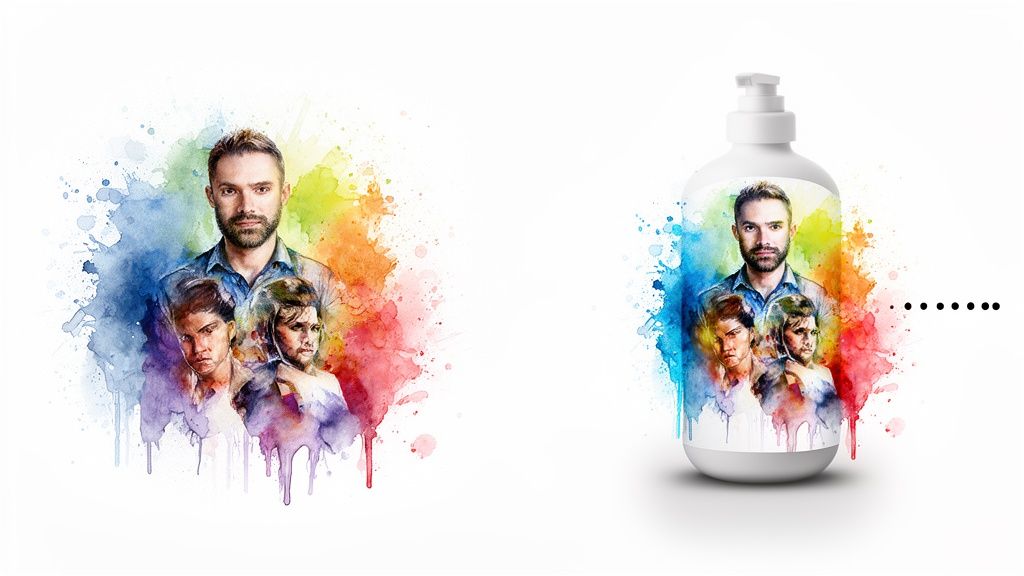
This is where the modern ecommerce editing workflow really starts to shine. Forget the tedious hours spent tracing product edges with a pen tool. Today, it’s all about production-grade automation that delivers clean, consistent visuals without the manual bottleneck. The goal is radical efficiency—processing thousands of images in the time it once took to do a few dozen.
For years, the single most time-consuming task in any product photography workflow was background removal. Every product needs to live on a clean, uniform background (usually pure white, #FFFFFF) to create a professional and cohesive catalog. This used to be a painstaking manual job for a retoucher, grinding product launches to a halt.
Now, AI-powered tools have completely changed the game.
Achieving Flawless Edges with AI
Modern AI models are trained on millions of images, giving them a sophisticated understanding of the difference between a foreground object and its background. This is a lifesaver for products with complex edges—think fuzzy sweaters, intricate jewelry, or even the wispy hair in a fashion shoot.
Where older tools would leave behind clumsy halos or choppy outlines, today’s best solutions produce razor-sharp cutouts ready for any backdrop. That high level of precision is what separates a basic consumer app from a true professional ecommerce platform.
The real power here isn't just speed; it's consistency. An AI model applies the exact same logic to every single image, wiping out the subtle human variations that inevitably appear when multiple editors work on the same project.
This consistency is fundamental to building a trustworthy brand experience. When customers browse your site, they're met with a seamless, professional catalog where every product is held to the same high standard. It’s exactly why tools like our own Aeon Lossless Background were developed—for high-volume, high-precision work that never compromises on quality.
Beyond Backgrounds: Essential Automated Fixes
While background removal is a massive win, a truly efficient workflow automates other essential but repetitive tasks. This is where you can start reclaiming huge chunks of your team's creative energy.
These automated fixes typically include:
- Intelligent Cropping: The system automatically finds the product and crops the image to a standard aspect ratio with perfect centering and margins. No more guesswork.
- Dust and Scratch Removal: AI can spot and eliminate minor imperfections on product surfaces or from a dirty camera lens, saving countless minutes of manual cleanup.
- Basic Exposure Correction: The software analyzes an image's histogram and applies subtle adjustments to ensure consistent brightness and contrast across an entire shoot.
To get a clearer picture of the impact, let's compare the old way with the new.
Manual Editing vs AI-Powered Automation
The difference in time and cost between traditional manual editing and a modern AI-driven approach is staggering, especially at scale. Here’s a quick breakdown of what you can expect when processing a batch of 100 images.
As the table shows, the efficiency gains aren't just incremental; they're transformative. What once took a full day (or more) of skilled labor can now be completed in under half an hour, allowing your team to focus on what really moves the needle.
The demand for these powerful tools is exploding. The photo editing software market was valued at $345.2 million in 2023 and is projected to hit $580.3 million by 2032. The commercial segment, which includes ecommerce, is set to grow at a blistering 21.5% CAGR. You can dive deeper into these numbers in the full photo editing software market analysis.
By automating these foundational edits, your team is finally free to focus on what matters: creative retouching, compelling composition, and building a brand that stands out.
Advanced Retouching And Creative Composition
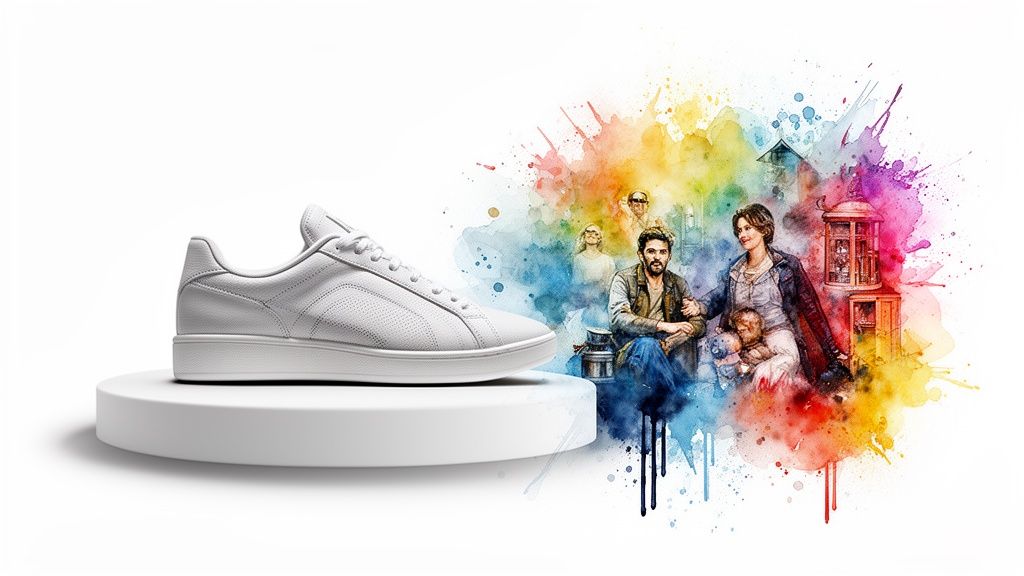
Once you've automated the grunt work, your creative team is finally free. They can stop spending their days on the monotonous grind of background removal and start focusing on the high-impact visual work that actually builds your brand. This is where we move past simple cleanup and into the world of creative storytelling.
This next phase is all about nuance and intention. It’s about turning a standard, clean product shot into something that stops the scroll and creates desire. It’s the difference between just showing a product and making a customer feel something about it.
Perfecting Product Accuracy with Nuanced Color Correction
Let's be real: color is everything in ecommerce. A customer can’t touch or feel your product online, so the color they see on screen has to be a perfect match for what arrives on their doorstep. Getting this wrong is a fast track to returns and frustrated customers, hitting your bottom line directly.
Advanced color correction is so much more than tweaking brightness and contrast. We're talking about:
- Calibrating to Real-World Swatches: Making sure that the specific shade of a fabric or the exact hue of a lipstick is represented with 100% accuracy.
- Aligning with Your Brand Palette: Gently adjusting tones to fit your brand’s established visual identity—whether that's warm and earthy or cool and modern—without ever lying about the product's true color.
- Harmonizing Multiple Products: When you're shooting a group of items, you have to ensure all the colors look natural and cohesive under the same light.
This obsessive attention to detail builds immense trust. When a customer gets a product that looks exactly like they expected, you’ve earned their confidence and probably their next purchase.
By freeing up your team from the basics, you empower them to become guardians of your brand's visual integrity. They can spend their time on these crucial, detail-oriented tasks that AI has prepped for them, ensuring every image is both beautiful and accurate.
This investment in quality is being felt across the industry. The photo editing software market is projected to swell from $1,025 million in 2025 to $1,426 million by 2034. That growth tells you just how critical pixel-perfect visuals have become for lifting ad performance and click-through rates. You can dig into more data by reading the full market report on photo editing software.
Generating Compelling Lifestyle Scenes
The real game-changer in modern ecommerce editing is the ability to create entire scenes from scratch. Why book an expensive, time-consuming photoshoot just to put your product in a lifestyle context? You can now generate a perfect, on-brand environment in minutes.
This is where production-grade AI models really shine. Take a clean product shot from your catalog, and you can instantly place it into countless scenarios to see what connects with your audience.
Just imagine the possibilities:
- A sleek, modern kitchen scene for that new coffee maker.
- A rugged, outdoor mountainscape for a pair of hiking boots.
- A cozy, sunlit living room for a decorative pillow.
- A virtual try-on concept for a new line of sunglasses—without ever booking a model.
This approach gives you nearly limitless creative freedom. You can spin up seasonal campaign imagery, A/B test different ad concepts, and create a deep well of visual content for social media, all without the logistical nightmare of a physical shoot. It's simply a faster, more cost-effective, and endlessly scalable way to build a visual world around your products.
Scaling Production With Batch Processing And AI Playbooks
Nailing a single, perfect product shot is one thing. The real test for any ecommerce team is keeping that same quality and consistency when you’re staring down a pipeline of a thousand images for a new collection launch.
This is where the game shifts from individual artistry to operational excellence.
It’s not about just working harder or faster. The only way to scale is to build a smarter, repeatable system. The foundation of that system? Batch processing.
At its core, batch processing is just taking a set of standardized edits from a single "hero" image and applying them to a whole group of similar photos. This is your key to getting absolute uniformity in color, exposure, and cropping across an entire product line.
Imagine you've just perfected the color correction on a red sweater from your latest shoot. Instead of trying to replicate that by hand for every other angle, batch processing applies those exact adjustments across the board. This simple step wipes out the subtle, human-driven inconsistencies that can make a product catalog feel disjointed and unprofessional. What you get is a clean, cohesive look that customers notice—it builds trust.
From Tasks to Strategic AI Playbooks
So, batching handles the technical side of things, but how do you scale the creative thinking behind your visuals? That's where you start thinking in terms of AI-driven playbooks.
A playbook isn't just a preset or a list of steps. It’s a strategic workflow that turns your creative standards into an automated process designed to hit a specific business goal.
An AI playbook transforms a vague creative brief into a concrete, executable plan. It essentially codifies your brand’s visual DNA, ensuring that every asset—whether it’s touched by a junior designer or an AI model—is perfectly on-brand and ready to perform.
Think of it as a recipe for a visual outcome. Instead of just telling your team to "make some social ads," you build a playbook that defines the entire process from start to finish. This approach is a lifesaver for managing the high-volume, recurring visual work that’s essential for growth.
Building Your First Playbook
Let's walk through a real-world example. Say you're launching a new summer collection and need on-brand lifestyle shots for your ads. A playbook for this campaign could look like this:
- Asset Input: You’d start with your approved product shots, already on transparent backgrounds.
- Step 1 - Scene Generation: The playbook instructs a generative AI tool to place each product into a series of bright, beach-themed scenes with soft, natural light.
- Step 2 - Text & Logo Overlay: Next, it automatically adds your campaign headline and brand logo in a specific, predefined position and font.
- Step 3 - Multi-Format Export: Finally, it generates all the final assets you need, perfectly cropped for Instagram Stories (9:16), Facebook ads (1:1), and your website banners (16:9).
This entire sequence runs automatically. This level of consistency is non-negotiable; research shows that nearly 75% of consumers expect a consistent brand experience no matter where they interact with you. Playbooks are how you deliver that consistency at scale.
Once you start building out playbooks for different initiatives—seasonal campaigns, A/B ad tests, new product drops—you turn your image editing workflow into a predictable, scalable engine. It frees your creative team from the grind of repetitive tasks so they can focus on bigger strategic challenges, knowing the execution will be flawless every single time.
Your Ecommerce Image Editing Questions Answered
Switching up your image editing workflow, especially when you bring AI into the mix, is going to stir up some questions. That’s completely normal. Getting those questions answered is what helps your team get past the usual sticking points and build a process that actually works at scale.
We've pulled together some of the most common questions we hear from teams making this exact shift. Think of it as your cheat sheet for sorting out the final details—from keeping your brand’s look on point to the nitty-gritty of file formats.
How Can We Ensure Brand Consistency with AI Tools?
This is a big one. Keeping your brand consistent when using AI all comes down to two things: setting crystal-clear rules and using a platform that actually lets you customize things.
It all starts with a detailed visual style guide. I’m talking about a document that spells out your brand's specific color palettes (HEX/RGB codes, please!), rules for logo placement, and the kind of composition styles you're known for.
With a platform like Aeon, you can turn those rules into repeatable "Playbooks." For example, you can build a color correction preset that nails your brand’s vibe and then apply it to thousands of images at once. When you're using generative AI, get specific with your prompts by referencing your style guide. Something like, "a minimalist lifestyle scene with warm, natural lighting and a neutral color palette" works wonders.
The real secret? Regularly review the AI-generated assets against your style guide. That feedback loop lets you fine-tune your prompts and presets, which is how you get that cohesive look and feel across every single channel.
What Is the Best File Format for Ecommerce Images?
The right file format really depends on what you need it to do. For most of the product photos you'll display on your website, a next-gen format like WebP is your best bet. It gives you incredible compression—meaning smaller files and faster page loads—without making your images look fuzzy.
That said, JPEG is still a workhorse. It's universally supported and gives you a fantastic balance between quality and file size. But for anything that needs a transparent background, like a logo or a product shot you want to place on a colored backdrop, PNG is the only way to go.
Here's a pro tip for your internal workflow: save your master files in a lossless format like TIFF. This keeps every bit of the original image data intact, giving you total flexibility for any future edits. You’ll then export your compressed WebP or JPEG versions from these master files for the web.
How Do We Measure the ROI of New Editing Software?
Figuring out the ROI of new software means you need to track a few key metrics before and after you make the change. The most direct one to watch? Conversion rates on your product pages. A simple A/B test comparing your old visuals against the new AI-edited images will tell you pretty quickly if you're getting an uplift.
But don't stop at conversions. You should also track:
- Engagement Metrics: Keep an eye on the click-through rate (CTR) and time on page for ads and social posts that feature the new visuals.
- Operational Savings: Calculate the hours your team used to spend on manual editing. Multiply that by their hourly cost and compare it to the software's subscription fee.
- Speed to Market: How much faster can you get new products or campaigns out the door? Getting to market quicker often unlocks serious revenue gains, and that's a huge part of your ROI.
Ready to see what a better visual workflow can do? Aeon brings together production-grade AI with expert playbooks to help your team build high-converting campaigns in minutes, not days. Start your $5 trial today and see the difference for yourself.